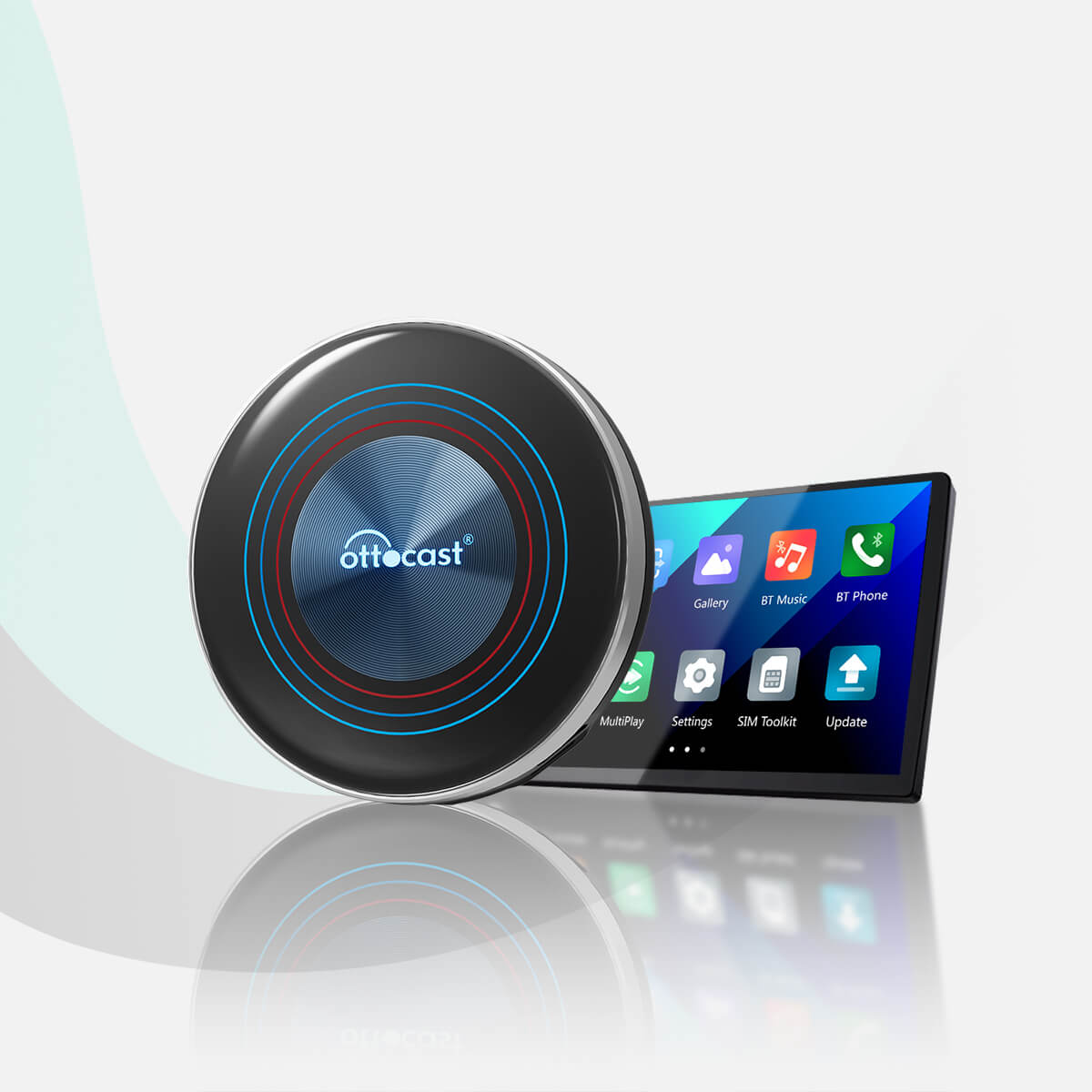
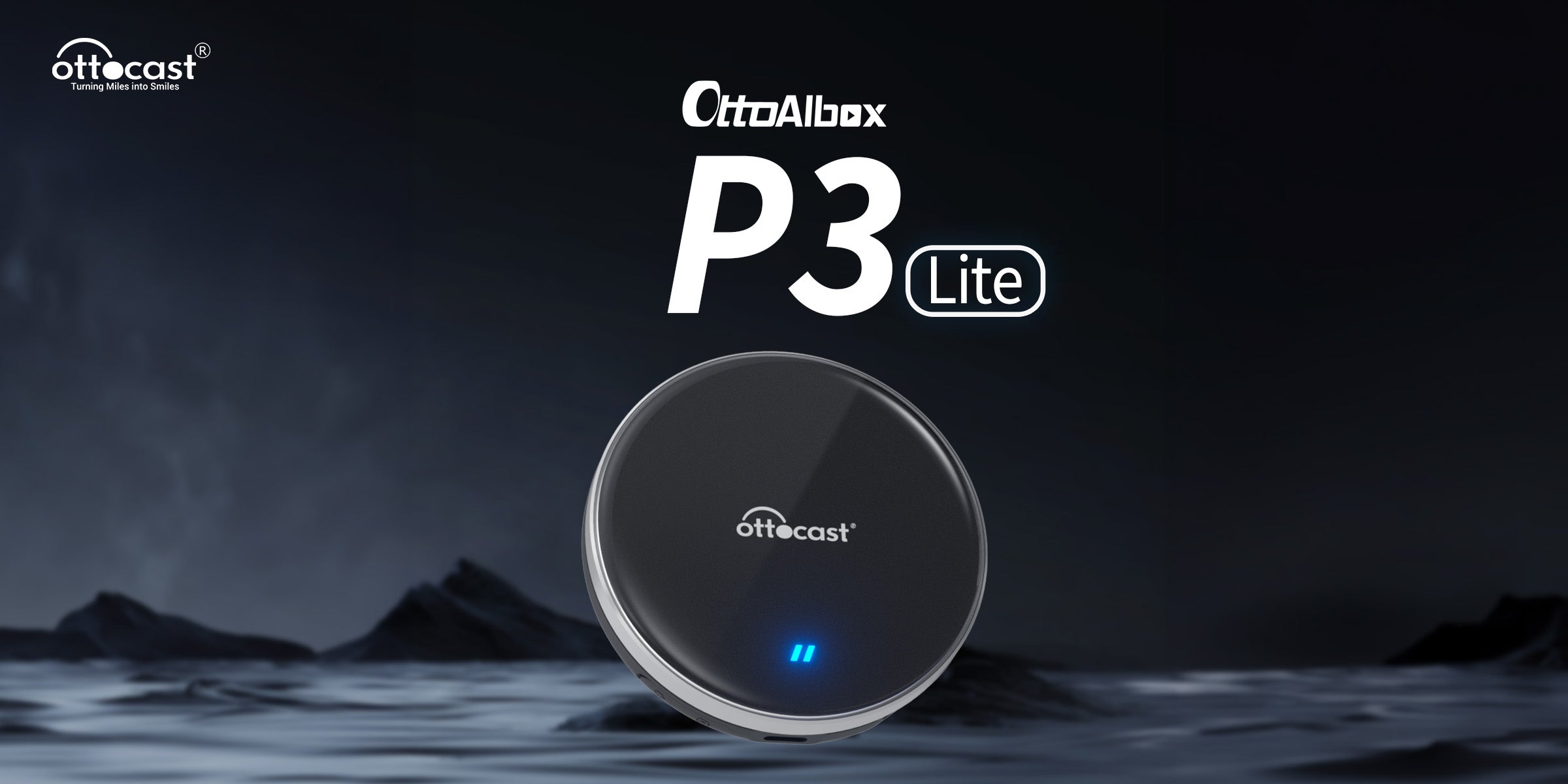
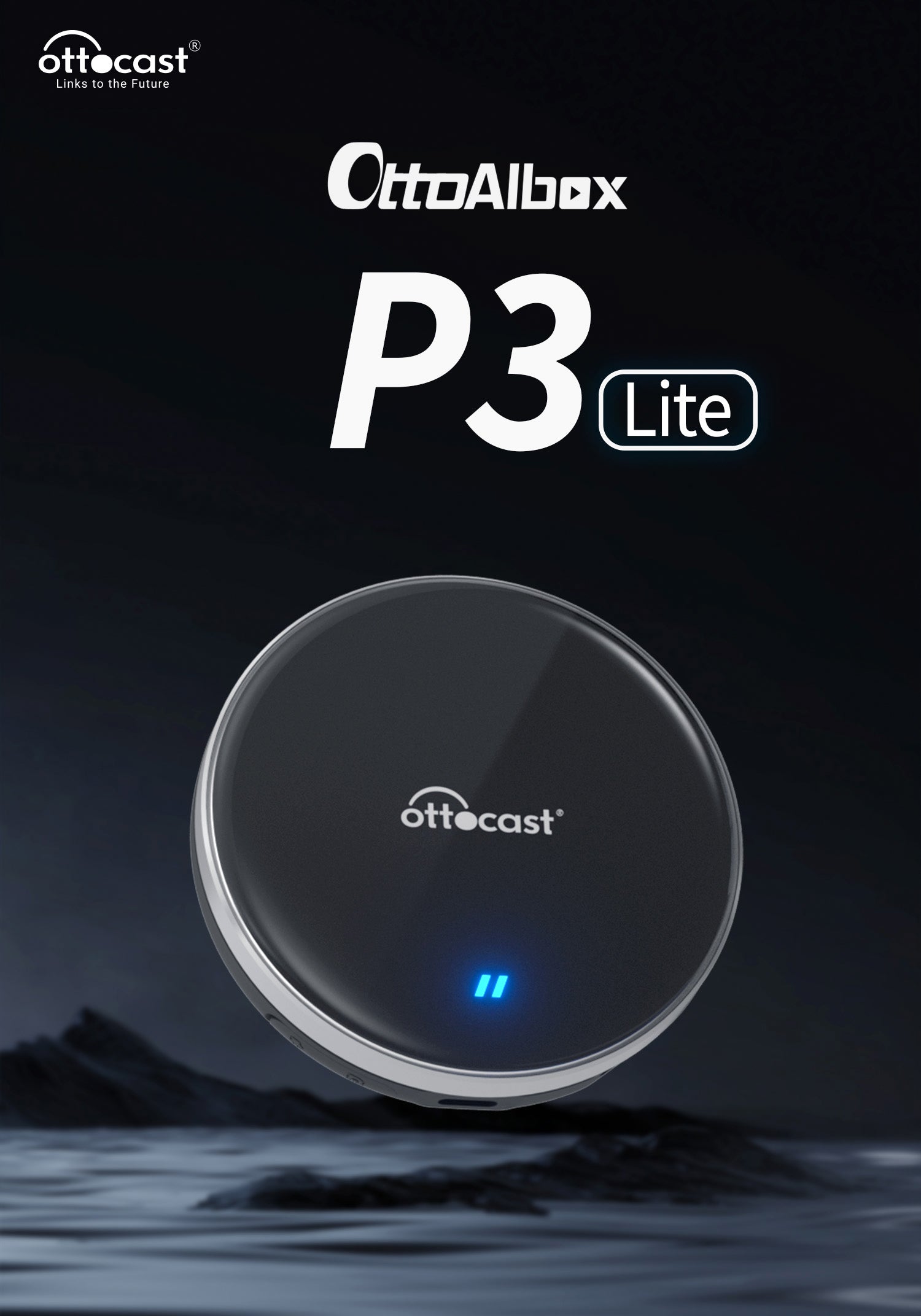
OTTOCAST®OttoAibox P3 Lite CarPlay AI Box
⭐⭐⭐⭐⭐ 1989 Recensioni
Tax excluded. Shipping calculated at checkout
⚡Orders from Italy can now be shipped quickly directly from our European warehouses.
Codice sconto copiato!
✅Built-in Android 12.0 multimedia system
✅Wireless with Netflix and YouTube
✅Easy to set up and no lag
✅Wireless Carplay/Android Auto AI Box
✅Customize your homepage
Recommended products
Choose your car model
Select your car's make, model, and year to quickly check compatibility.Solution found for your vehicle!
SELECTED VEHICLE
Audi A4, 2018
We've confirmed that your vehicle doesn't have CarPlay as standard.
No problem! The Ottoscreen AI shown below is the complete solution designed to easily and instantly bring smart features and full-screen CarPlay to your car.
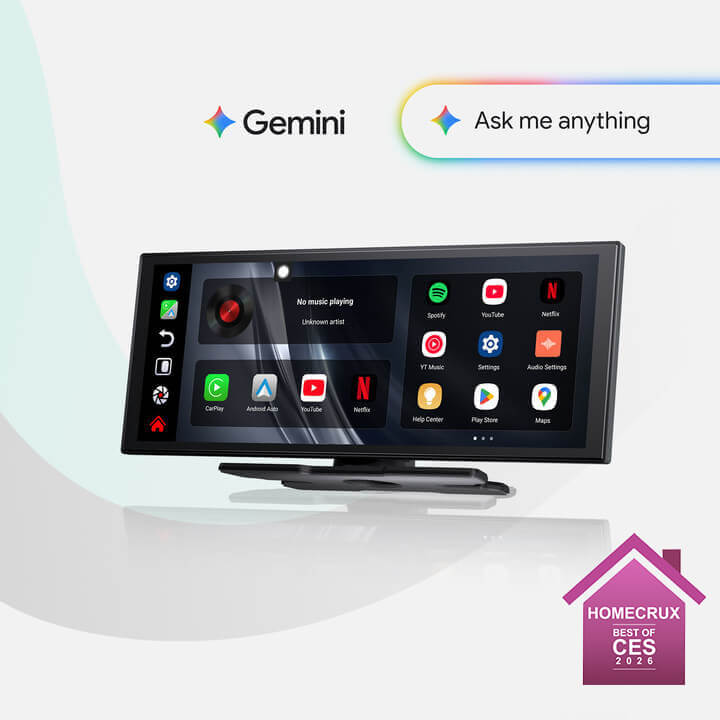
Ottoscreen AI
Perfect match!
SELECTED VEHICLE
Audi A4, 2018
Your car has wired CarPlay, so it's ready for our products.
Confirmation required
SELECTED VEHICLE
Audi A4, 2018
We're sorry, your model is not in our database. Please confirm a crucial detail: does your car have wired Apple CarPlay? Watch the video guide below or use an AI tool (like Gemini or ChatGPT) to quickly check your car's features. If it has wired CarPlay, our products are the perfect choice!
Wireless CarPlay detected
SELECTED VEHICLE
Audi A4, 2018
Since your car already supports wireless CarPlay, check out OttoAibox i3 to watch videos in your car.

OTTOCAST® i3 BMW Carplay AI Box
Perfect match!
SELECTED VEHICLE
Audi A4, 2018
Your car is equipped with wired CarPlay, and it is ready for our products.
Wired Android Auto detected
SELECTED VEHICLE
Audi A4, 2018
We've detected that your vehicle only supports wired Android Auto, not wired CarPlay. It is not compatible with your car. No problem! The A2Air Pro adapter shown below is perfect for you.

Spedizione gratuita

Devoluciones Fáciles en 30 Días

Garanzia di 2 anni
Watch any content from your favorite streaming platform on your car's display screen. Connect the Ottocast P3 Lite to any CarPlay device and start enjoying it right away!
Follow the installation guide included in the Ottocast P3 Lite kit, it will take about 2-3 minutes to set up.
- Remove the Ottocast P3 Lite from the kit.
- Connect it via the included USB cable.
- Use the quick setup guide on your car's screen.
*If your car does not have a touch screen, we recommend purchasing an Ottocast remote control for easier navigation.
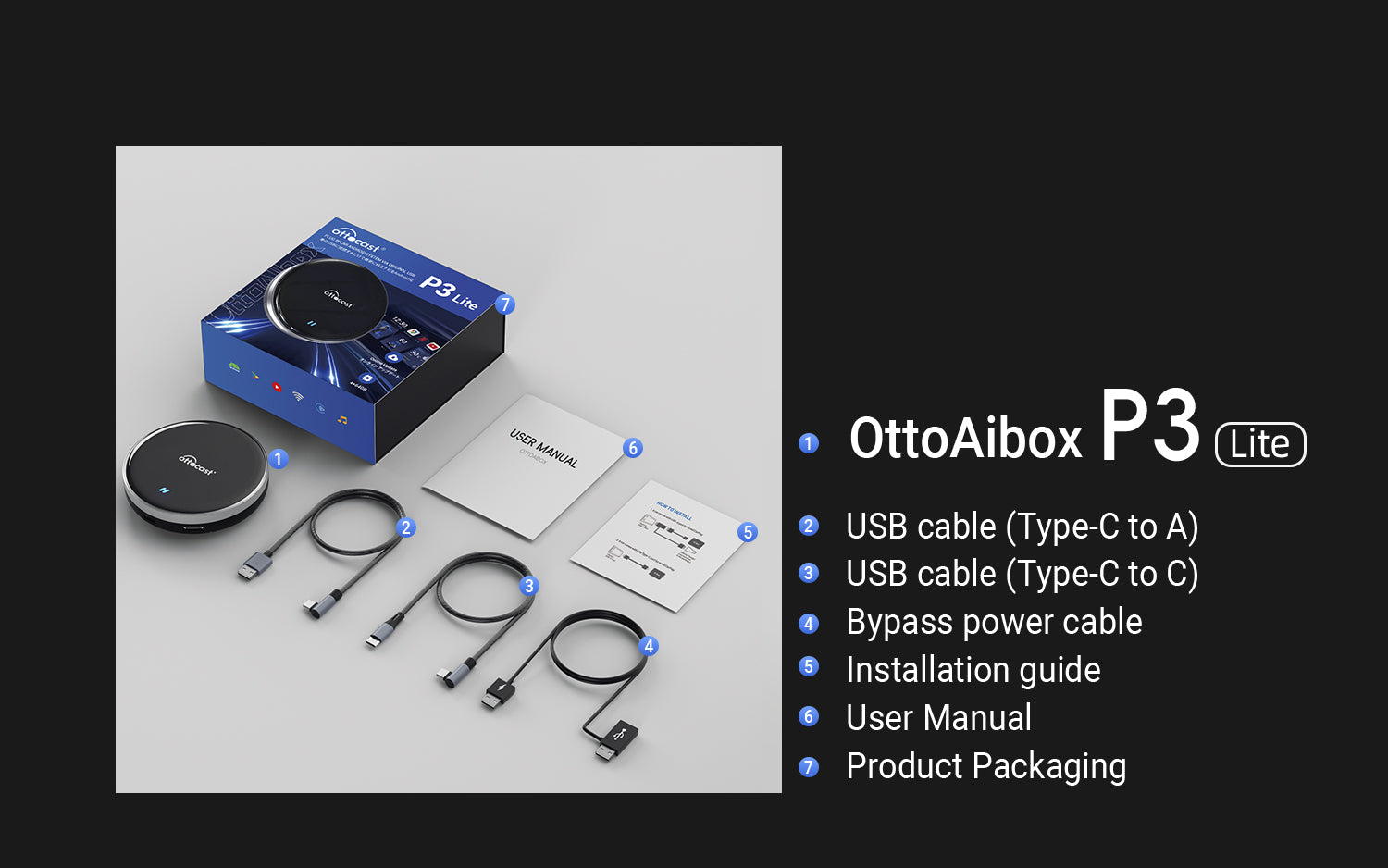
- Ottocast P3 Lite device
- USB-A to USB-C cable
- USB-C to USB-C cable
- Bypass power cable
- Quick Installation Guide
- Product packaging
🚗 To use wireless CarPlay, the vehicle must have factory-wired CarPlay
Click here to check if your car supports wired CarPlay
👉 Video Guide
❌ Not compatible with BMW. Click here for the BMW version: BMW Wireless CarPlay AI Box
📱 Compatible with iPhone (iOS 10+) and Android (Android 11+)
Some Samsung / Google models also support Android 9
❌ Not compatible with aftermarket Sony car radios
❌ For Mitsubishi vehicles, please indicate this on the cart page or contact us via email.
Share
What apps can I use?







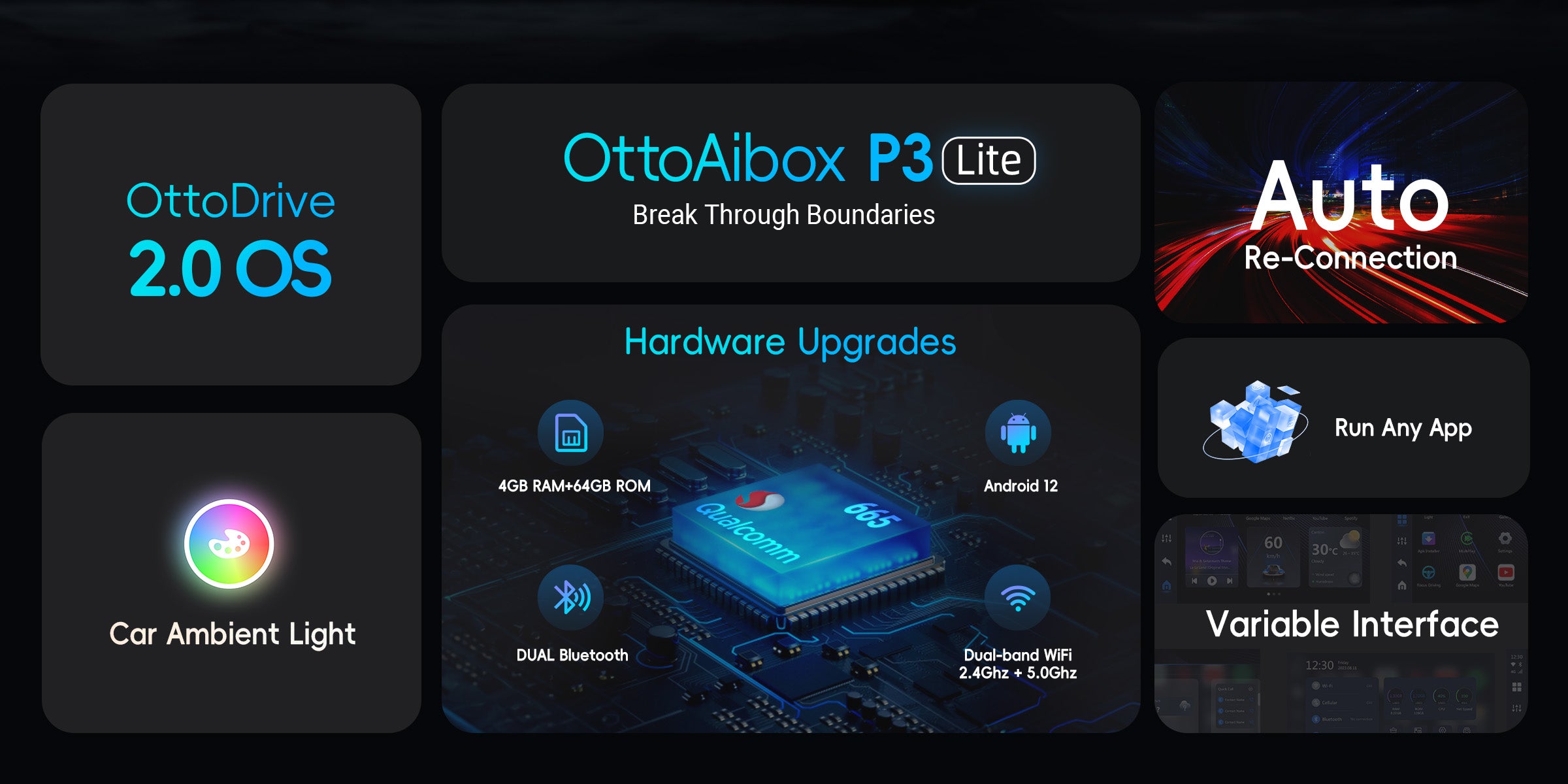
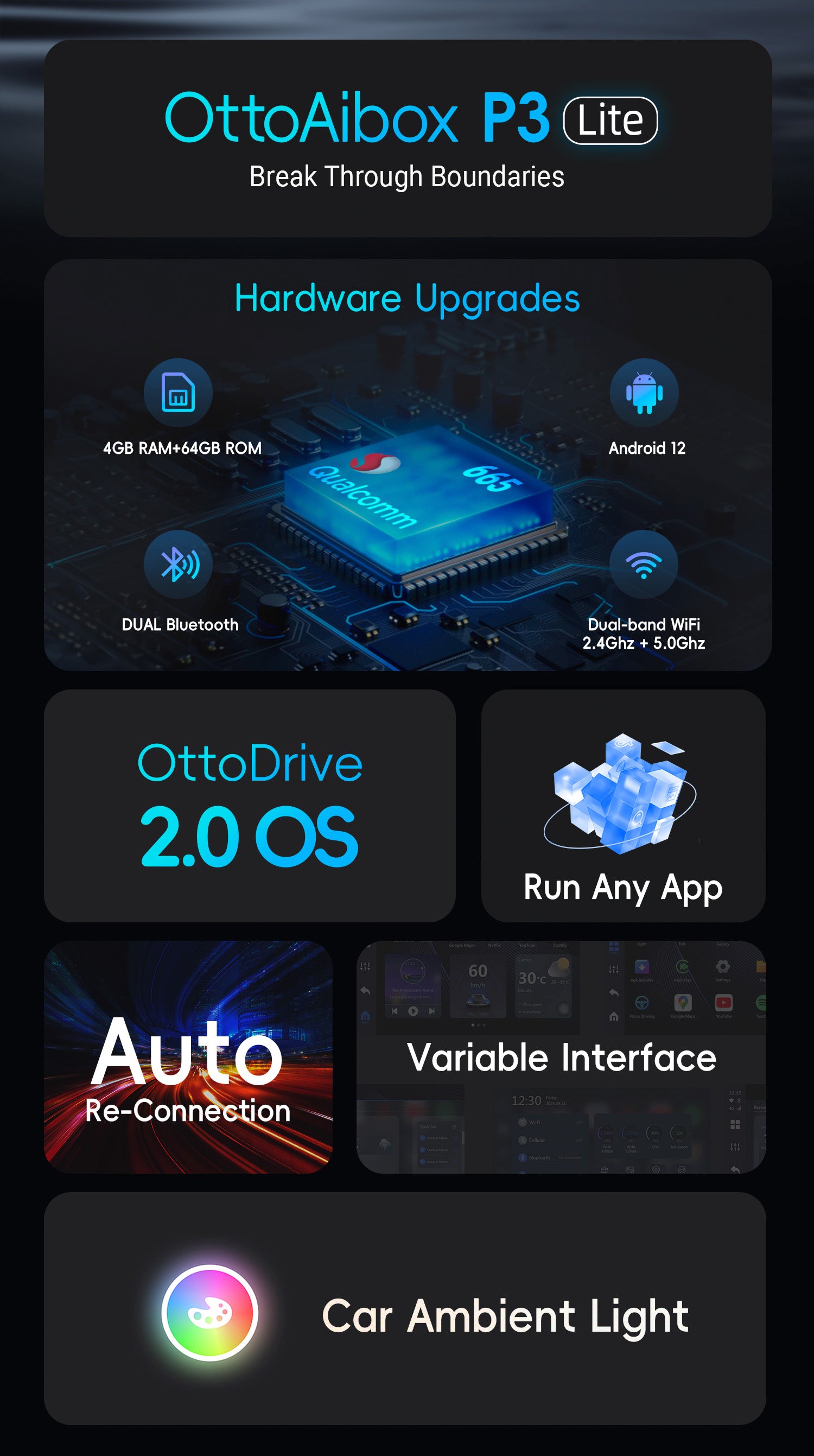
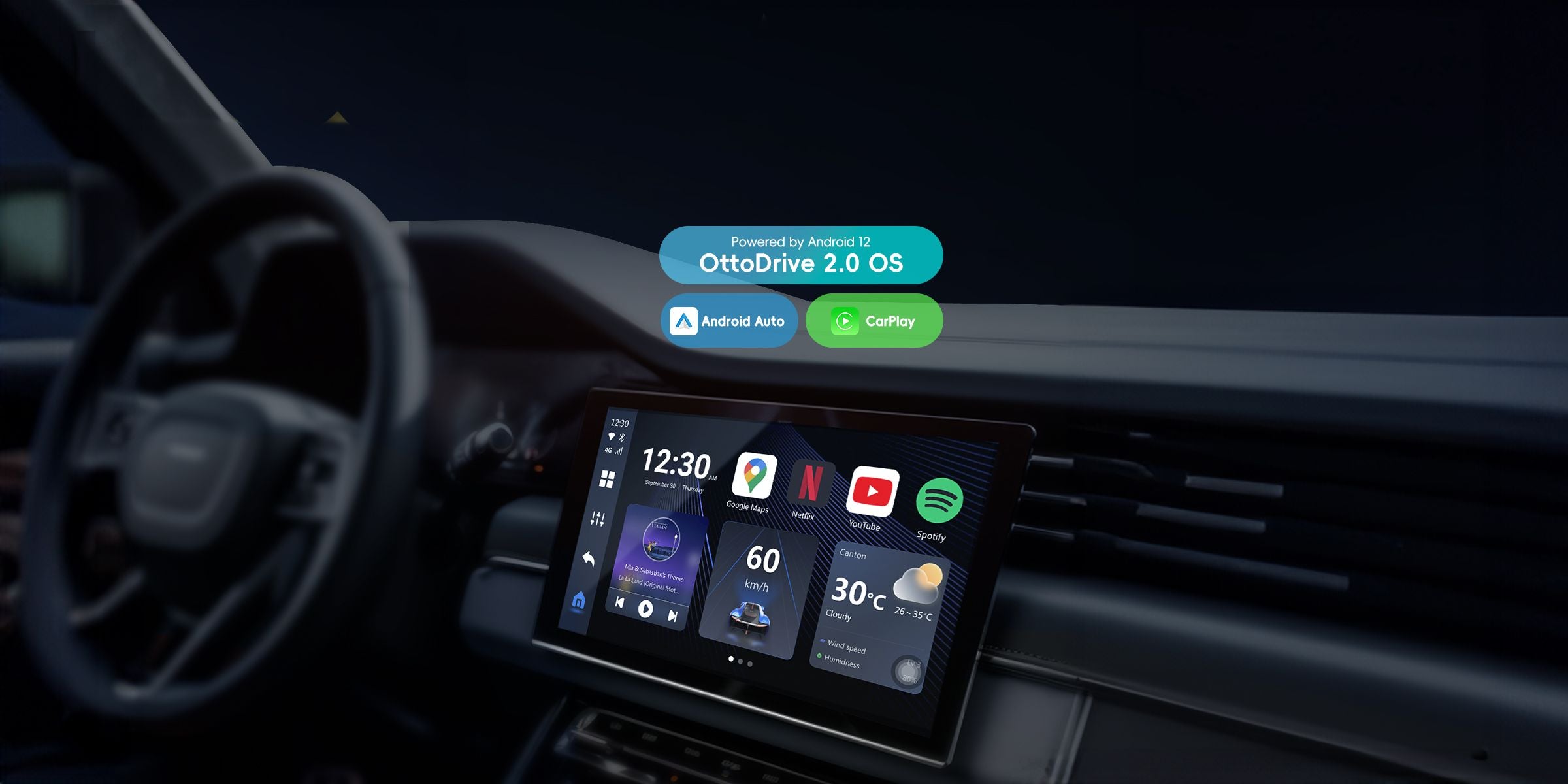
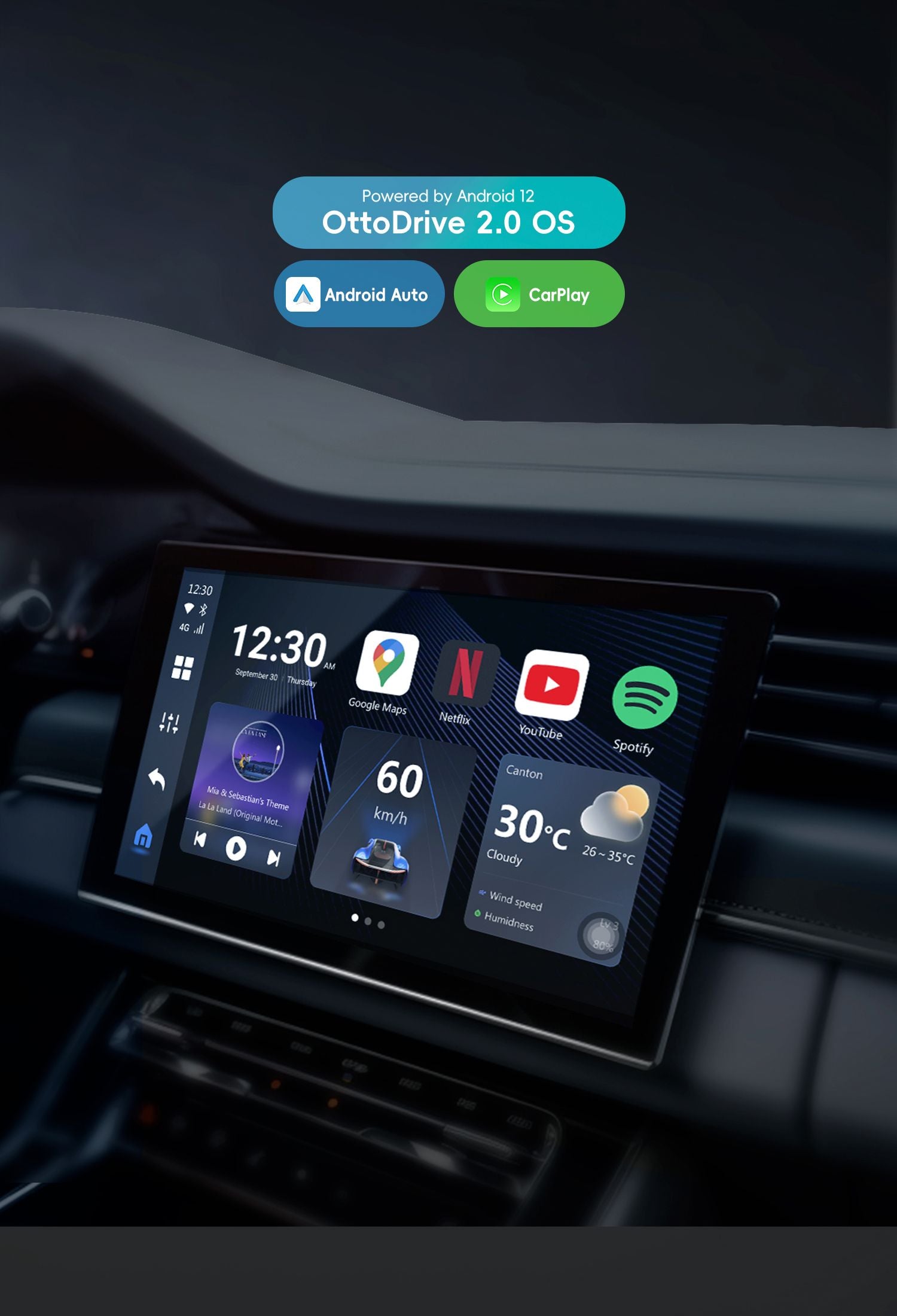
CarPlay/Android Auto/OttoDrive 2.0, Possibility to switch between three systems at any time.
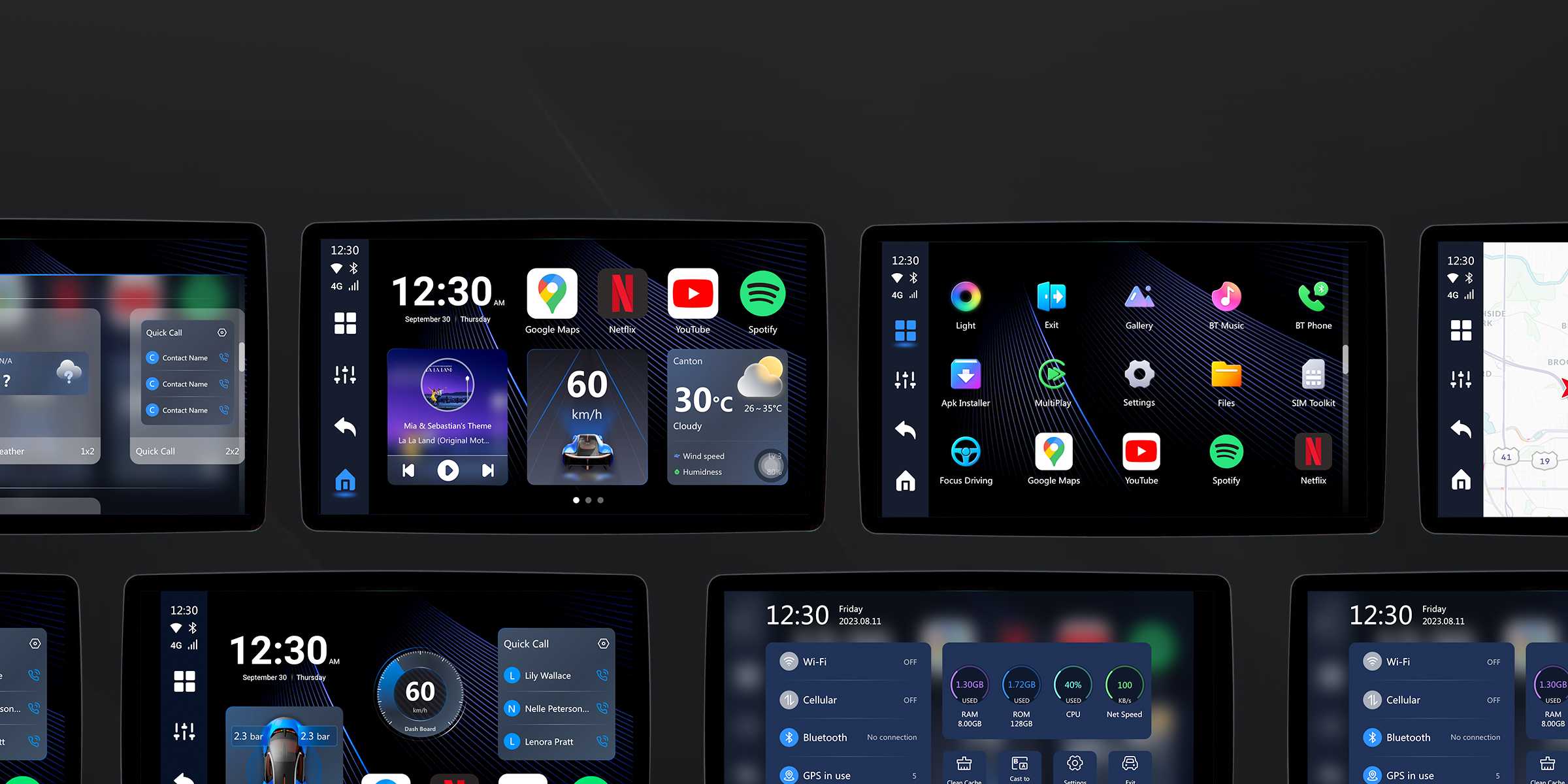
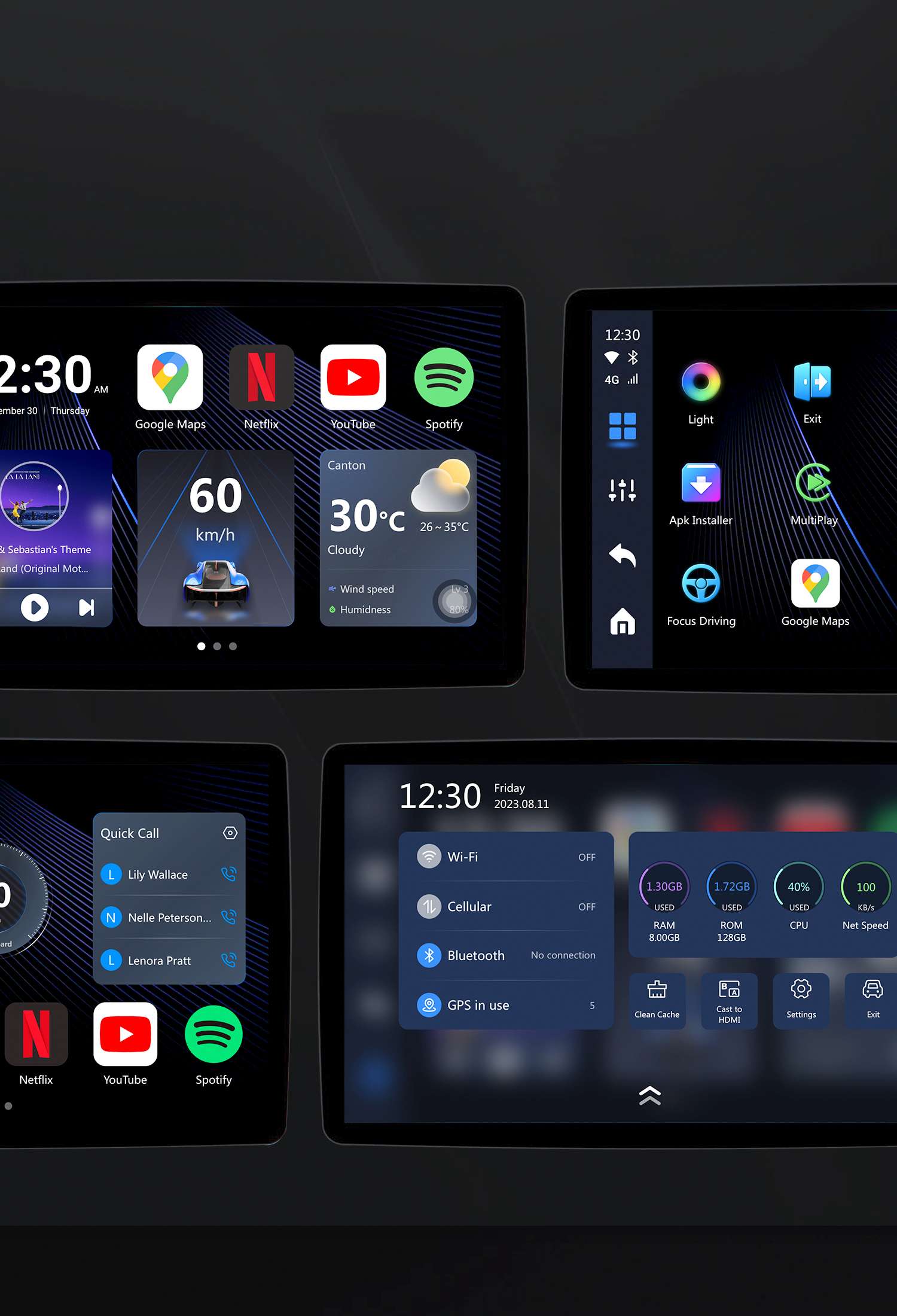
Updated UI. More features. More choice.
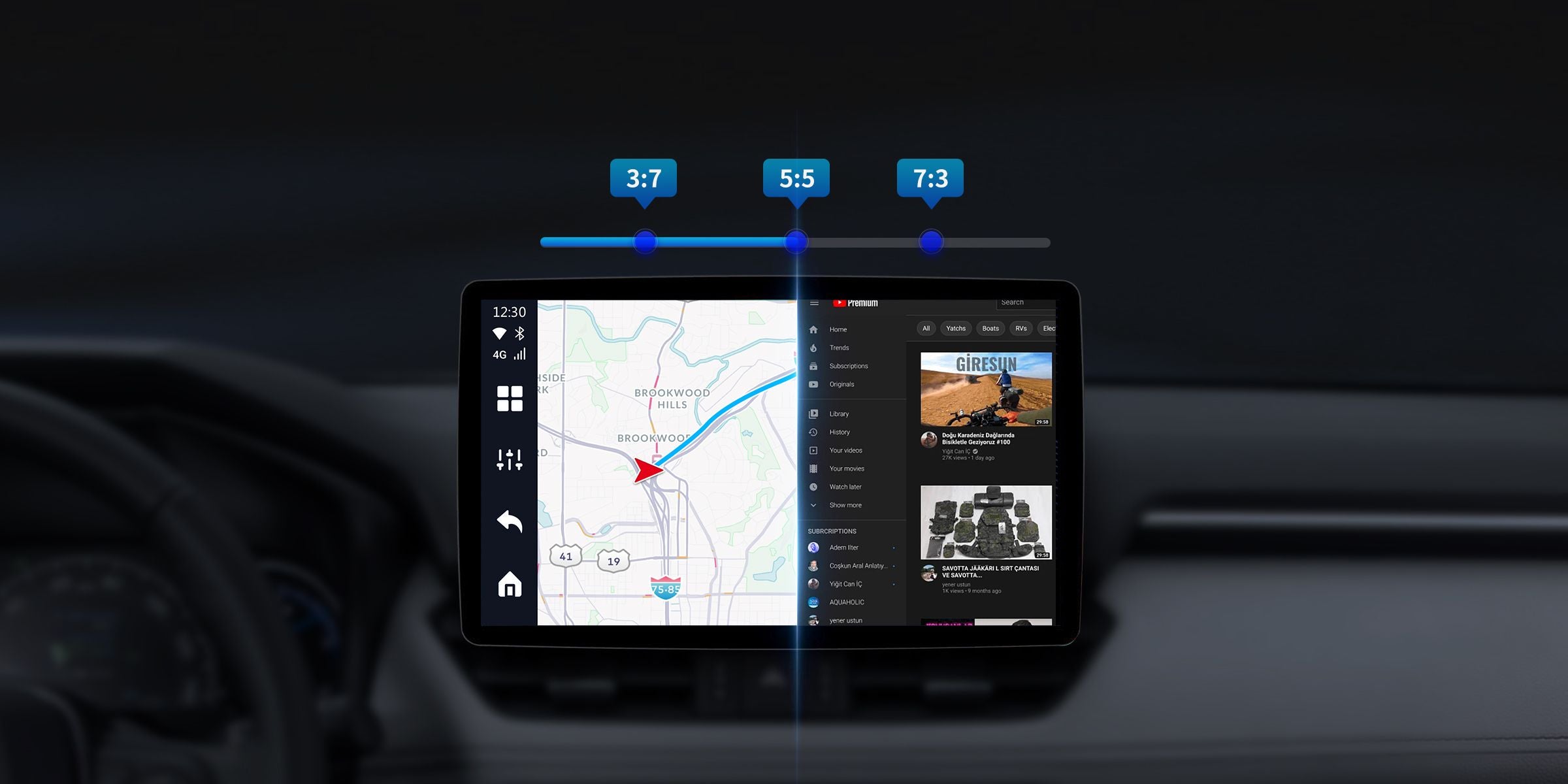
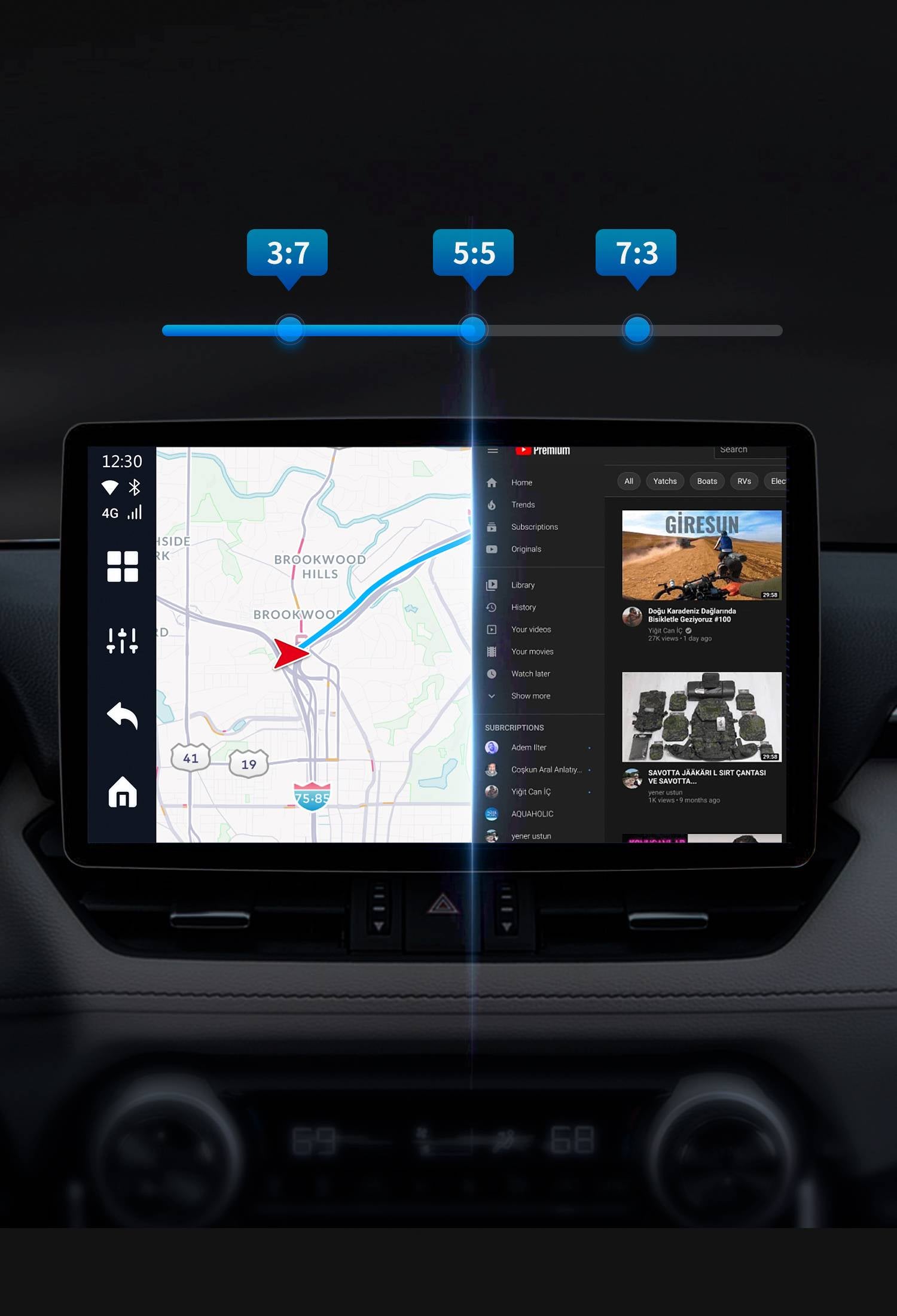
One-click split screen mode in 5:5, 3:7, and 7:3
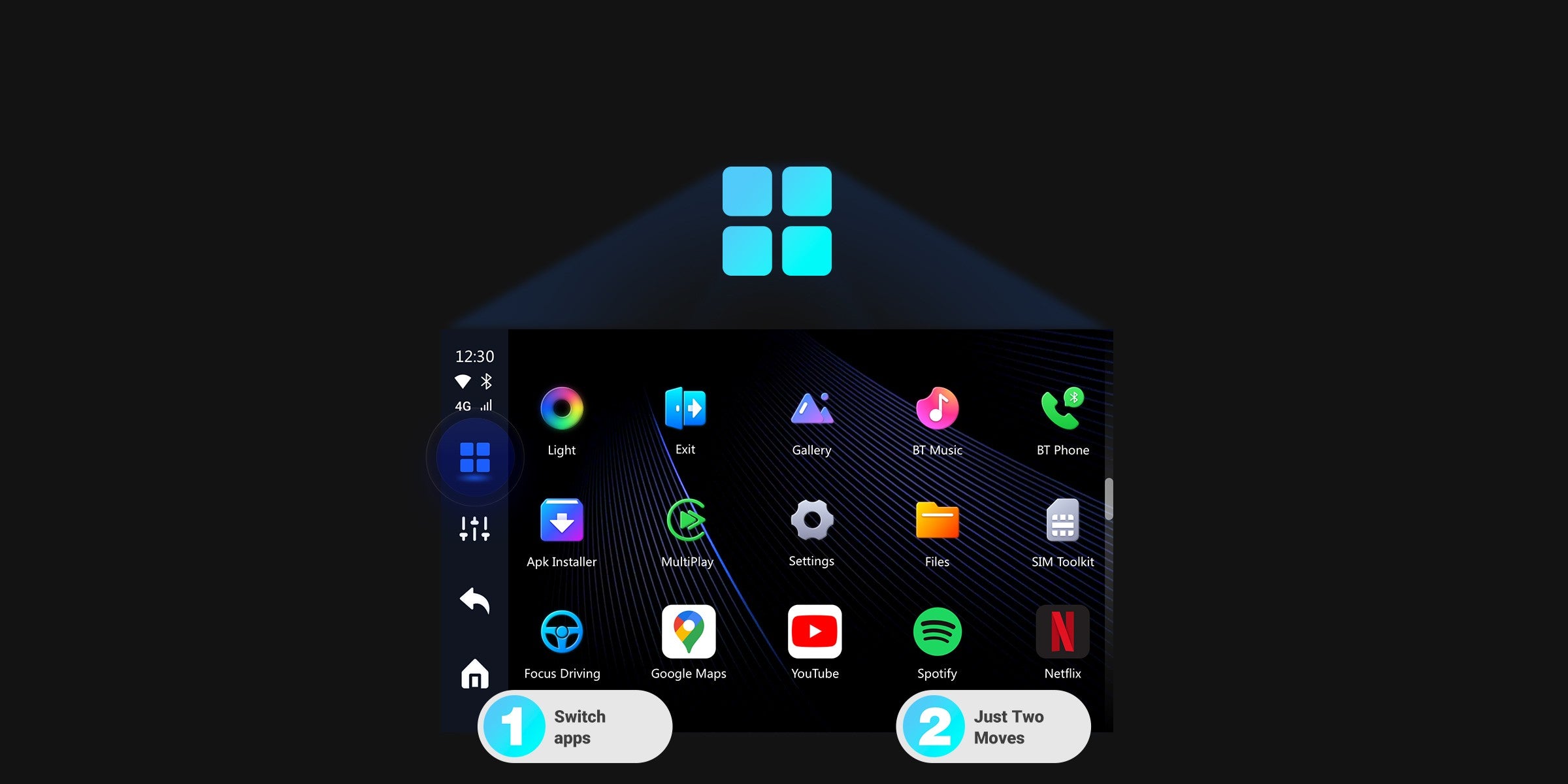
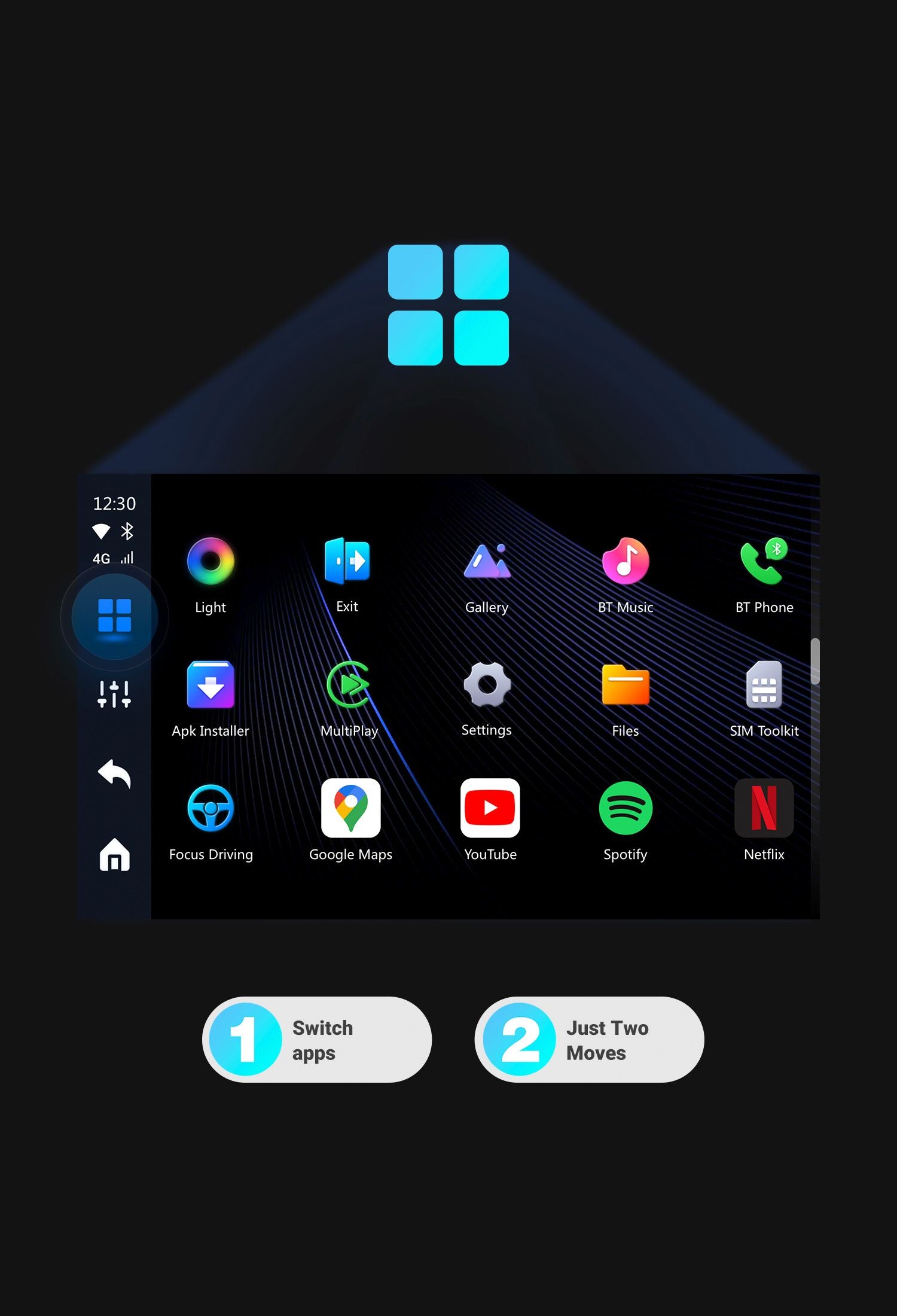
Efficient without interruption. Always one step ahead.
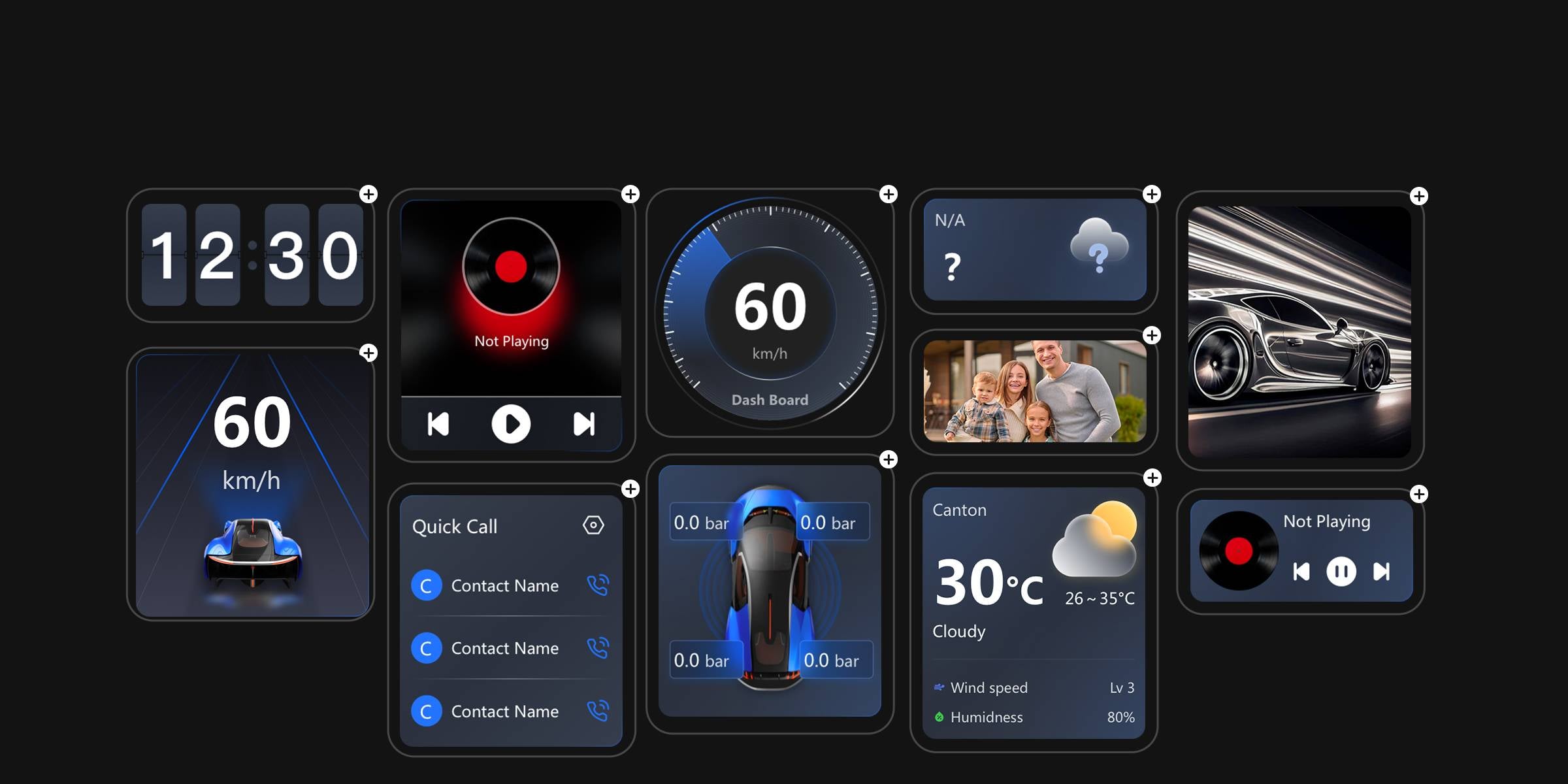
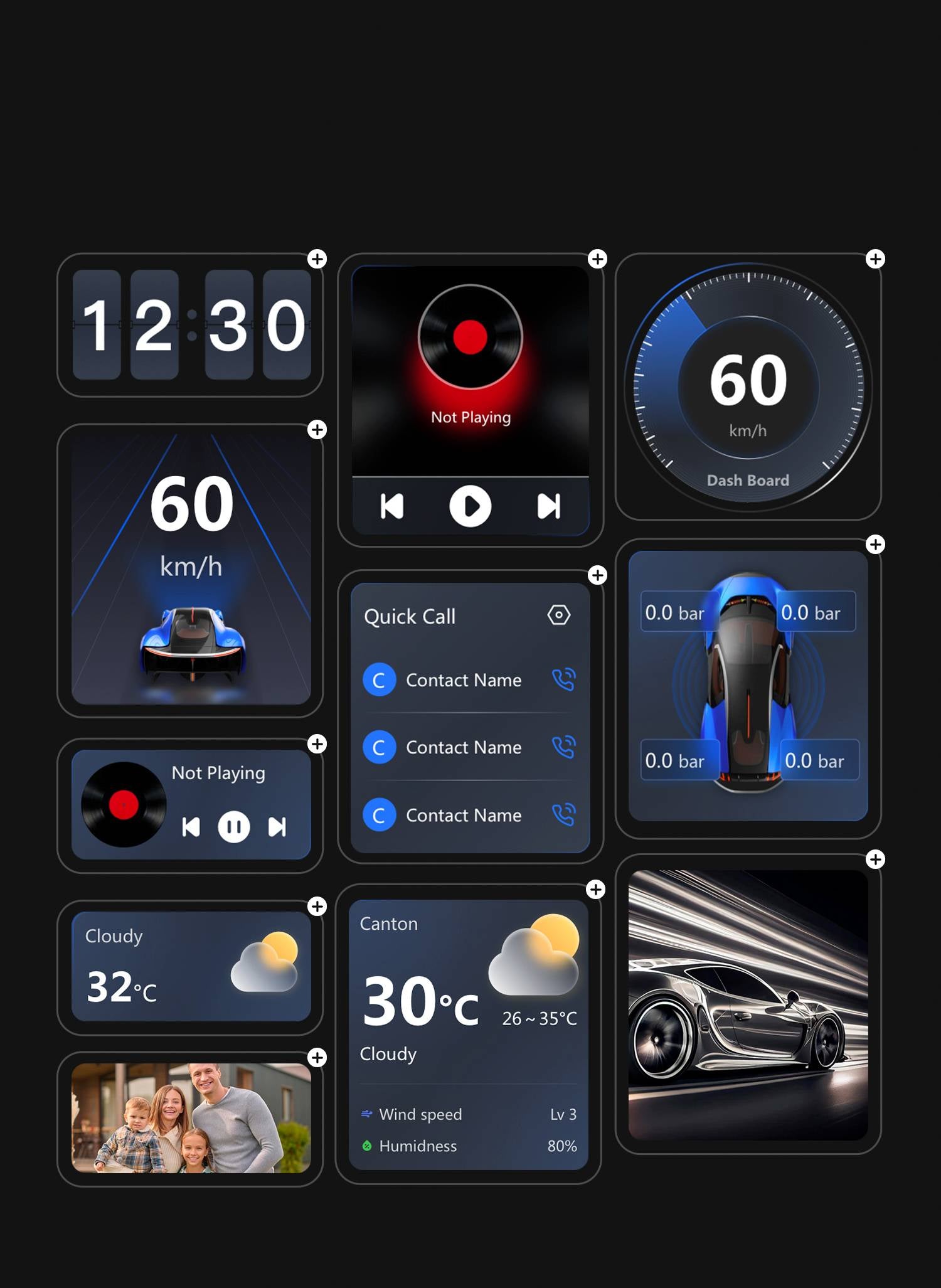
Freely customize your homepage and its components through the user interface.
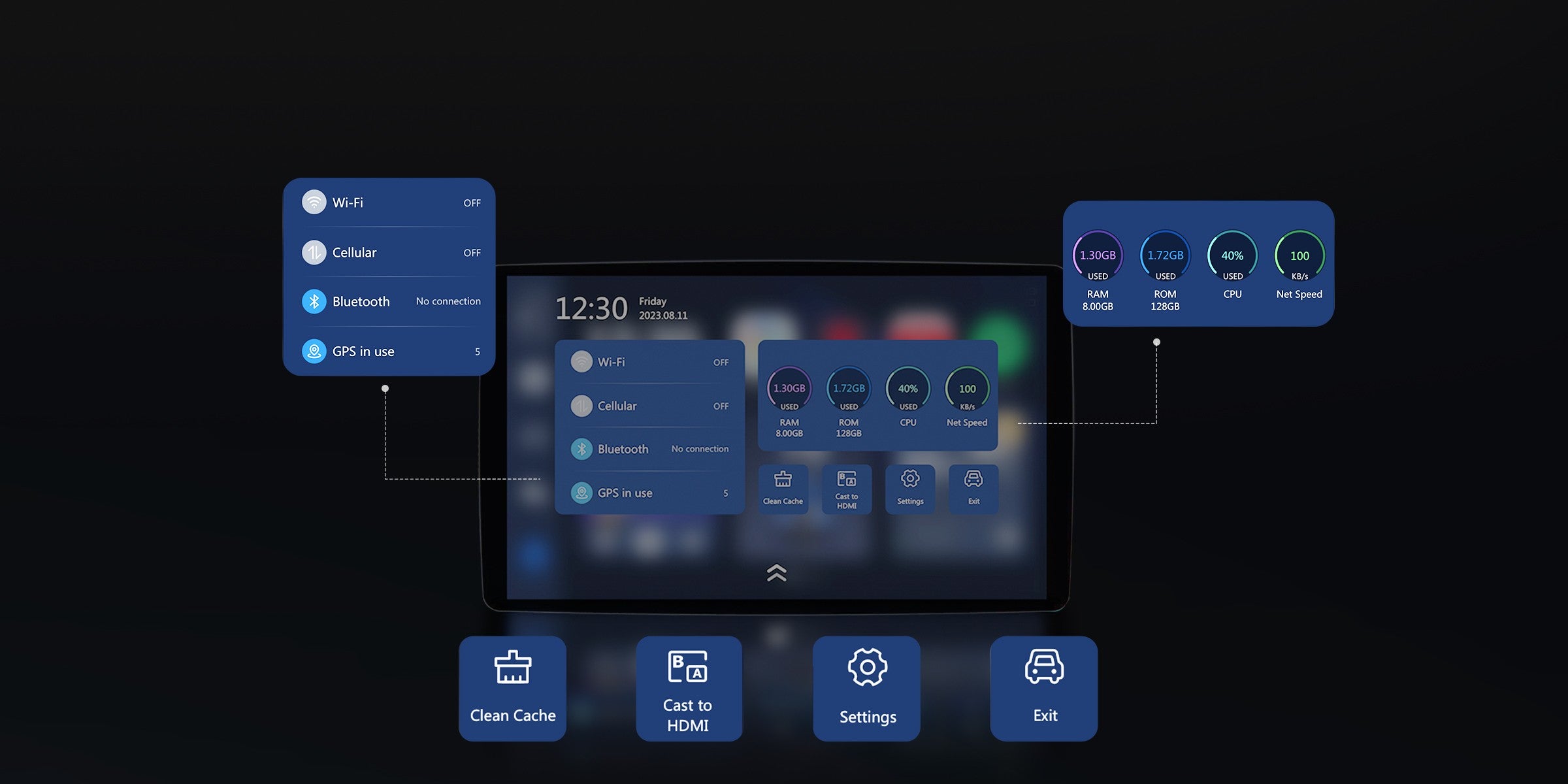
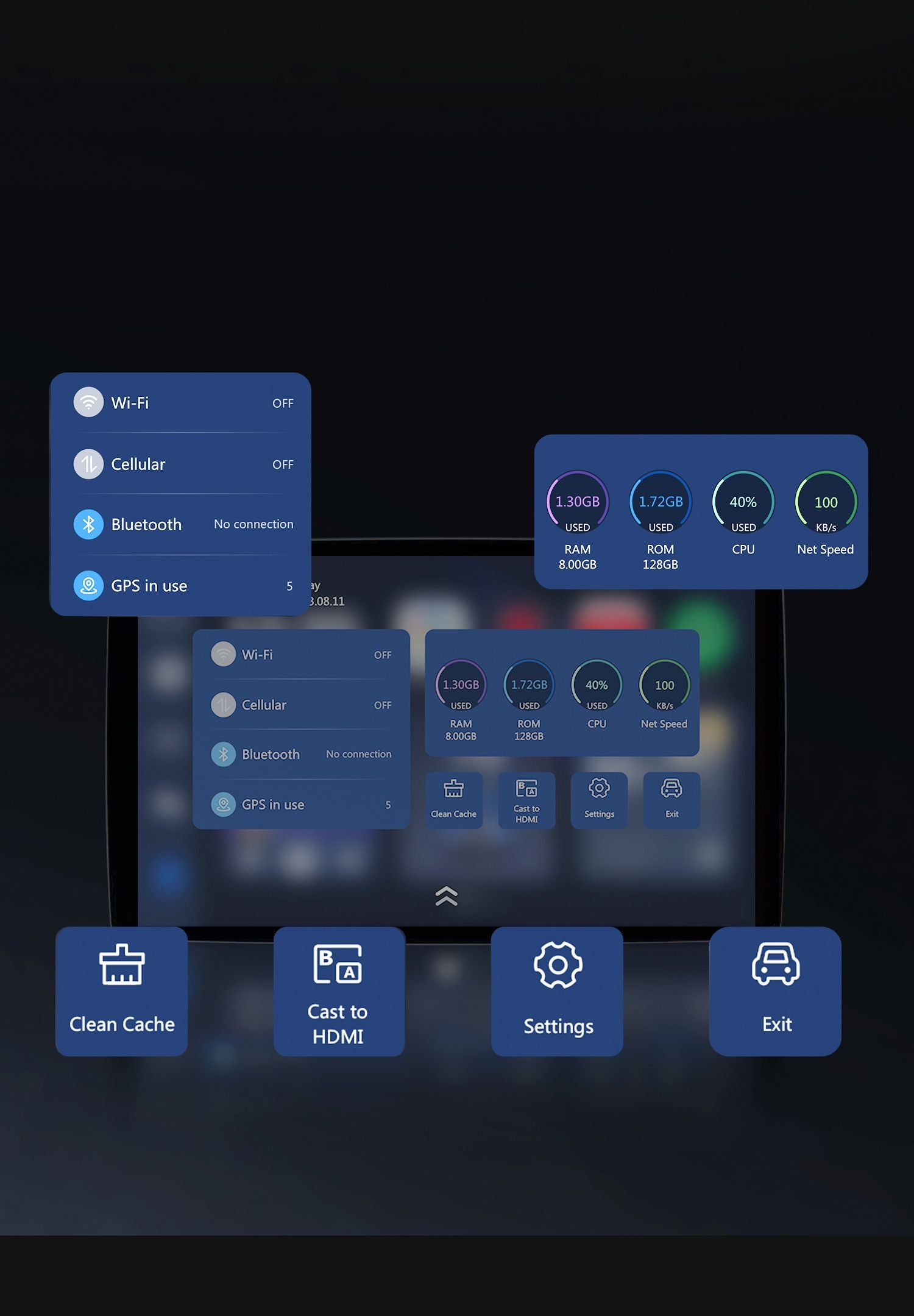
Your information hub at a glance.
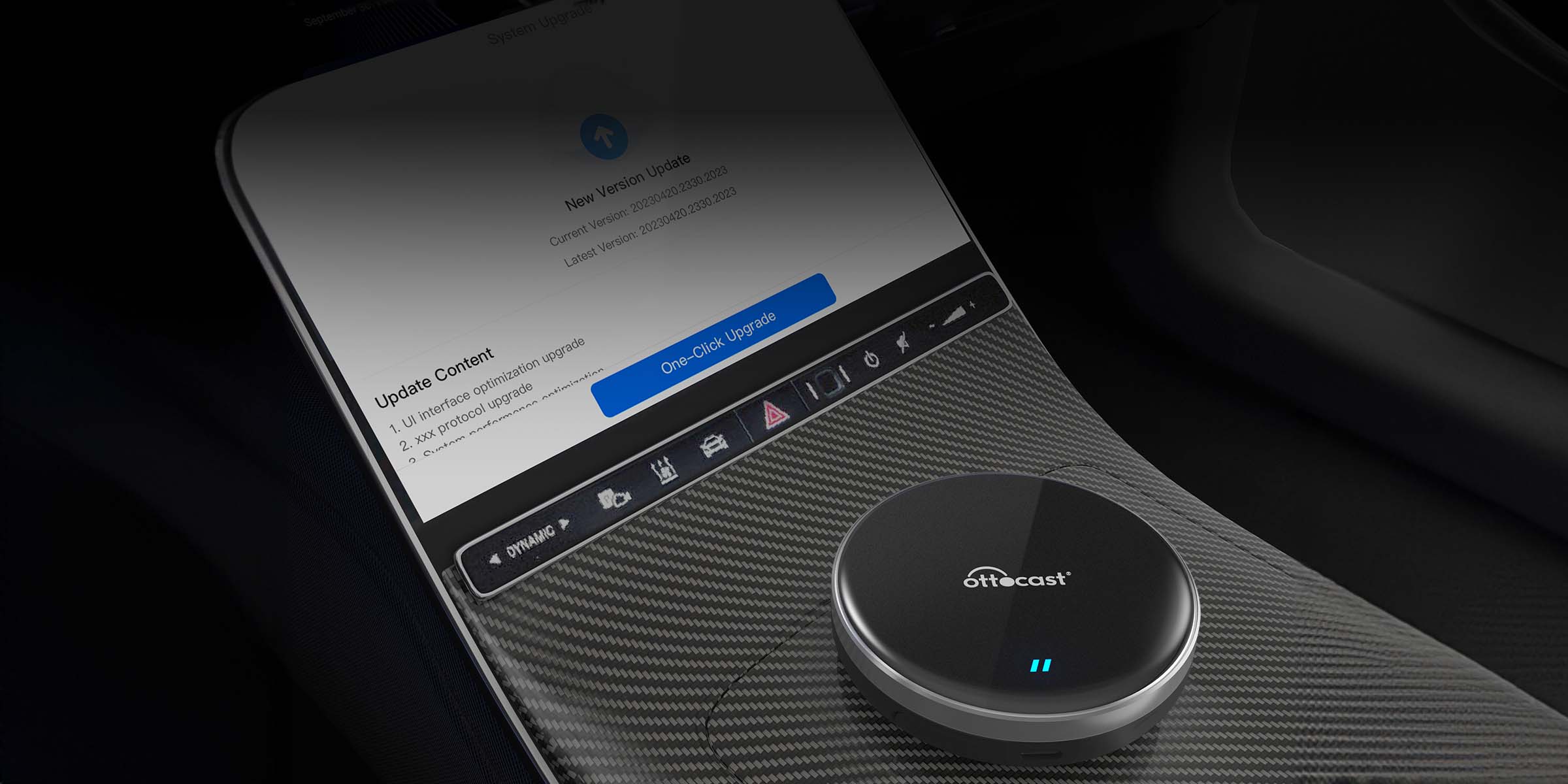
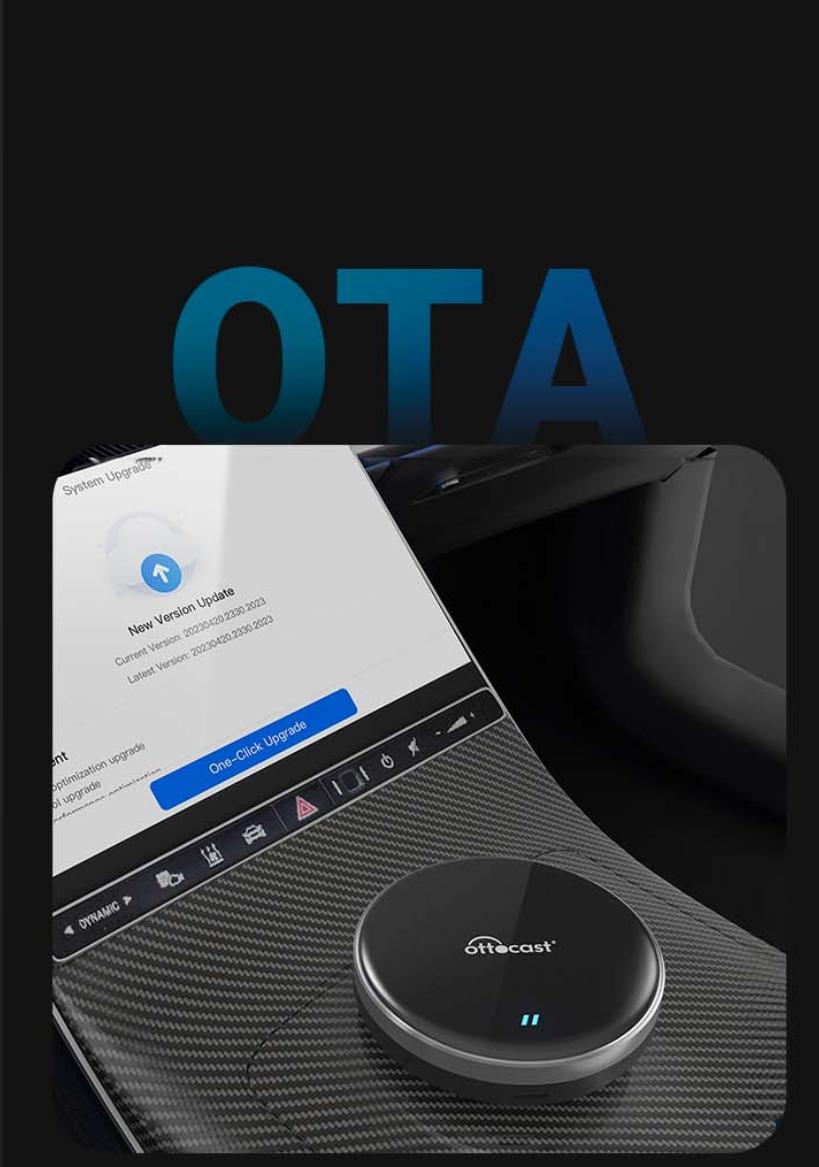
Simple and convenient updates
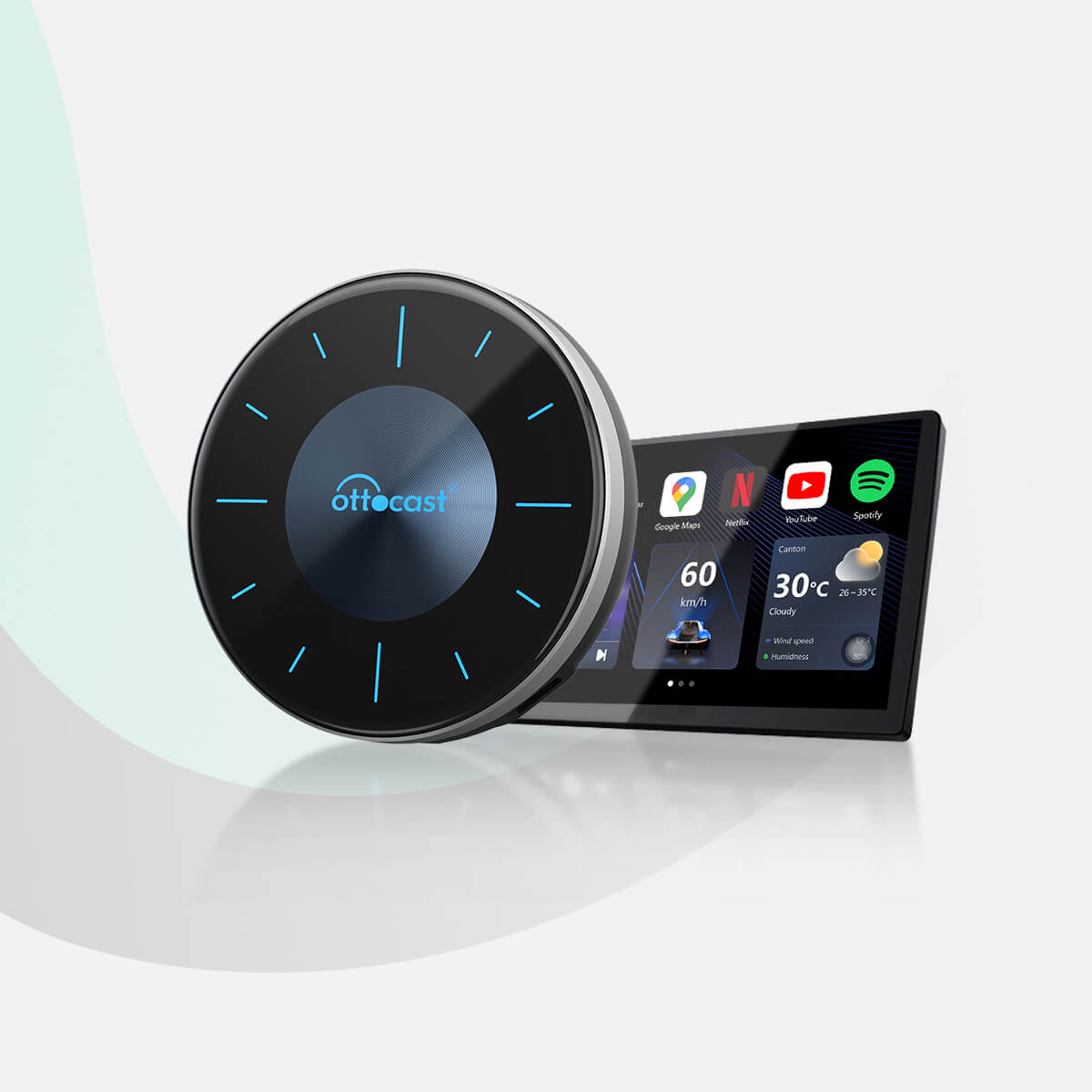
Let's compare
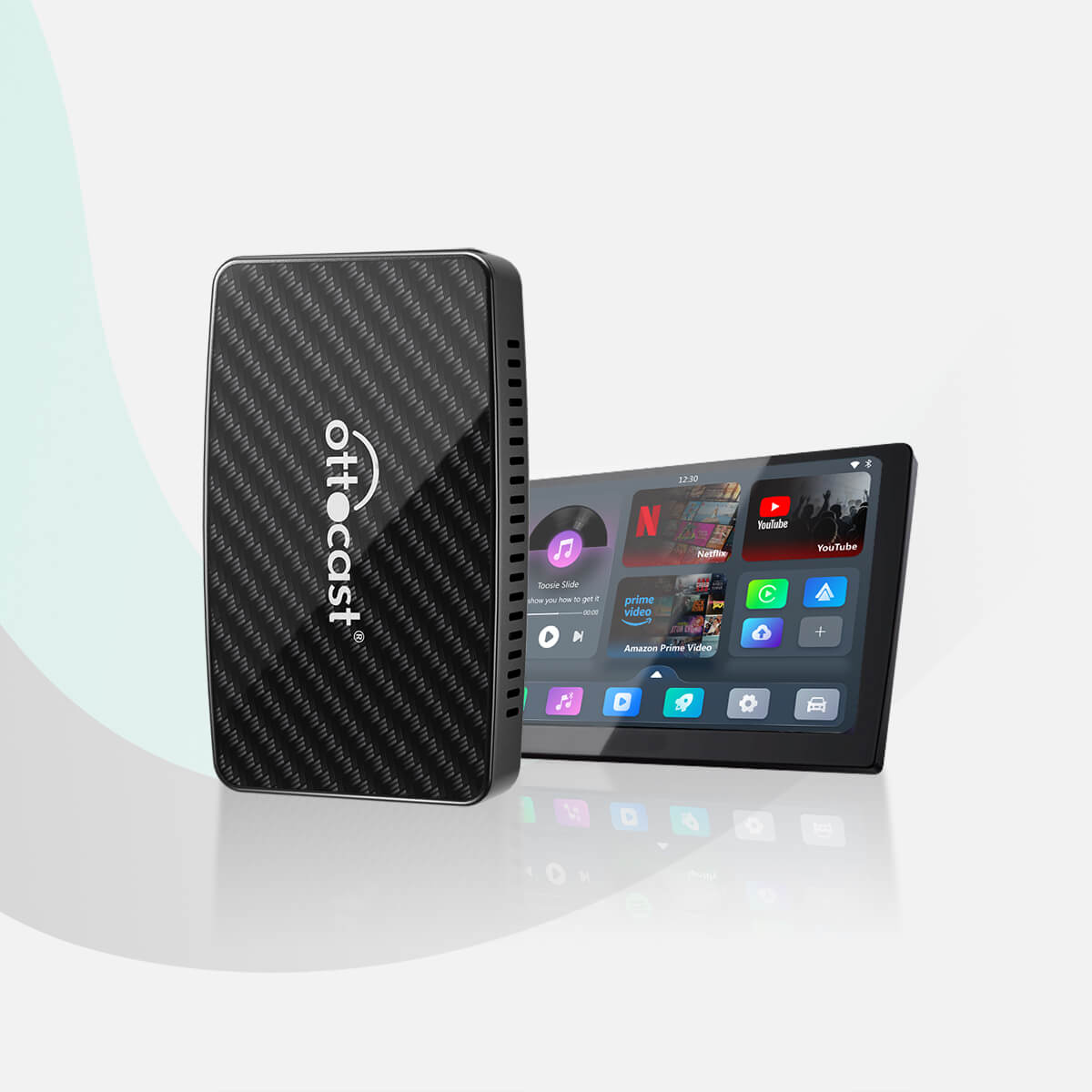
Yes
Yes
No
Yes
Yes
No
Yes
Yes
Yes
Yes
Yes
No
Yes
No
No
Questions? We have answers.
Most people can set it up in minutes. Instructions are included in the box, and our help center is available to assist you.
How long does it take to set up?
Most people can set it up in minutes. Instructions are included in the box and our support center is available to help you.
Is the OttoAibox P3 compatible with my car?
Audi 2016-2023
Buick 2018-2023
Cadillac 2016-2023
Chevrolet 2016-2023
Chrysler 2017-2023
Dodge 2017-2023
Fiat 2017-2023
Ford 2017-2023
Genesis 2018-2023
GMC 2017-2023
Honda 2018-2023 (Excluding Odyssey, Pilot)
Hyundai 2016-2023
Jaguar 2019-2023
Jeep 2018-2023 (Excluding Wagoneer)
Kia 2017-2023
Land Rover 2019-2023
Lincoln 2017-2023
Mazda 2018-2023
Mini 2018-2023
Mercedes Benz 2016-2023
Nissan 2018-2023
Peugeot 2017-2023
Porsche 2017-2023
Ram 2018-2023
Seat 2017-2023
Skoda 2018-2023
Toyota 2019-2023 (Excluding Sienna, Tundra)
Volkswagen 2016-2023
Volvo 2019-2023
any aftermarket display from Alpine, Kenwood, or Pioneer also works with wired CarPlay or Android Auto.
Do I need additional apps for this to work?
No, we have pre-installed the most popular streaming apps on the device for you. The Google Play Store is accessible from the device to download any app you want.
Will it work on aftermarket CarPlay devices?
Yes, Alpine, Kenwood, and Pioneer aftermarket head units are supported.
Is it able to play videos while the vehicle is in motion?
Yes, it also works while the vehicle is in motion, but for safety and legal reasons, you should only use the OttoAibox P3 when the vehicle is parked in a safe place. (Please check local regulations before use).
Will it work on iPhone and Android?
Yes, our OttoAibox P3 product works perfectly with both iPhones and Android phones. We simply use the CarPlay channel to make our device work, so even if you have an Android phone, you will still need to tap CarPlay from the display screen.
How can I watch Netflix from Apple CarPlay?
Just download the Netflix app from the Google Play Store on your OttoAibox P3 device. Log in to your account and start watching your favorite shows.
How can I play videos on CarPlay?
Transform your car's display screen into a smart TV using the OttoAibox P3. Simply plug the OttoAibox P3 into your car's USB port, and your CarPlay or Android Auto screen will be replaced by ours. Download any app and start streaming with the OttoAibox P3.
Other products you might like