


Simple over-the-air updates allow you to install the latest version of the system with just a few taps.
-46%
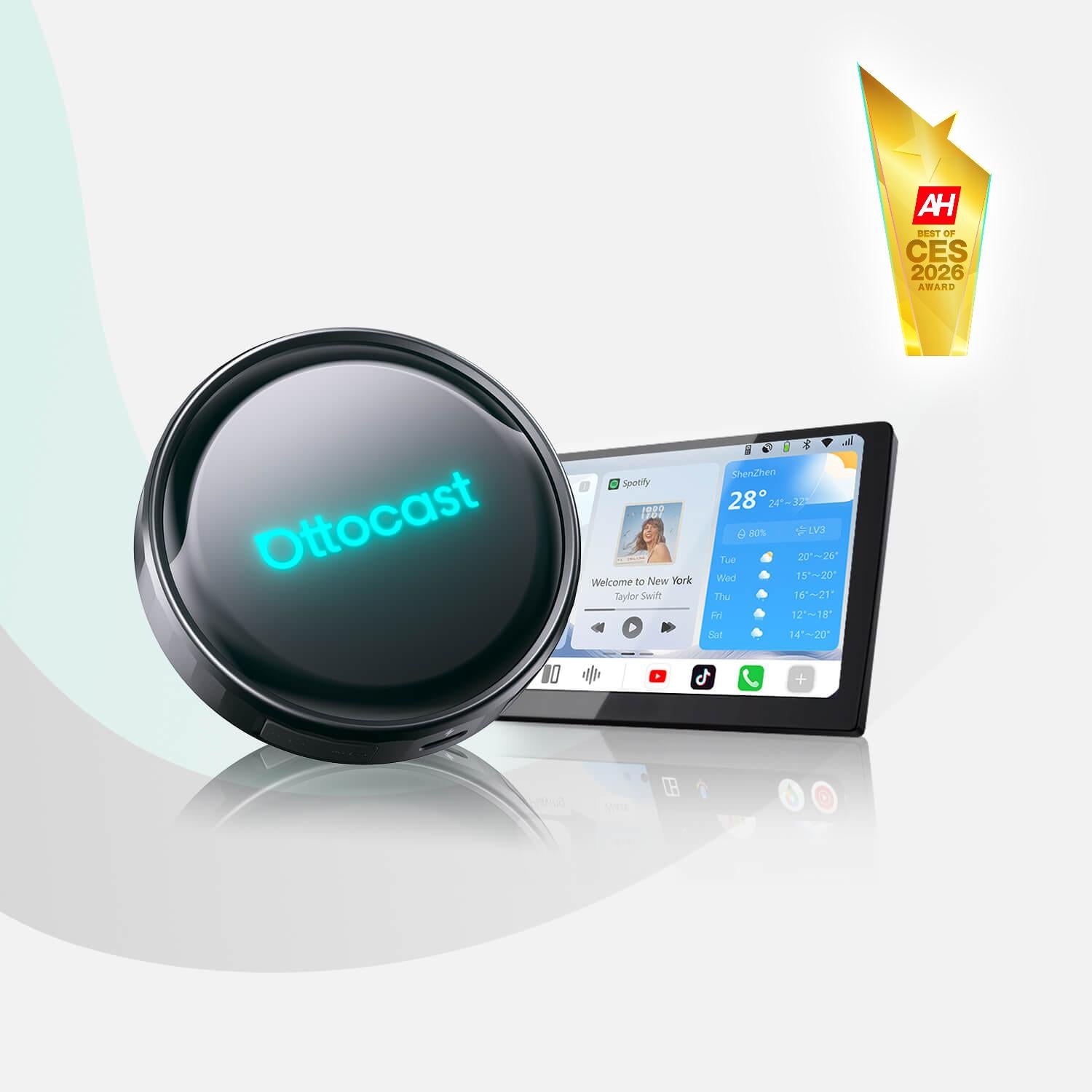
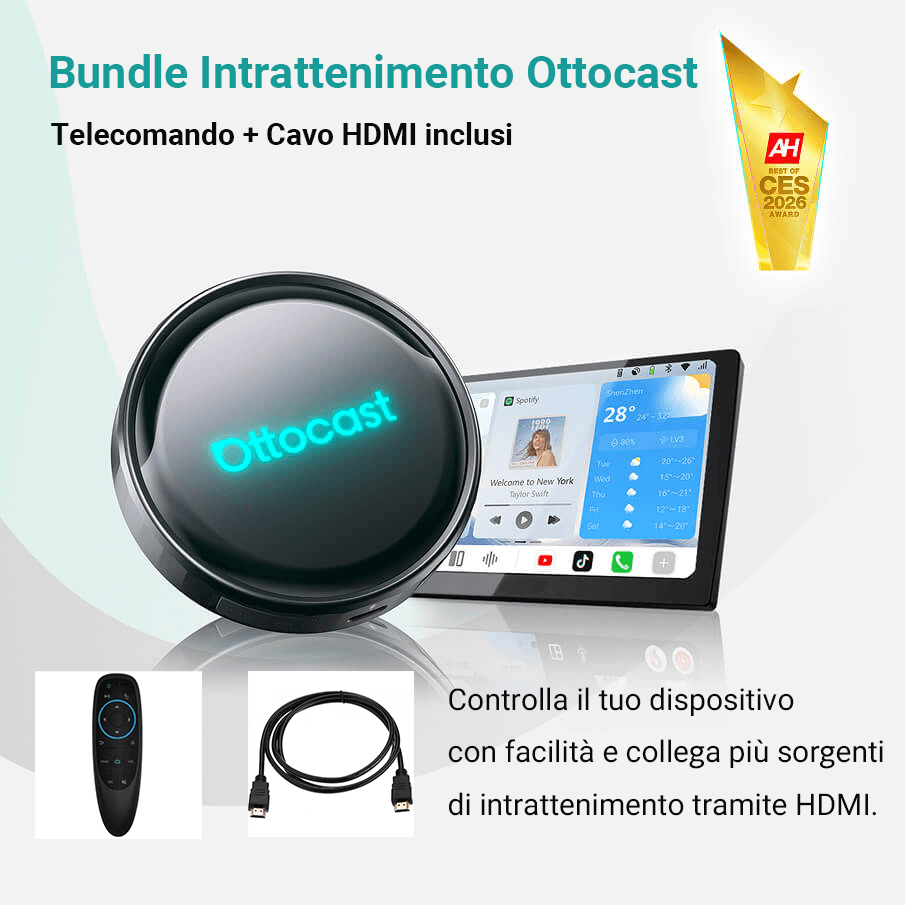
Prezzo ribassato
Offerta lampo
OttoAibox P3 Pro CarPlay AI Box
Tax excluded. Shipping calculated at checkout
Offerte selezionate di ottobre: 10% di sconto extra
Termina tra:
00:
00:
00:
00
-10%
CODICE:
OHP10
Codice sconto copiato!
Intrattenimento e store di app
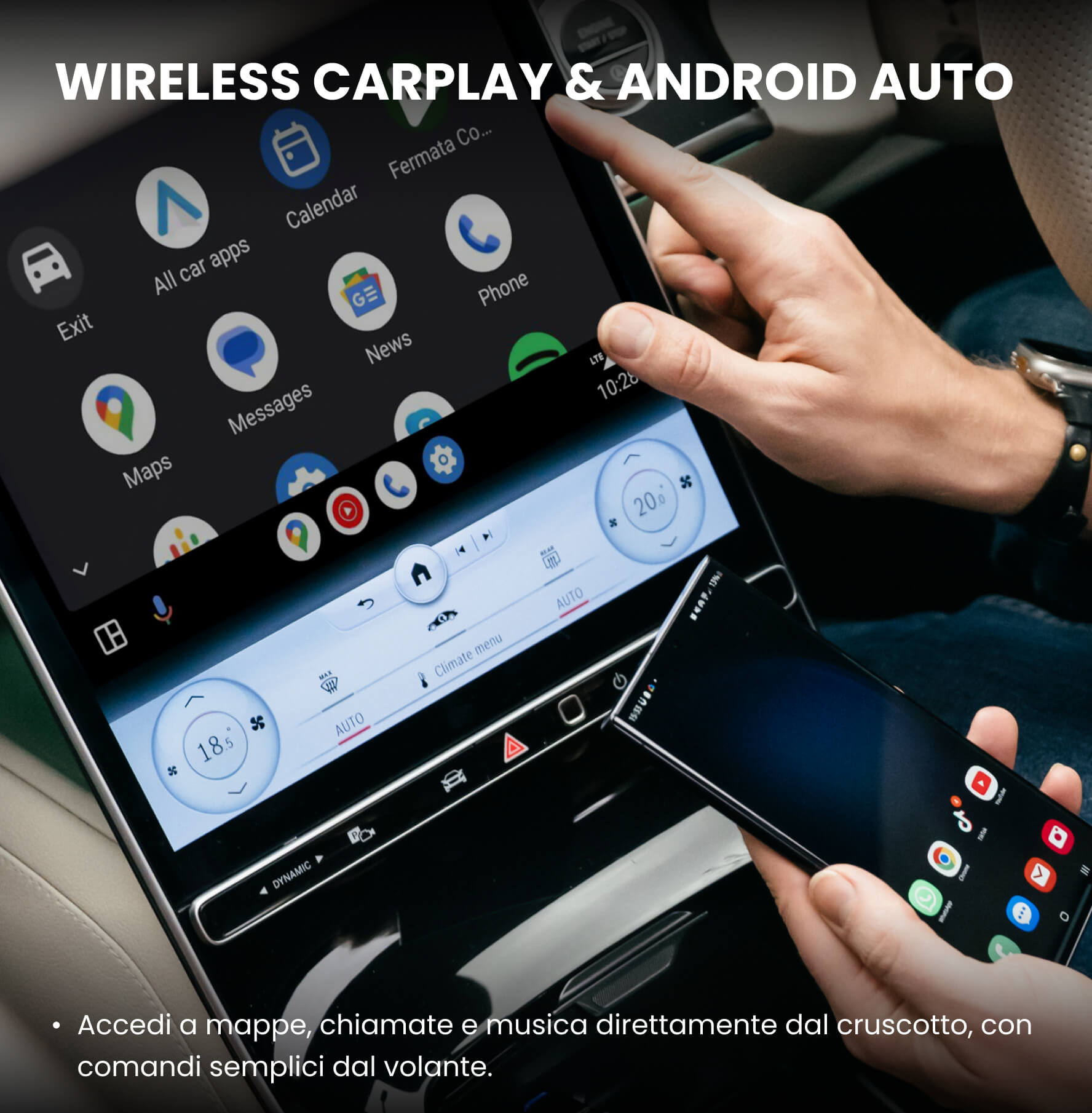
Connessione wireless fluida con CarPlay e Android Auto
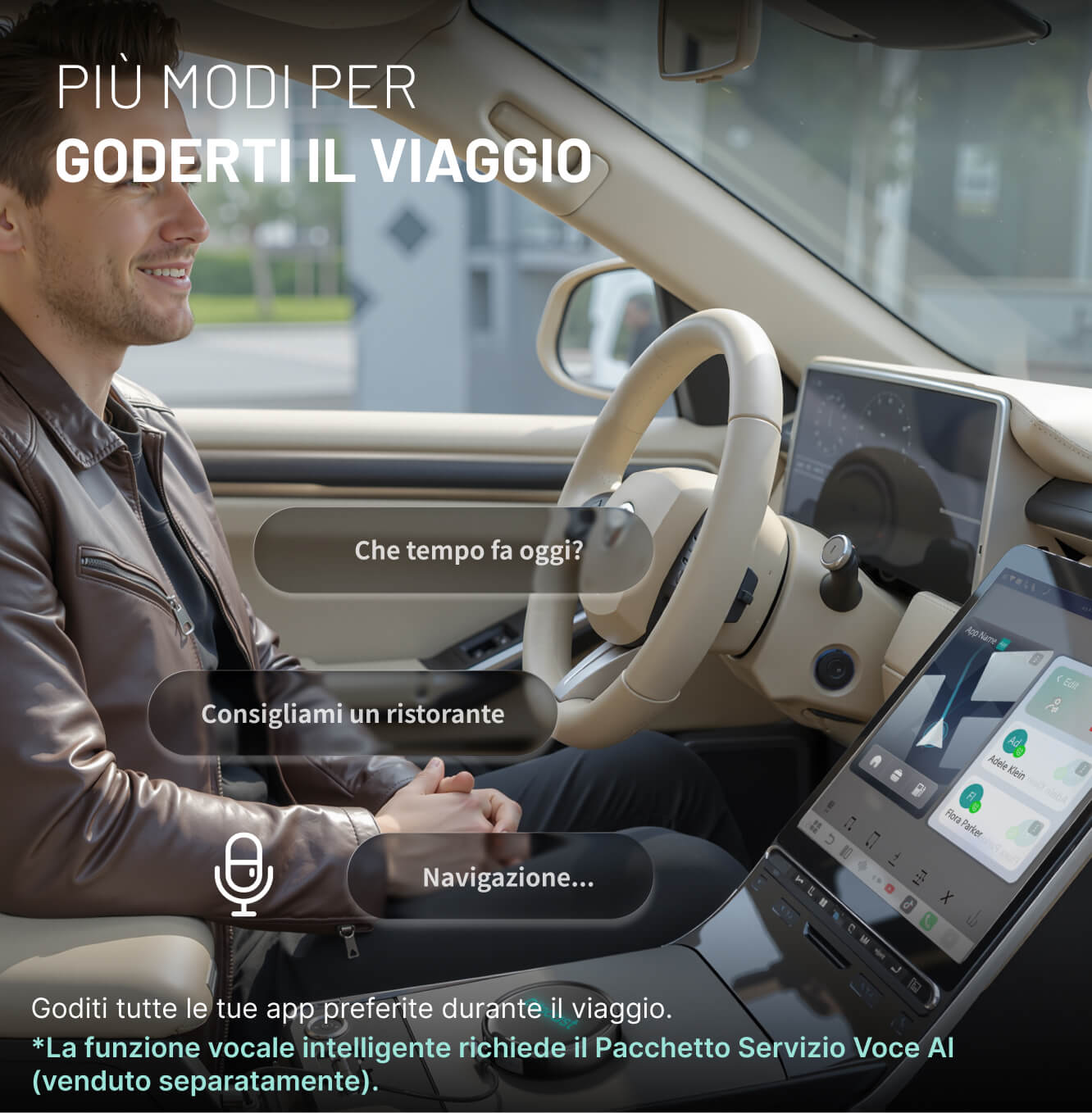
Assistente vocale con IA
Otto Drive OS 3.0
PRIMA DI ACQUISTARE
Richiede Apple CarPlay cablato o Android Auto cablato di serie
Per veicoli dal 2016 in poi
Requisiti:
-
Veicolo:
Il veicolo deve supportare CarPlay cablato o Android Auto cablato di serie.Il prodotto si collega tramite il sistema cablato già supportato dall'auto.Selettore CP / AA: Usa il selettore CP / AA posteriore se l'auto supporta un solo protocollo cablato. Scegli CP se l'auto supporta solo CarPlay cablato. Scegli AA se supporta solo Android Auto cablato. Se l'auto li supporta entrambi, consigliamo di scegliere prima CP, poiché solitamente è più stabile per l'uso wireless.
- Telefono: iPhone (iOS 10 o successivo) Android (Android 11 o successivo) Alcuni modelli Samsung e Google supportano anche Android 9
Non compatibile: Autoradio aftermarket Sony.
Veicoli Mitsubishi: Lascia una nota al momento del checkout oppure contattaci via email prima dell'ordine.
Veicoli dotati solo di CarPlay wireless di serie (es. alcuni modelli BMW): Modello consigliato: OttoAibox i3
Come verificare la compatibilità con CarPlay / Android Auto cablati
Recommended products
×
Select your car's make, model, and year to quickly check compatibility.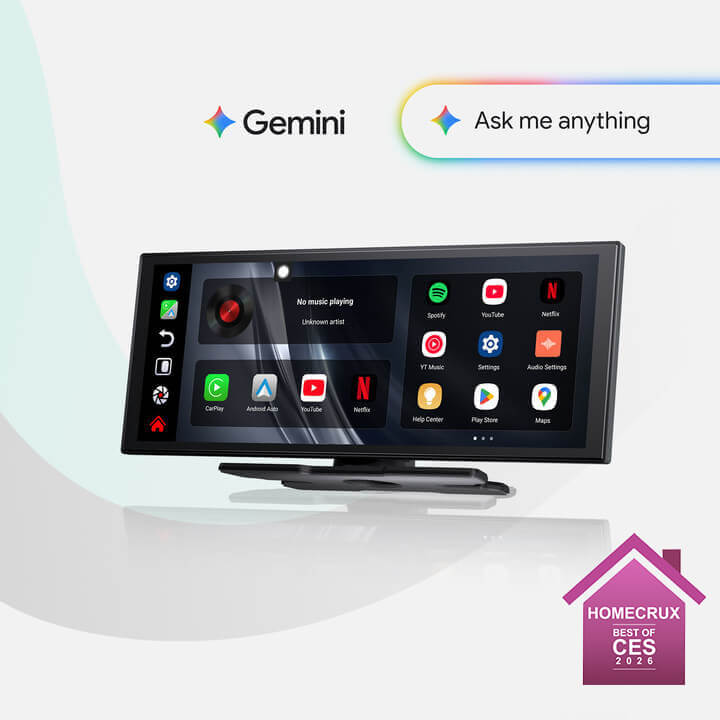
Sale price165,99€
Regular price226,98€ 
Sale price219,00€
Regular price317,99€
Choose your car model
Select your car's make, model, and year to quickly check compatibility.
×
Solution found for your vehicle!
SELECTED VEHICLE
Audi A4, 2018
We've confirmed that your vehicle doesn't have CarPlay as standard.
No problem! The Ottoscreen AI shown below is the complete solution designed to easily and instantly bring smart features and full-screen CarPlay to your car.
Ottoscreen AI
Perfect match!
SELECTED VEHICLE
Audi A4, 2018
Your car has wired CarPlay, so it's ready for our products.
Confirmation required
SELECTED VEHICLE
Audi A4, 2018
We're sorry, your model is not in our database. Please confirm a crucial detail: does your car have wired Apple CarPlay? Watch the video guide below or use an AI tool (like Gemini or ChatGPT) to quickly check your car's features. If it has wired CarPlay, our products are the perfect choice!
Wireless CarPlay detected
SELECTED VEHICLE
Audi A4, 2018
Since your car already supports wireless CarPlay, check out OttoAibox i3 to watch videos in your car.

OTTOCAST® i3 BMW Carplay AI Box
Perfect match!
SELECTED VEHICLE
Audi A4, 2018
Your car is equipped with wired CarPlay, and it is ready for our products.
Wired Android Auto detected
SELECTED VEHICLE
Audi A4, 2018
We've detected that your vehicle only supports wired Android Auto, not wired CarPlay. It is not compatible with your car. No problem! The A2Air Pro adapter shown below is perfect for you.

Spedizione gratuita

Reso Facile in 30 Giorni

Garanzia di 2 anni


OttoAibox P3 Pro CarPlay AI Box
Sale price209,99€
Regular price385,98€ (/)


Discover the highlights.


Update your guide now.
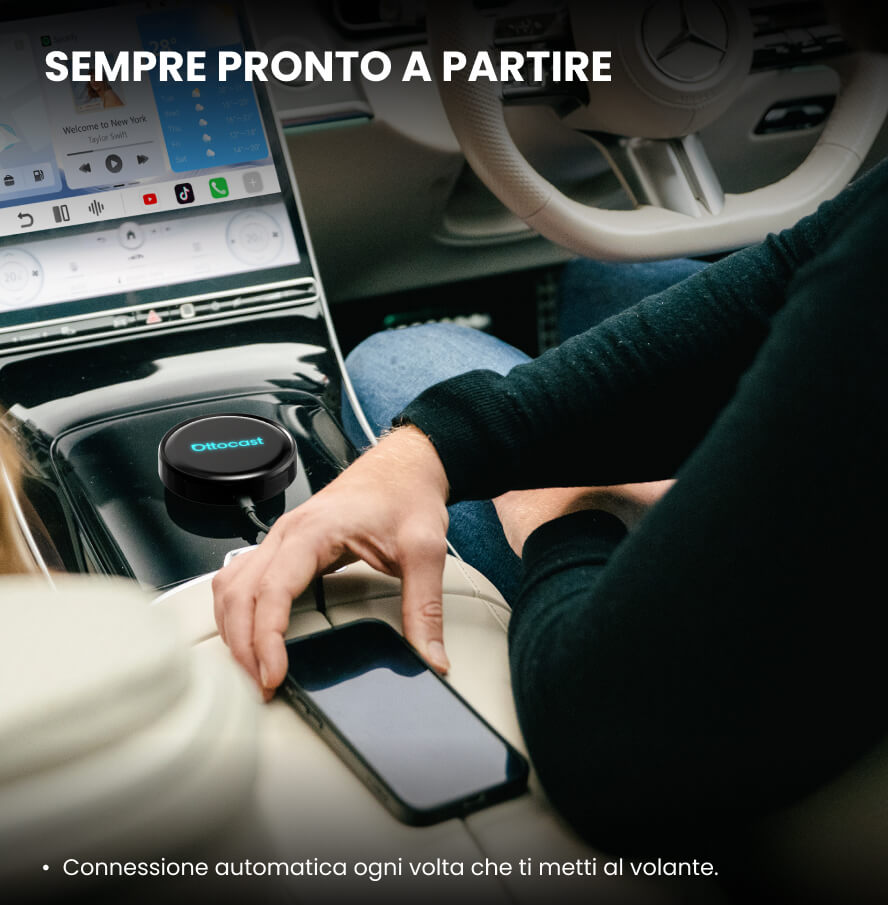
Connect the device to your car's USB port and immediately enjoy unlimited navigation, music, and streaming.


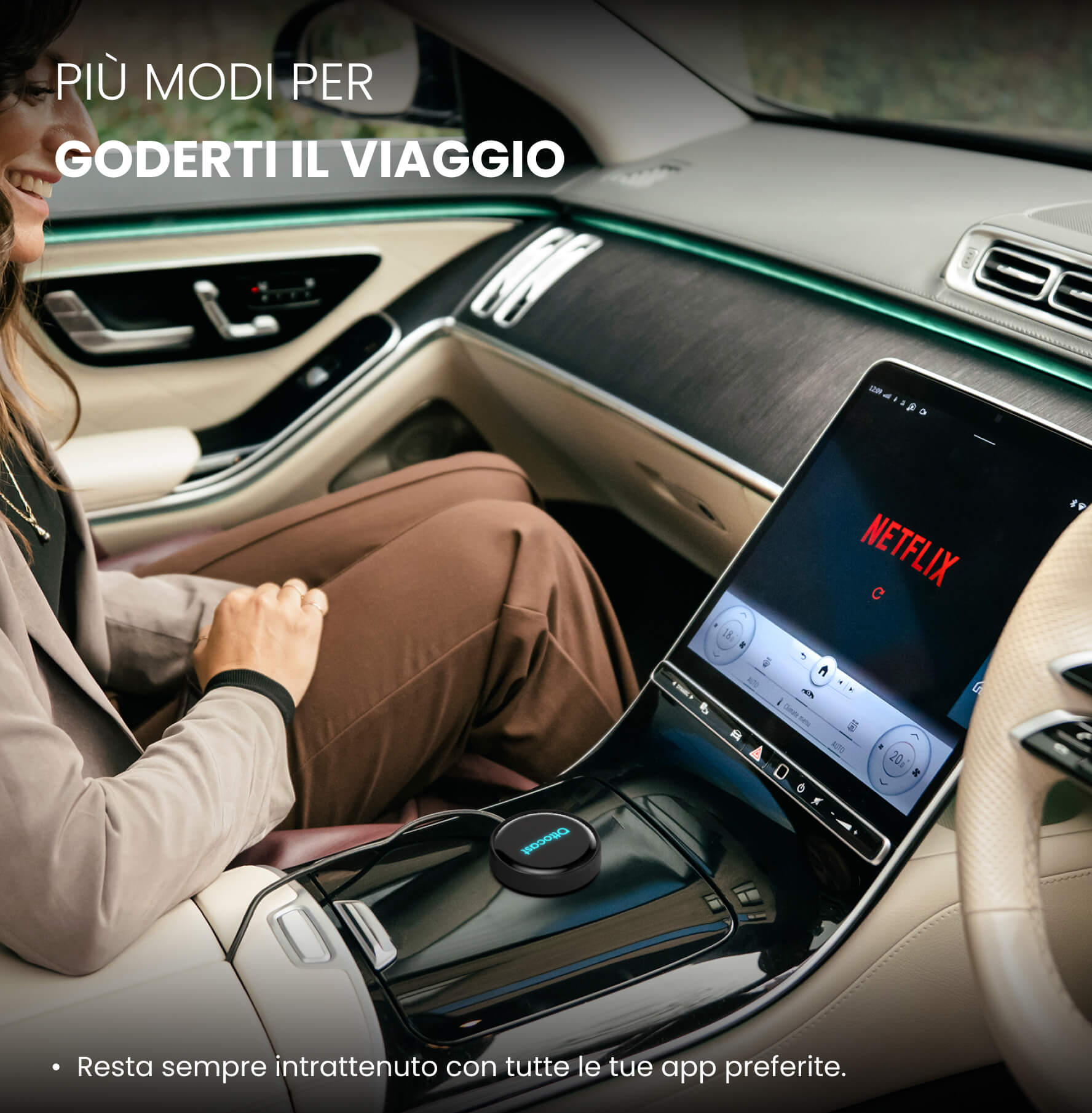
All your favorite apps on your car's screen.
Download the apps you love and keep everyone entertained, from morning commutes to longer journeys.


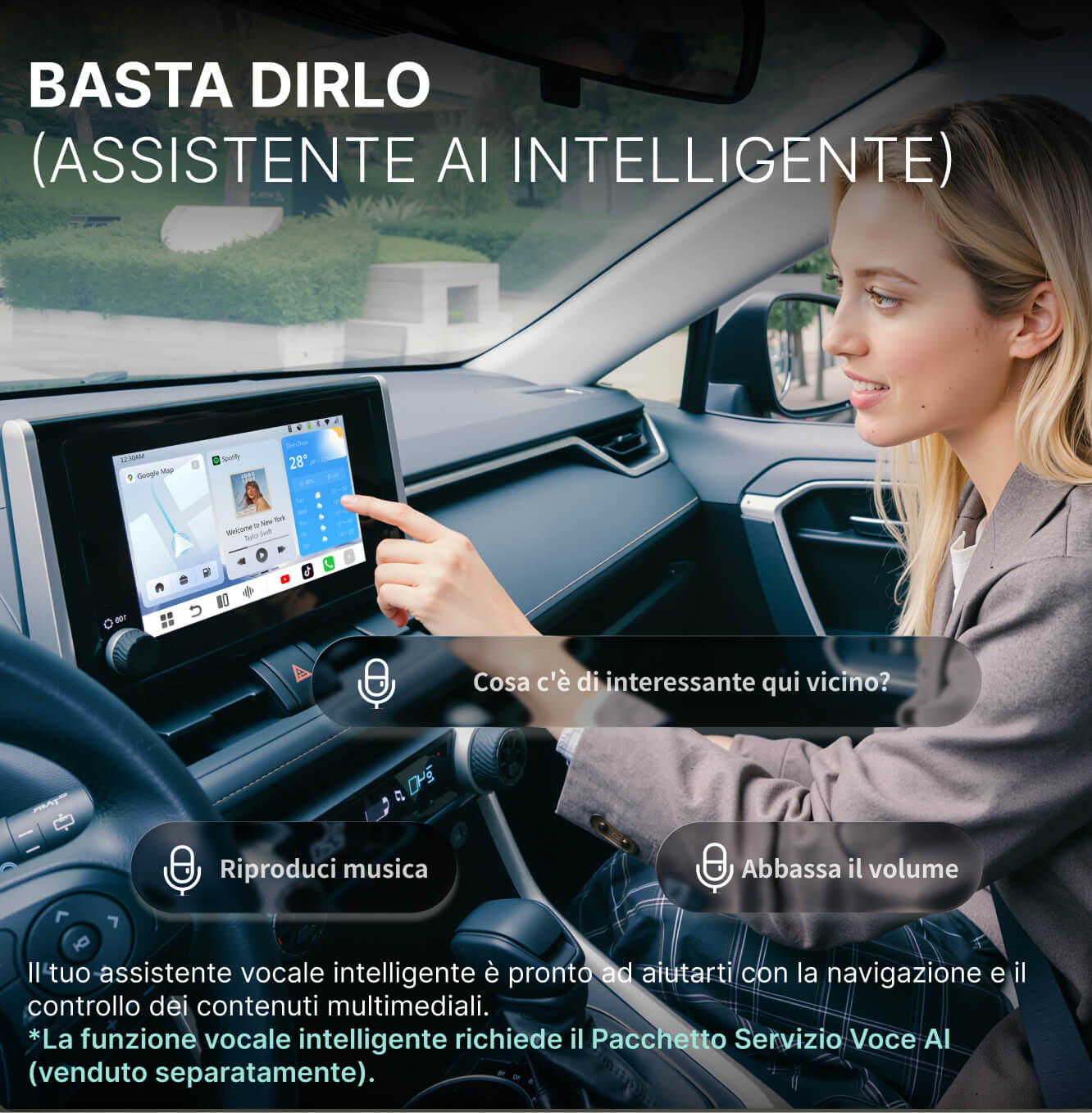
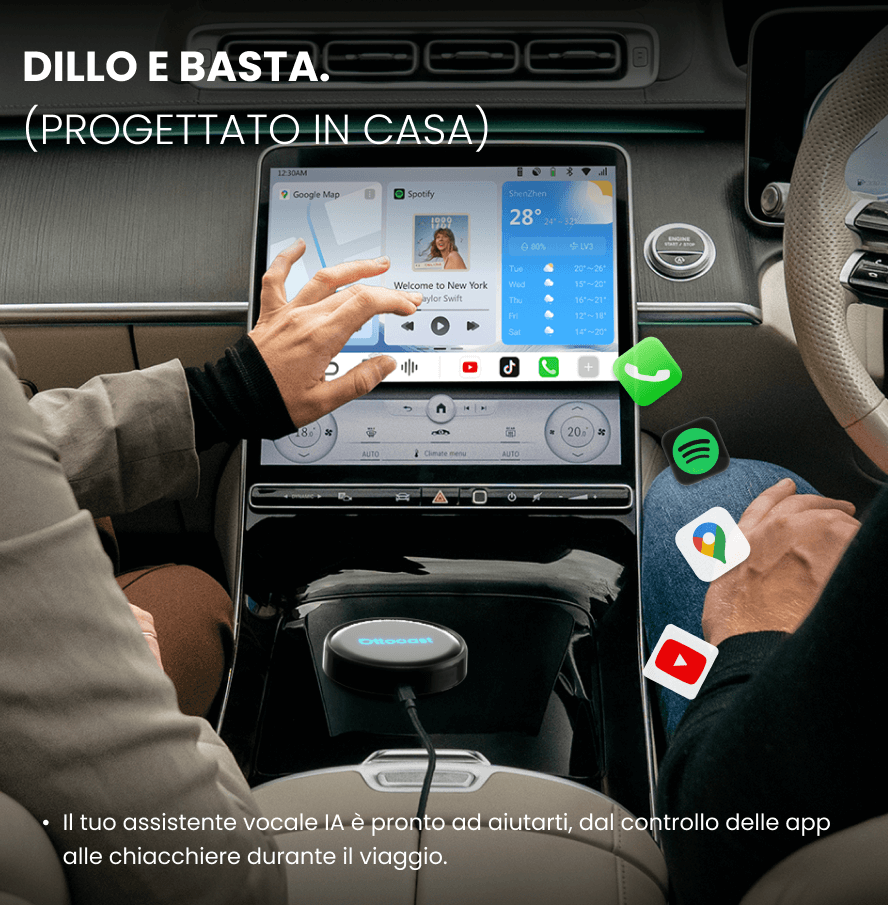
Intelligent Voice Assistant.
Ask to start navigation, play a song, or find the nearest bar. It's always ready when you are.


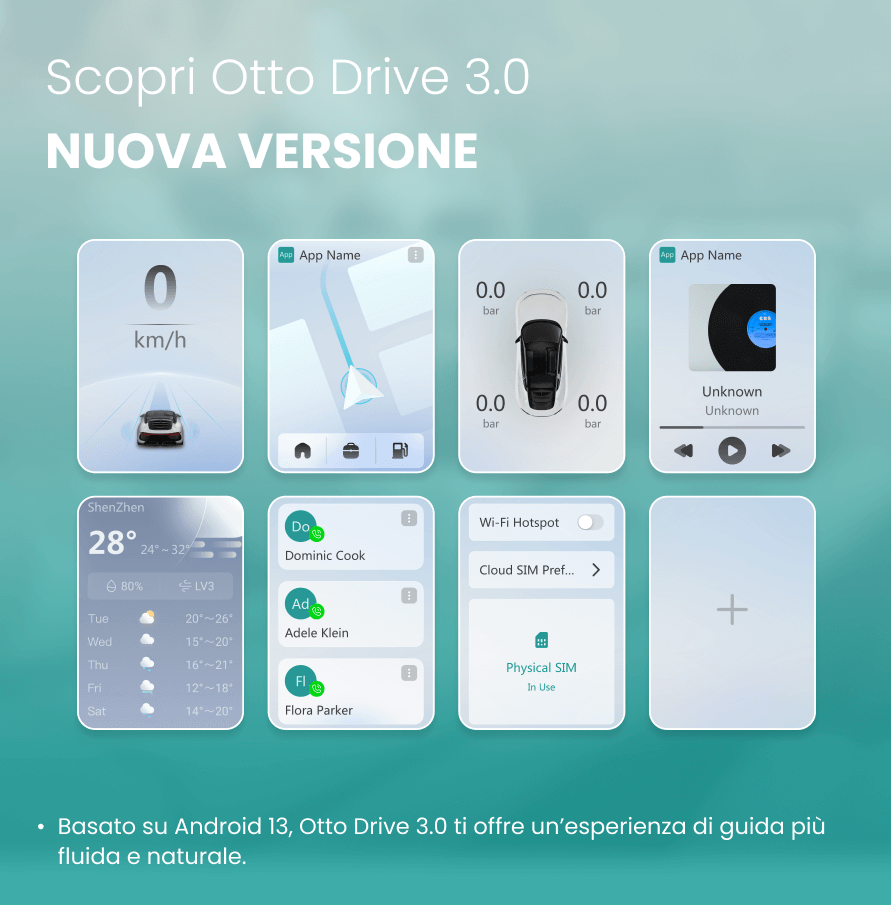
OttoDrive OS 3.0
A clean and intuitive interface, easy to use and designed for everyday driving.


Wireless CarPlay & Android Auto
Connect your phone in seconds for navigation, calls, and music. Return to OttoDrive OS with a single tap.

Make every journey more fun.
Your family can watch movies and series, listen to music, and enjoy the trip. No more "Are we there yet?".

Make every morning easier.
Maps, messages and playlists start automatically.

Smart assistance every time you drive.
Ask for directions, music or a place to eat and it will take care of it, while you keep your hands on the wheel.


Learn more about OttoDrive OS 3.0
Enjoy a smarter, smoother ride with an easy-to-use interface, quick split-screen multitasking, and integrated CloudSIM that keeps you connected wherever you go.
Set up your screen as you like and keep your favorite widgets always at hand.
Split your screen with a touch. Keep navigation visible and join a meeting without losing focus.
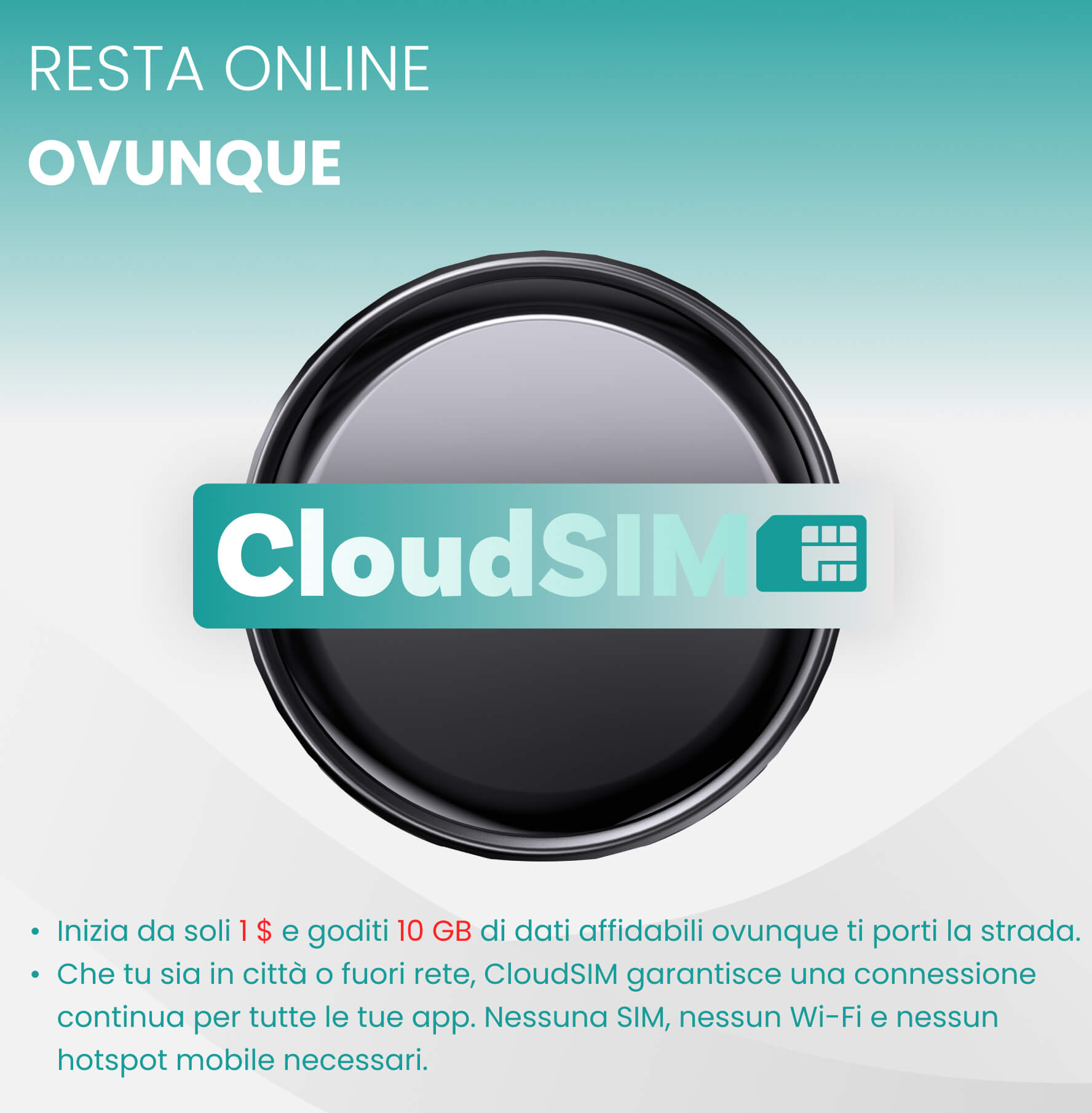
Stay online without a hotspot or SIM card. CloudSIM connects automatically, and your first $1 top-up gives you 10 GB to get started.
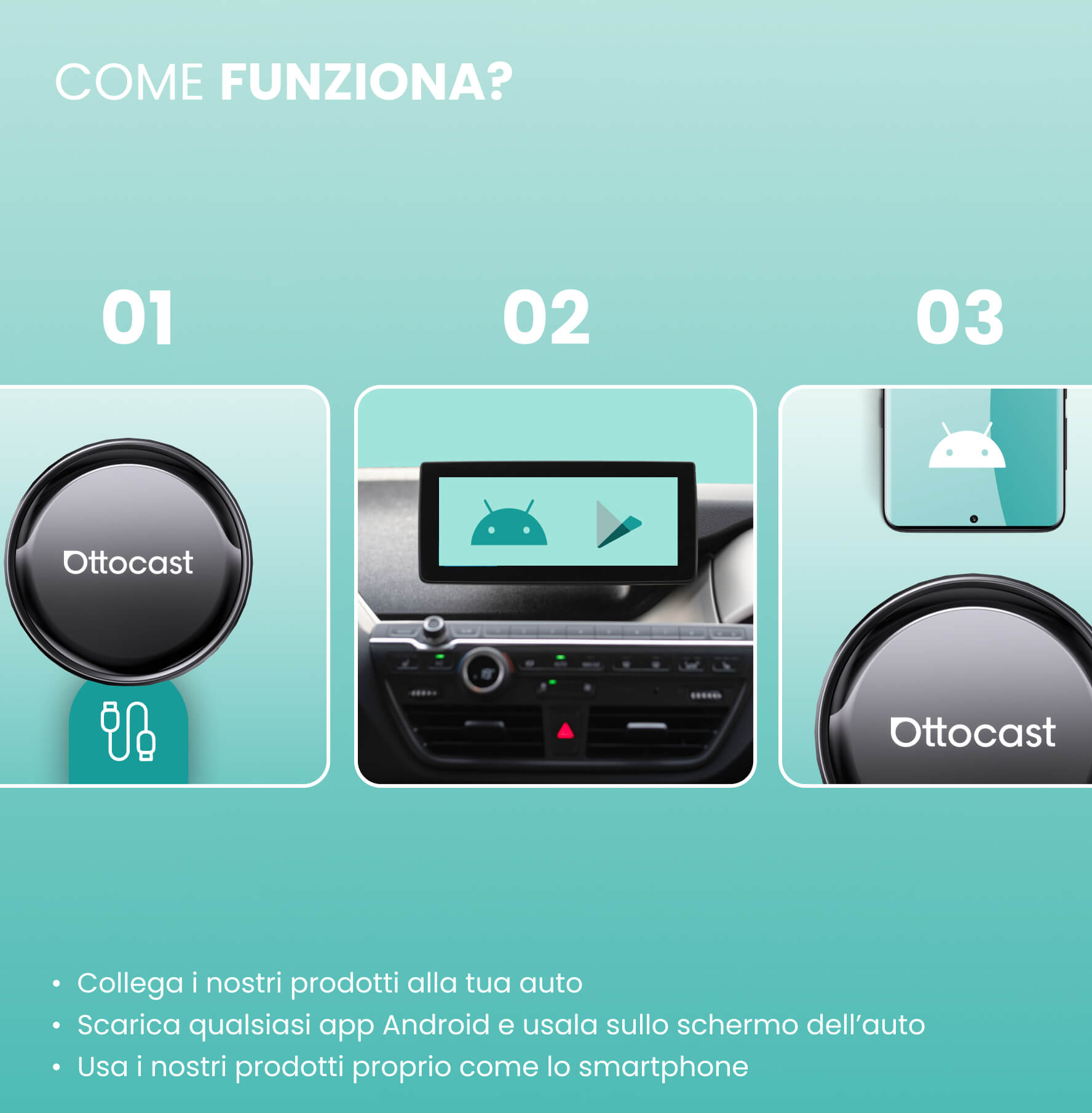
Simple installation
Plug it into your car's USB port and it's immediately ready for use. No tools and no modifications to the car are needed.


1. Connect it


2. Access the Android screen and download your favorite apps


3. Switch to CarPlay, Android Auto, or Android system with a single touch
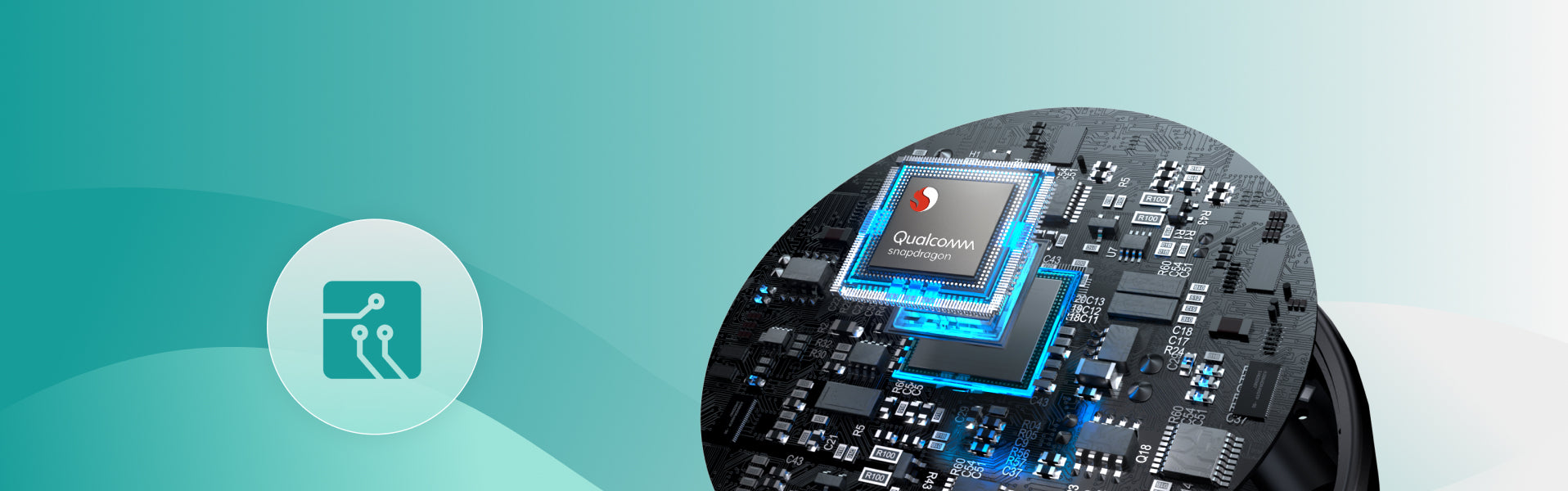
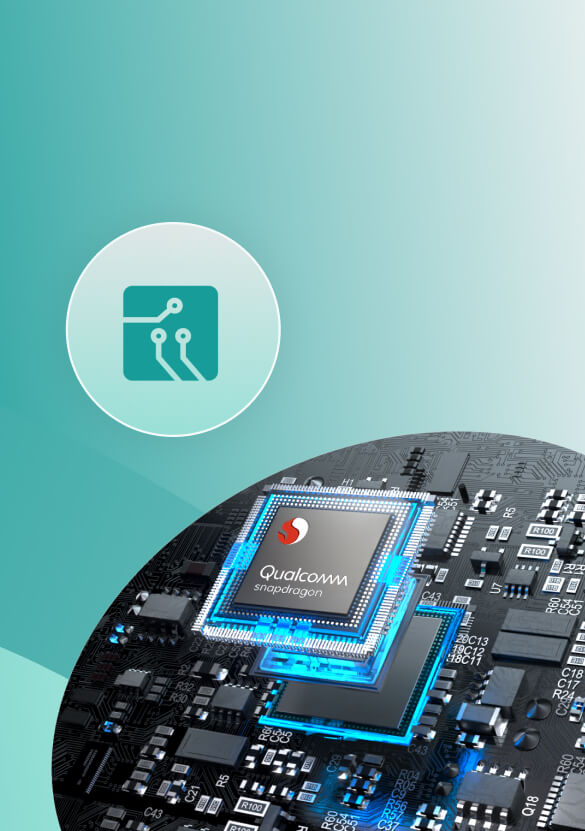
More responsive.
More reliable.
AI voice assistant
Enjoy a safer, simpler drive with a voice assistant that takes care of the small things, keeps you company on quiet roads, and only responds when you need help.

Give a voice command while keeping your hands firmly on the steering wheel. The voice assistant takes care of the little things so you can stay focused on the road.

Activate it by pressing the button on the steering wheel or touching the screen: it only intervenes when you ask for help.

Speak naturally to your assistant and make solo trips lighter, simpler, and much less quiet.

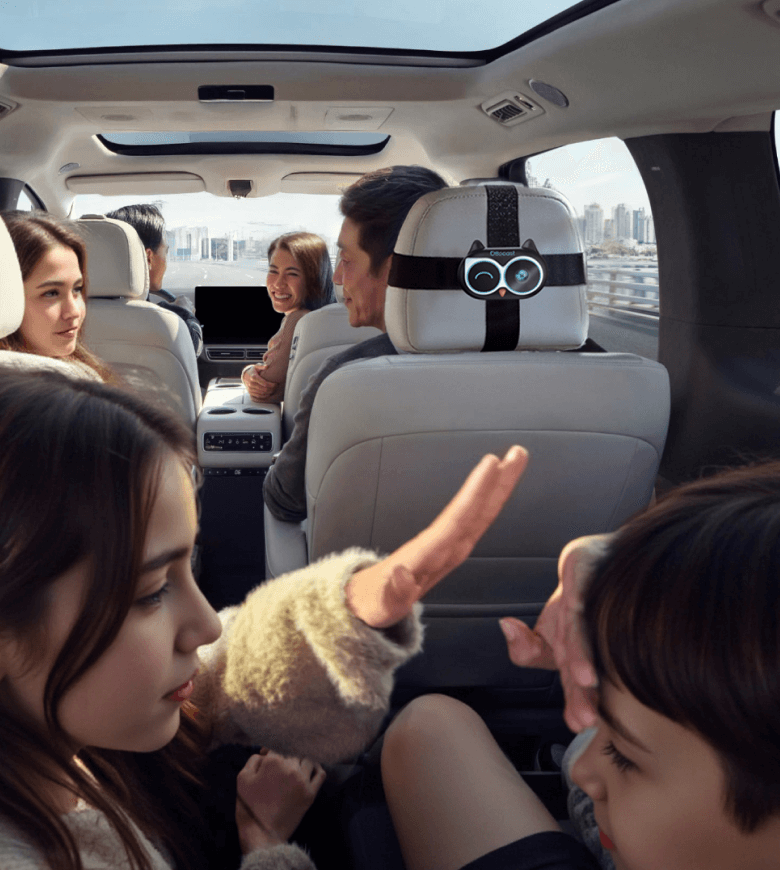
FOTA Updates
Always up-to-date
Stay up-to-date with new innovations.
Without stress, without effort
Get the latest version in minutes with convenient OTA updates.
Car ready for the future
Enjoy years of extended use with ever-fresh technology and easy upgrades along the way.


Compare
Compare our most popular products below.
 OttoAibox P3 Pro CarPlay AI Box
209,99€
Buy now
OttoAibox P3 Pro CarPlay AI Box
209,99€
Buy now
|
 OttoAibox P3 CarPlay AI Box
199,99€
Buy now
OttoAibox P3 CarPlay AI Box
199,99€
Buy now
|
|
|---|---|---|
| AI voice assistant |
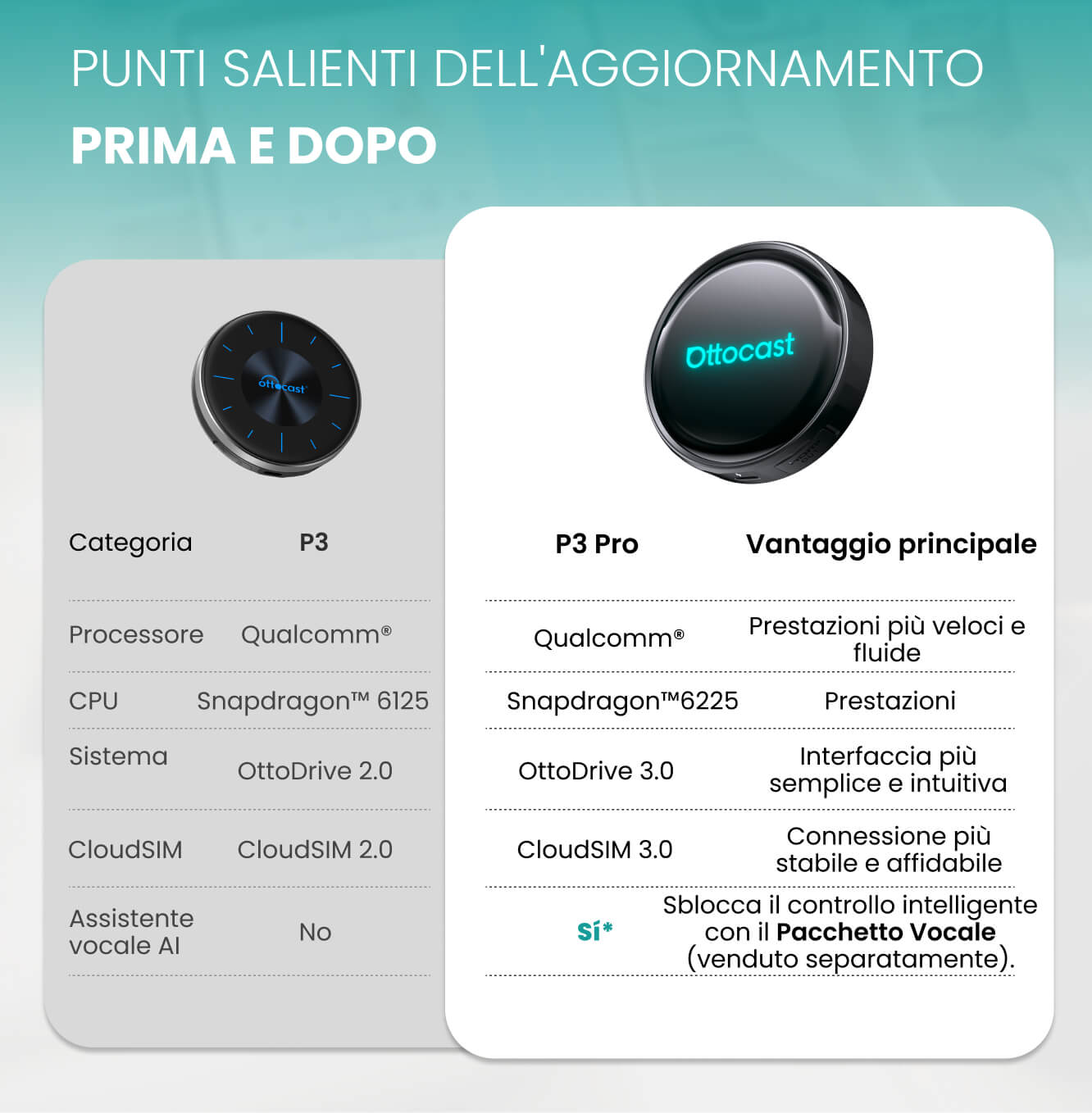
Integrated AI (Gemini & ChatGPT)
|
No
|
| Operating system |
Android 13 + OttoDrive 3.0
|
Android 12 + OttoDrive 2.0
|
| processor |
New vertical interface, with a more modern look
|
Classic horizontal interface
|
| UI Layout |
Latest Qualcomm® chipset
|
Legacy Qualcomm® chipset
|
| CPU |
Snapdragon™ 6225
|
Snapdragon™ 6125
|
| CloudSIM |
CloudSIM 3.0
|
CloudSIM 2.0
|
FAQ
Use this text to share information about your product or shipping policies.
Come posso ottenere la funzione AI Voice?
La funzione AI Voice richiede l’acquisto separato di un Pacchetto Servizio Voce. Puoi acquistarlo facilmente nella sezione “Prodotti aggiuntivi” di questa pagina. Una volta completato l’ordine, riceverai un codice di attivazione per aggiornare il dispositivo e sbloccare tutte le funzionalità vocali intelligenti.
Questo prodotto Ottocast è compatibile con la mia auto?
La maggior parte dei prodotti Ottocast è progettata per veicoli (tipicamente del 2016 o più recenti) dotati di Apple CarPlay cablato di serie e/o Android Auto cablato di serie. Questo prodotto è un adattatore da cablato a wireless e deve essere collegato a una porta dati USB (non a una porta di sola ricarica).
Controllo rapido: collega il tuo telefono—se CarPlay/Android Auto appare sullo schermo, è supportato. Video: 👉 Guarda il video
Supporta la visualizzazione a schermo intero?
La visualizzazione a schermo intero dipende dal sistema CarPlay cablato di serie della tua auto. Un CarPlay di serie non a schermo intero potrebbe apparire non a schermo intero anche con questo prodotto.
Posso usare una scheda SIM fisica o una CloudSIM?
Sì. Questo prodotto supporta sia la CloudSIM che una scheda SIM fisica. Puoi scegliere il metodo di connessione più adatto in base alle tue esigenze e alla disponibilità della rete.
Ho bisogno di una scheda SIM per guardare video o usare le mappe? E se non riesco a connettermi al Wi-Fi?
No. Hai bisogno di internet, ma non è necessaria una SIM fisica. A seconda del modello, puoi connetterti a internet tramite CloudSIM, hotspot del telefono, Wi-Fi del veicolo, Wi-Fi portatile o una scheda SIM. Se una SIM non si connette, potresti dover configurare l'APN (verifica con il tuo operatore telefonico).
CloudSIM: Learn More
Posso usare Netflix in modalità schermo diviso su questo prodotto?
Netflix non è supportato in modalità schermo diviso su questo prodotto.
Come utilizzo P3 Pro AI Voice e cosa può fare? Ci sono limiti di lingua?
Premi il pulsante vocale sul volante o tocca l'icona vocale sullo schermo, quindi pronuncia il tuo comando.
Può controllare la navigazione, la musica, lo schermo diviso e le chiamate e avviare le app installate (ad es., “Apri YouTube”).
Esempio: “Trova la stazione di servizio più vicina.”
Devo pagare per AI Voice? C'è una quota gratuita?
P3 Pro include di default una quota gratuita per AI Voice: 3 mesi / 1.000 turni di conversazione.
Successivamente, puoi acquistare un piano: $7,90/1.000 richieste, $14,90/2.000, $29,90/4.000.
Nota: L'utilizzo e la disponibilità possono variare in base alla regione/al modello. La fatturazione si basa sulle richieste; un turno di conversazione può includere più richieste.
Posso usare P3 Pro in un veicolo senza controllo touchscreen?
Sì. Se lo schermo di serie non è touch, puoi controllare P3 Pro con il nostro telecomando mouse o tramite l'app AIcontrol sul tuo telefono. Le istruzioni di configurazione sono disponibili nell'app AIcontrol.
Il nostro servizio clienti è disponibile dal lunedì al venerdì, dalle 9:00 alle 18:00.
You might also like

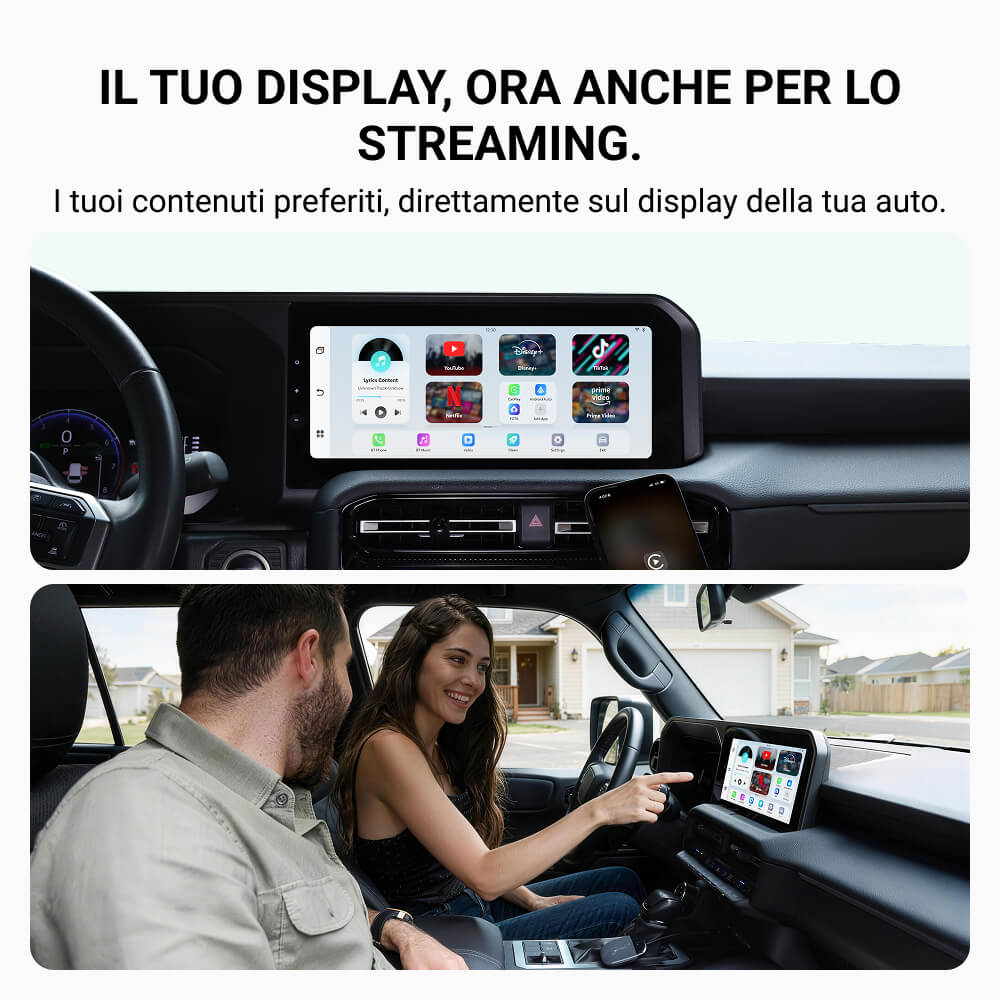
OTTOCAST® Play2Video X Adattatore Wireless con Streaming per CarPlay e Android Auto con YouTube, Netflix
Sale price99,99€
Regular price199,00€
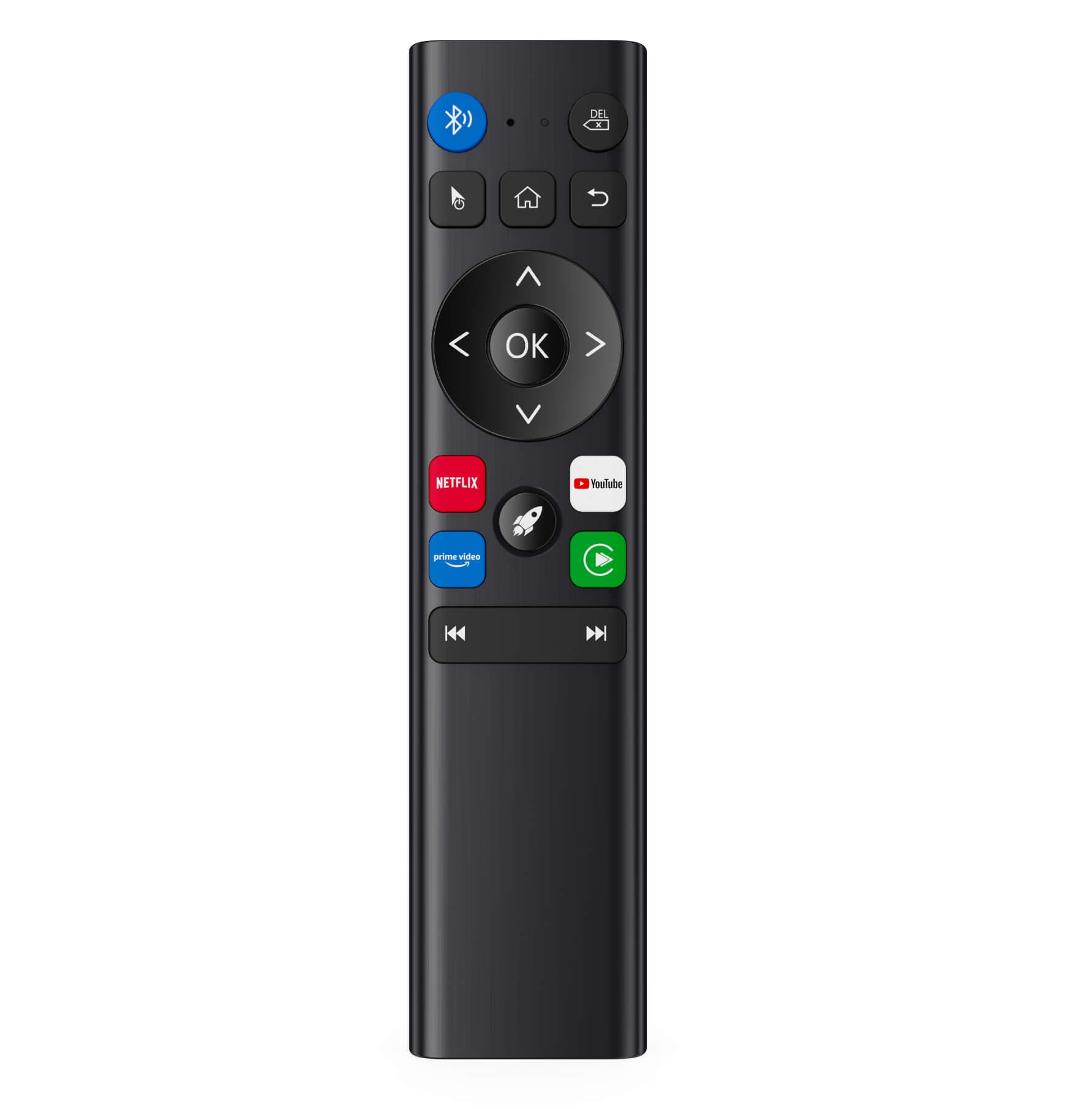

Telecomando wireless migliorato
Sale price24,99€
Regular price39,99€
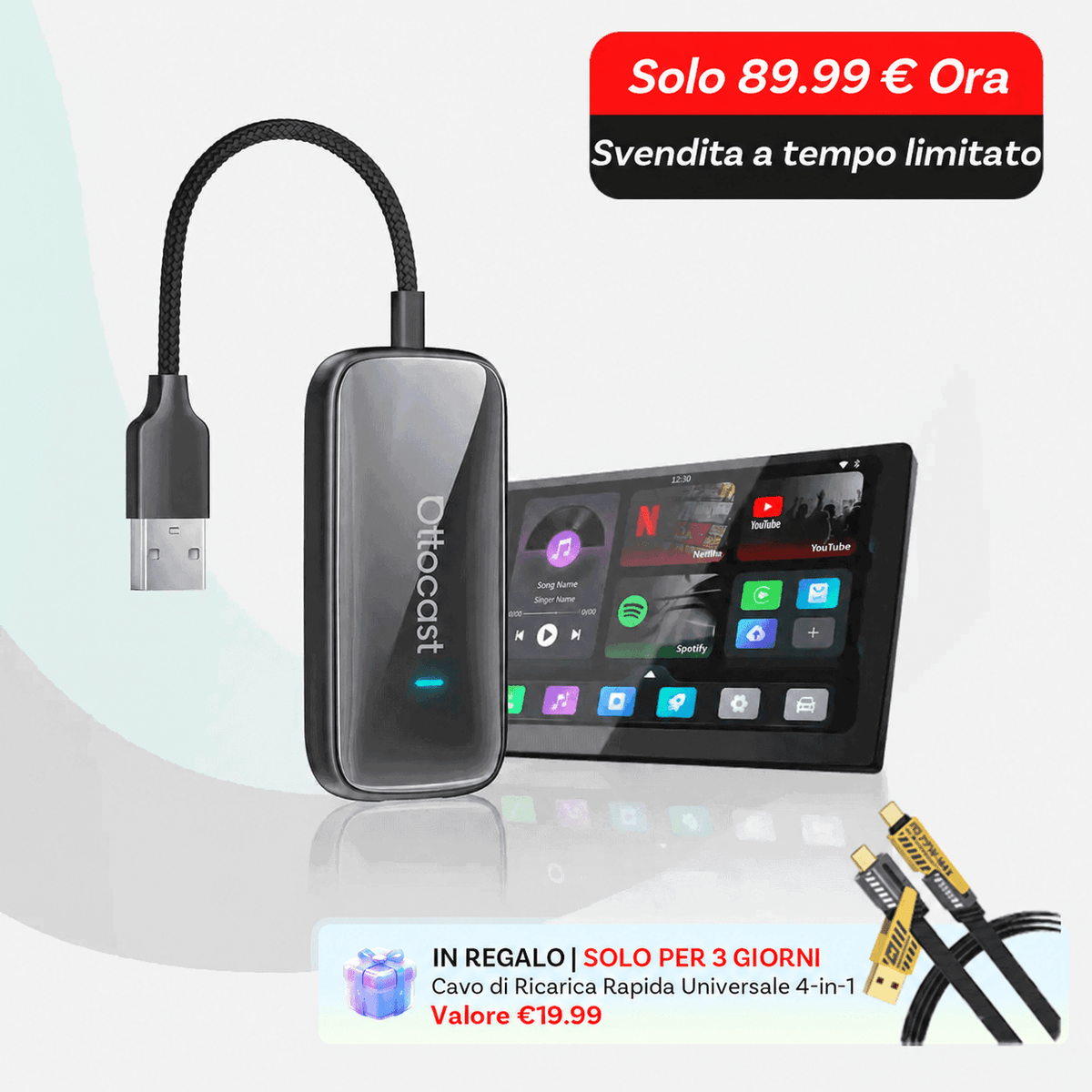
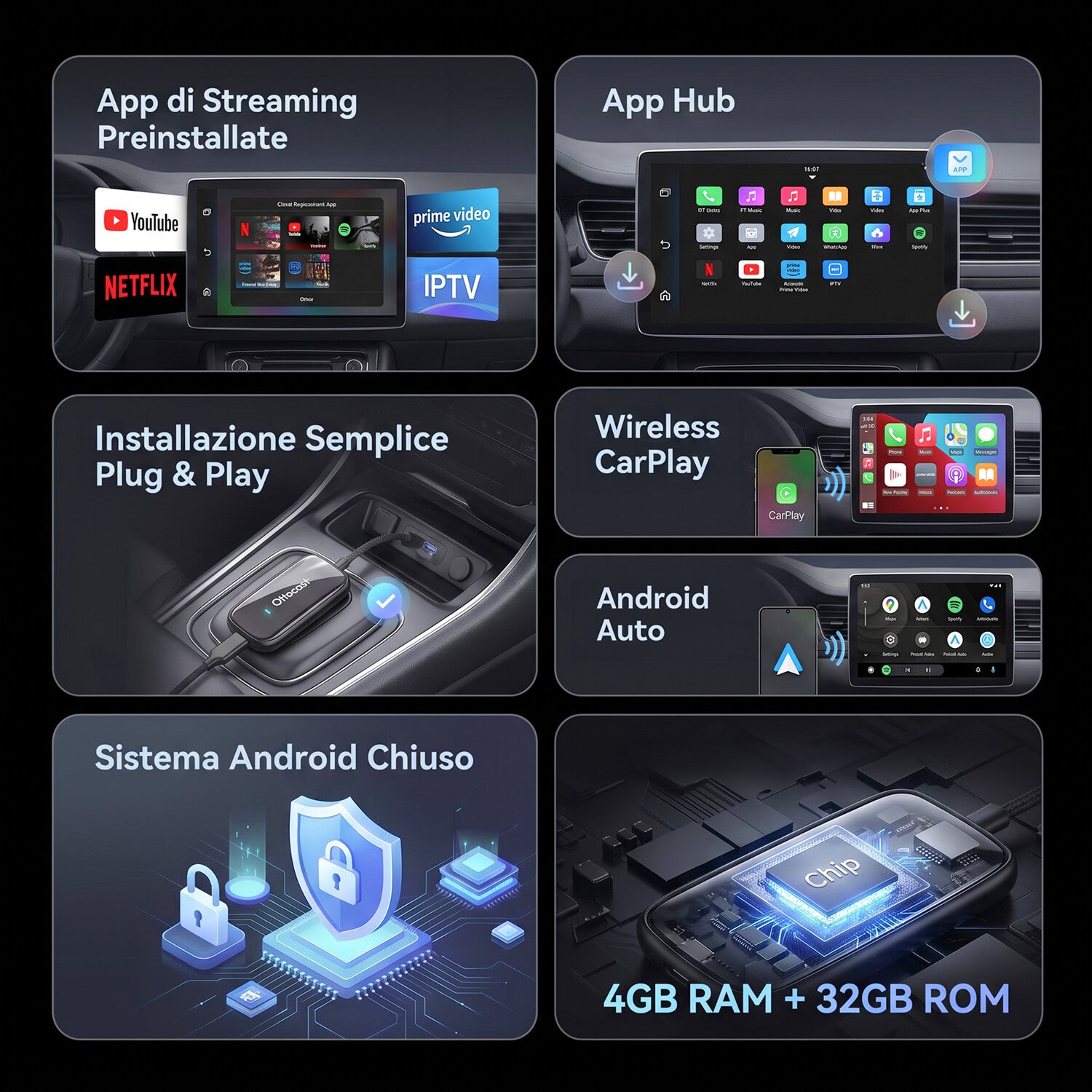
OTTOCAST® Play2Video Ultra All-in-One Adapter with App Hub
Sale priceFrom 89,99€
Regular price169,00€
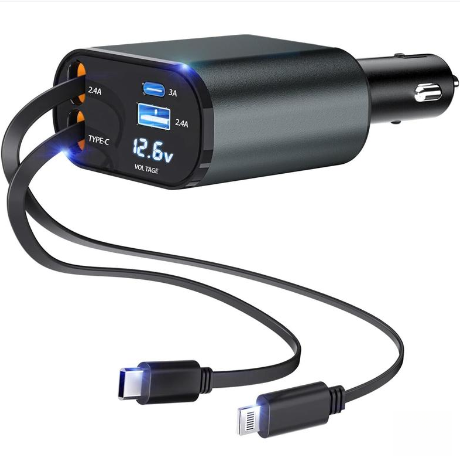
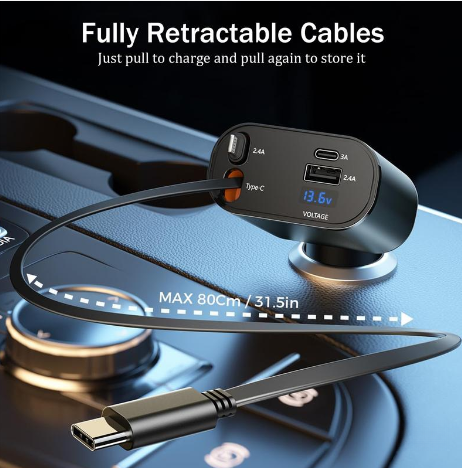
4-in-1 Retractable Car Charger with Cable
Sale price28,99€
Regular price39,99€
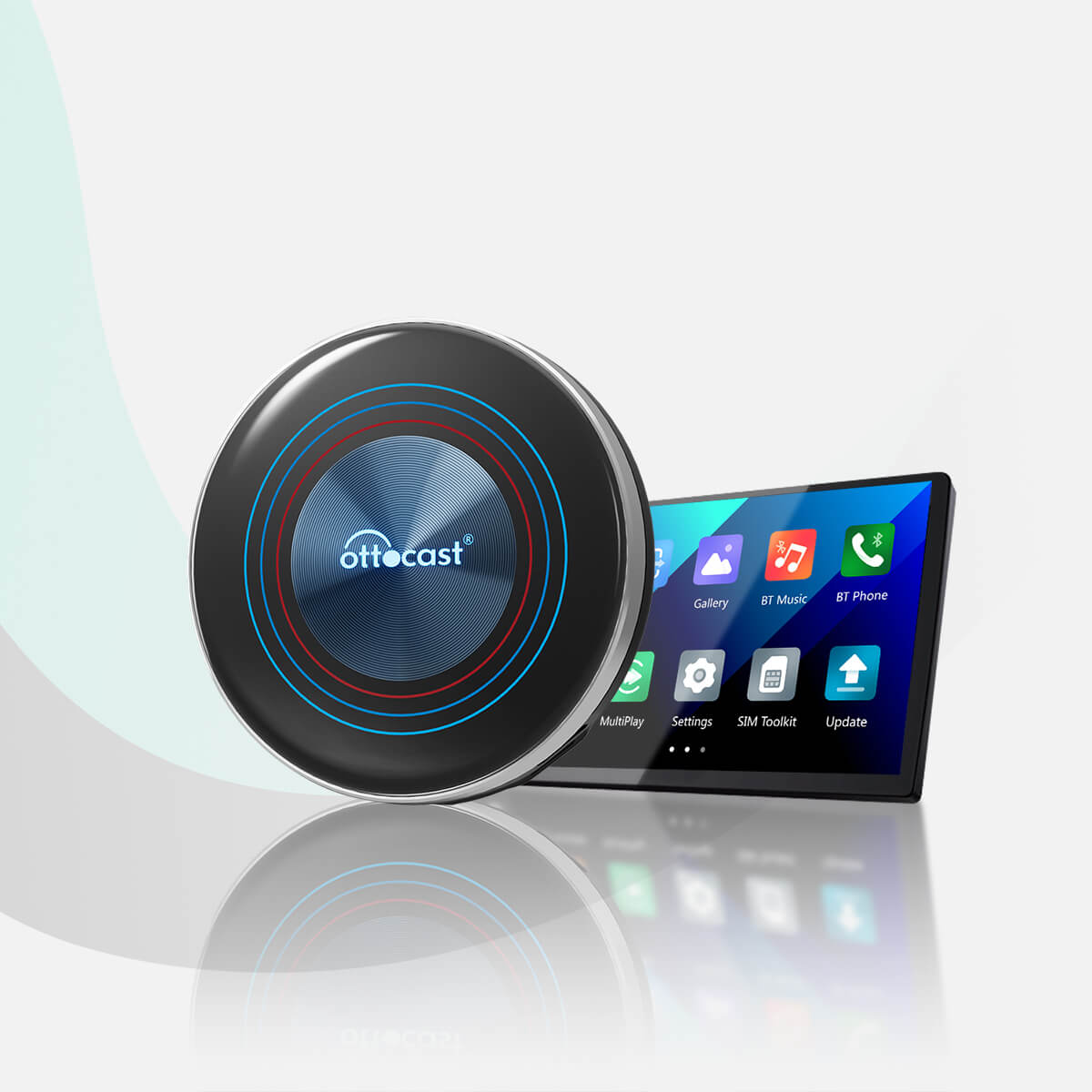
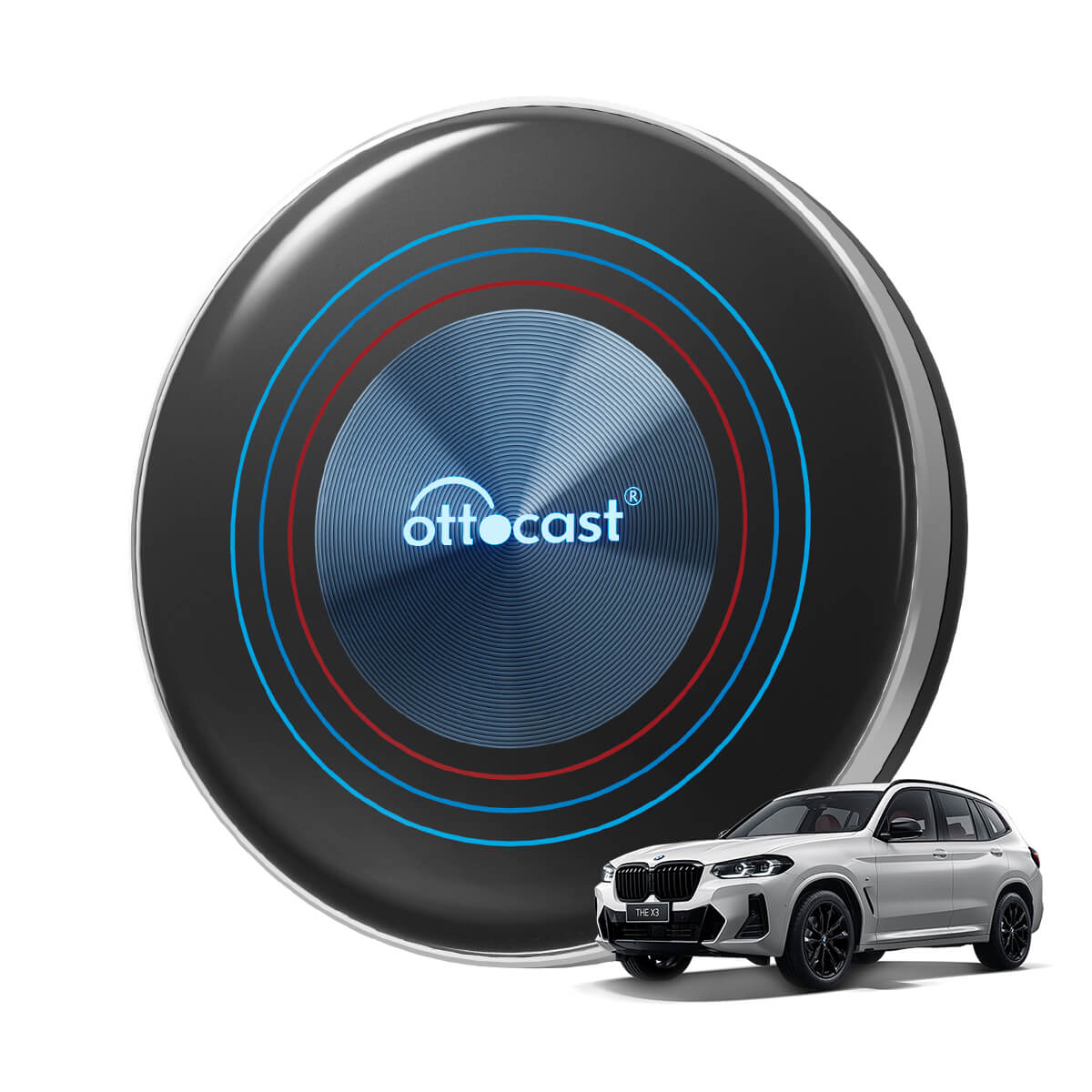
OTTOCAST® i3 BMW Carplay AI Box
Sale price219,00€
Regular price317,99€