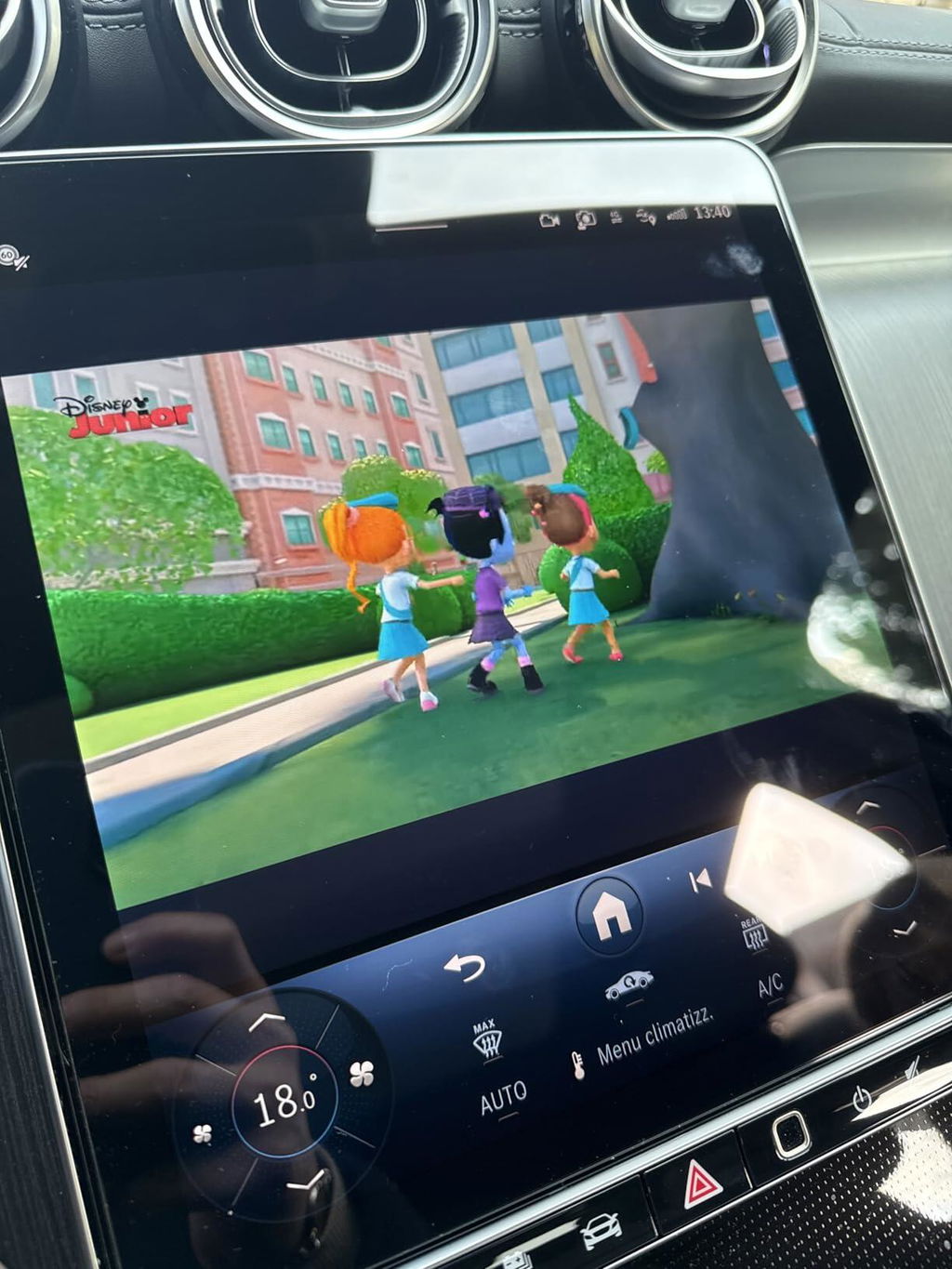
Always online, always connected
-22%
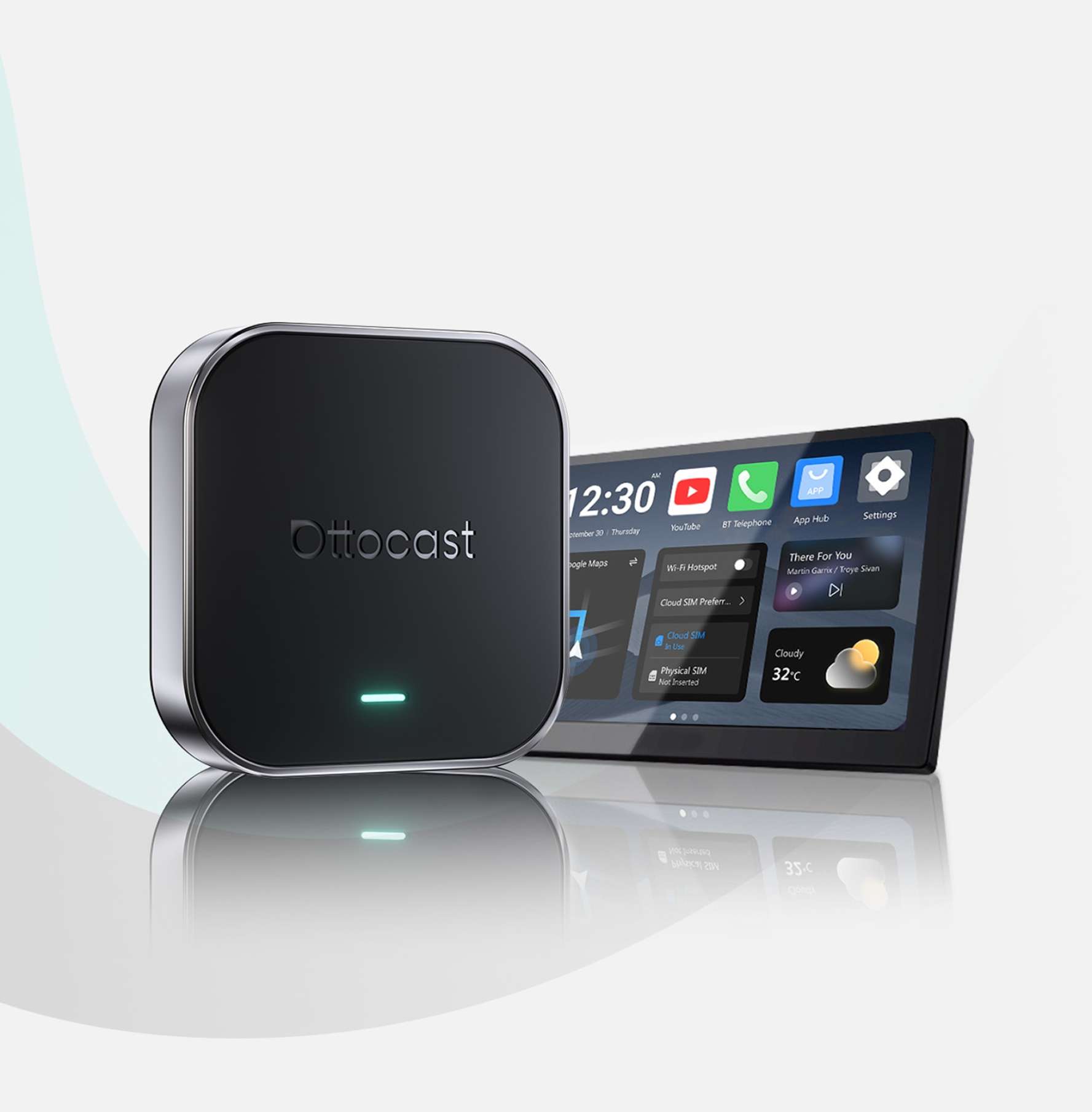
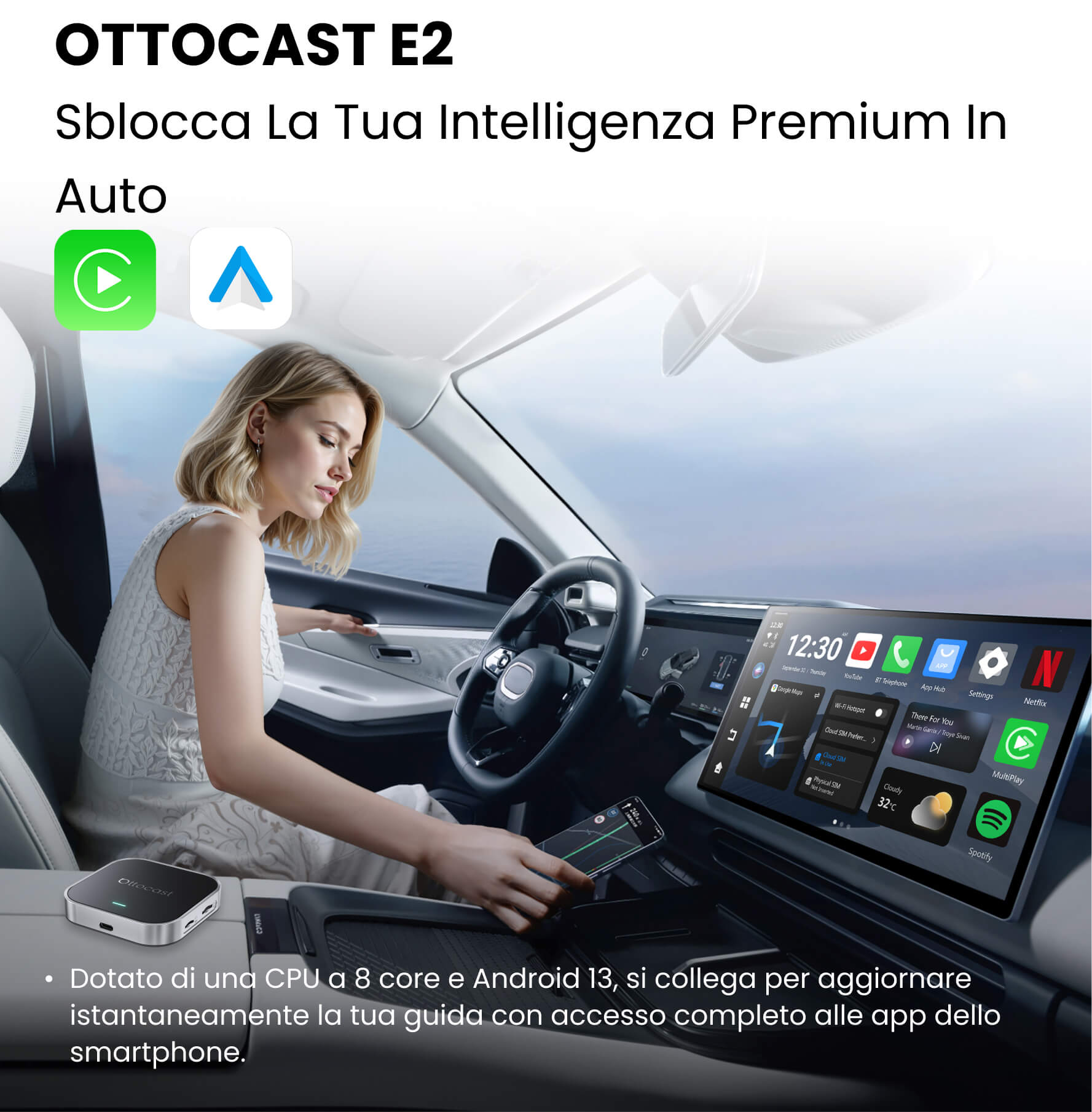
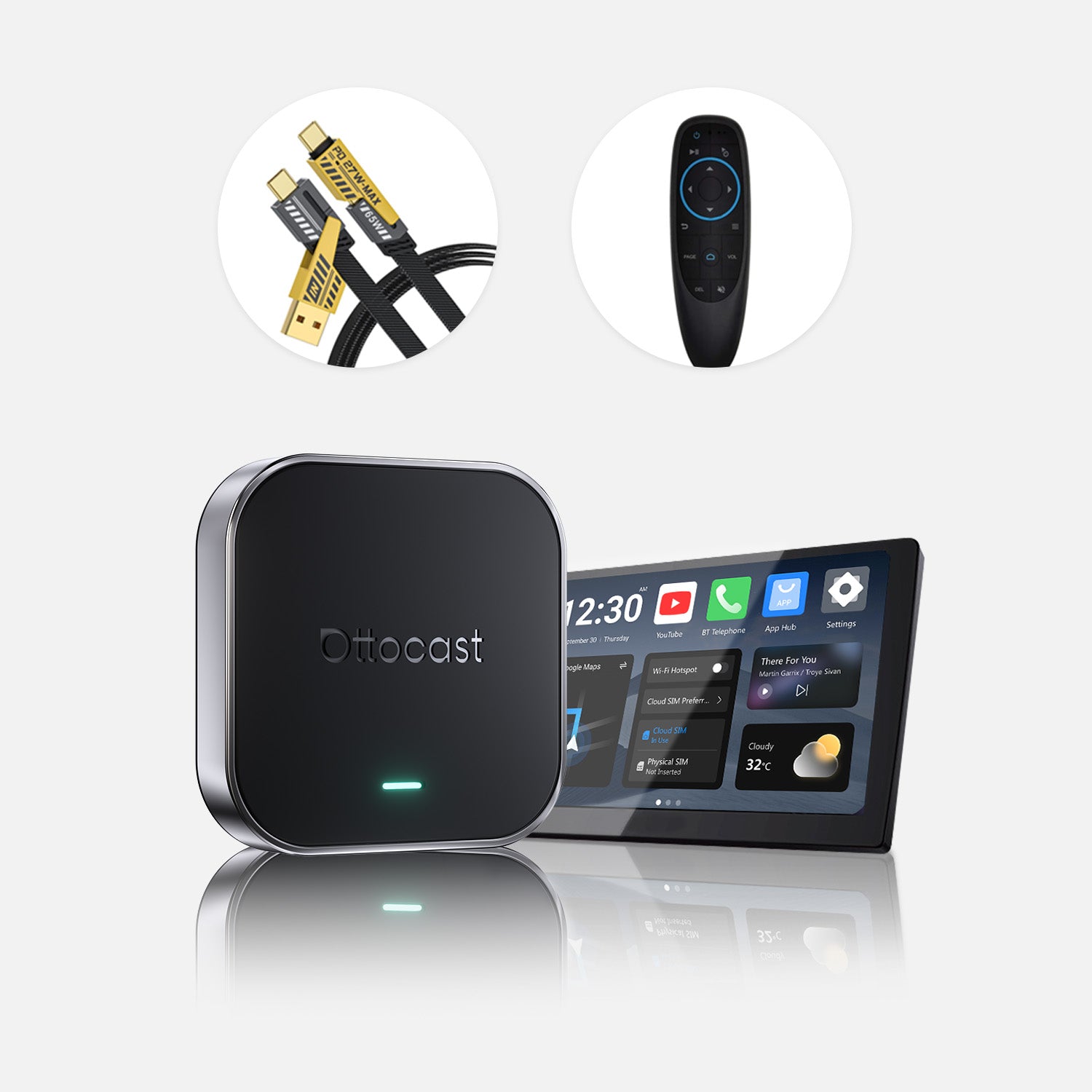
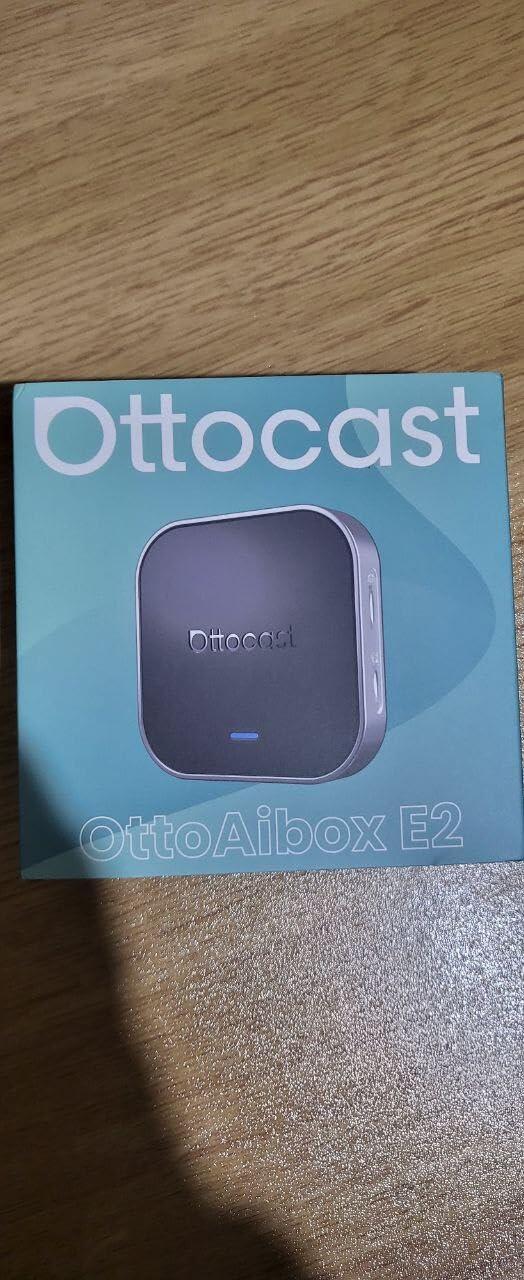
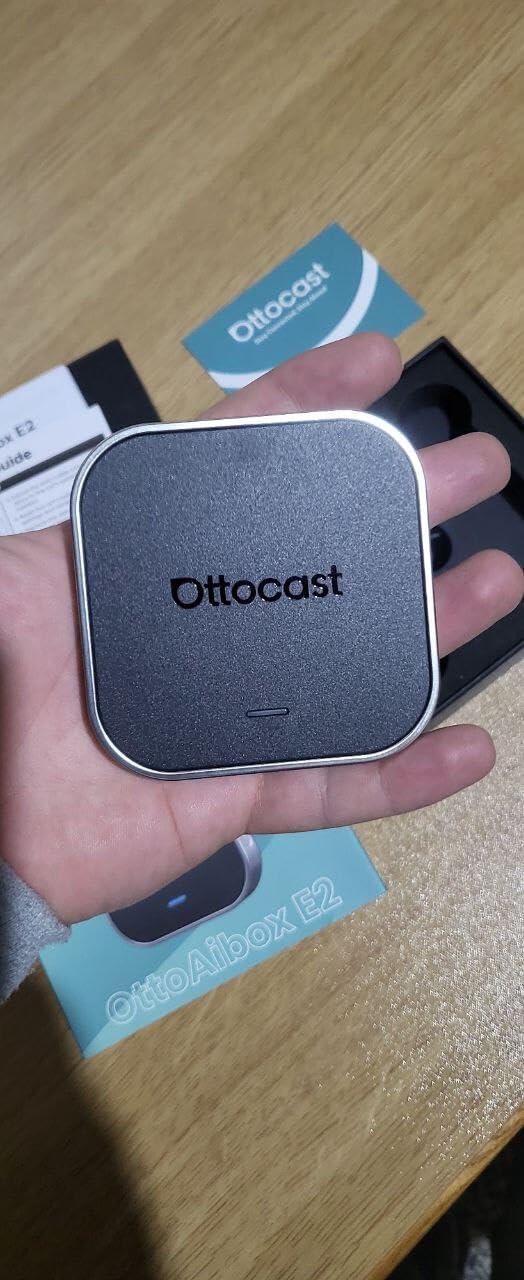
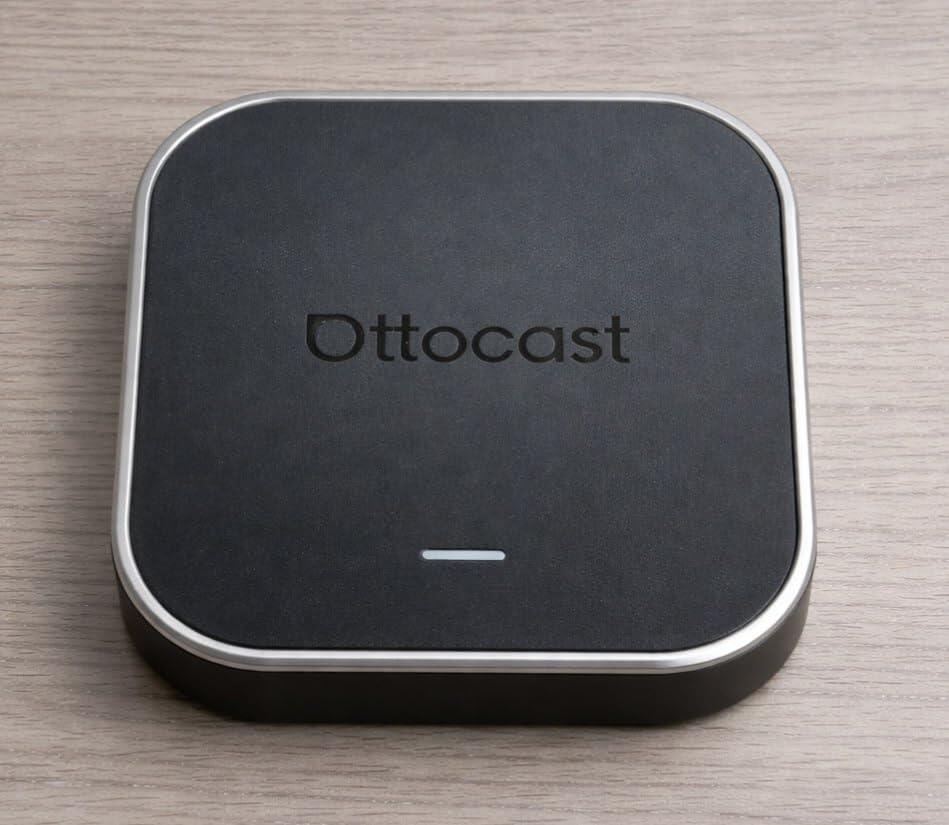
Ottocast® OttoAibox E2 CarPlay AI Box
Tax excluded. Shipping calculated at checkout
Sempre connesso con CloudSIM integrata
Android 13 + OttoDrive 2.5: 4 GB RAM + 64 GB ROM
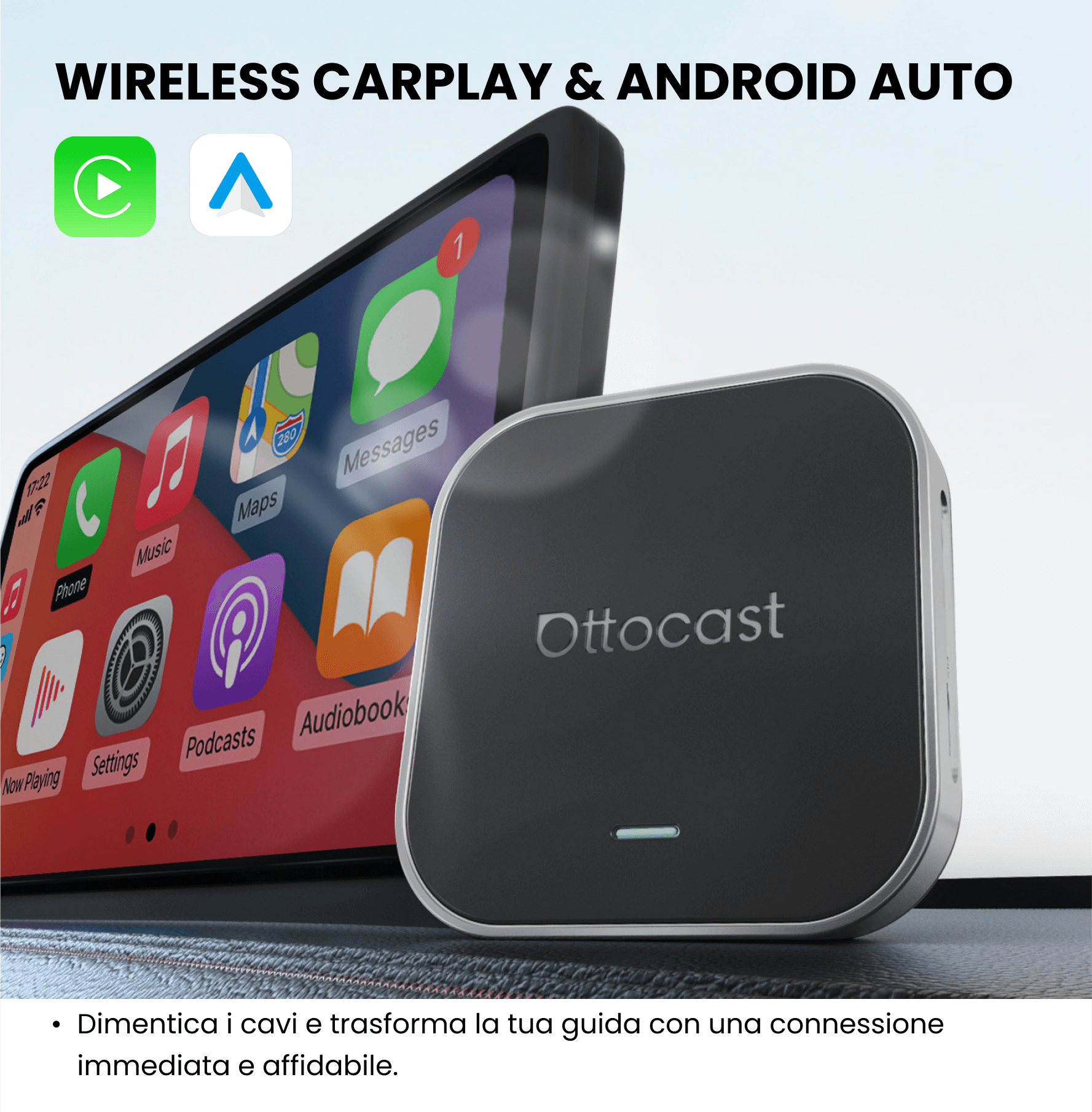
CarPlay e Android Auto wireless 2 in 1
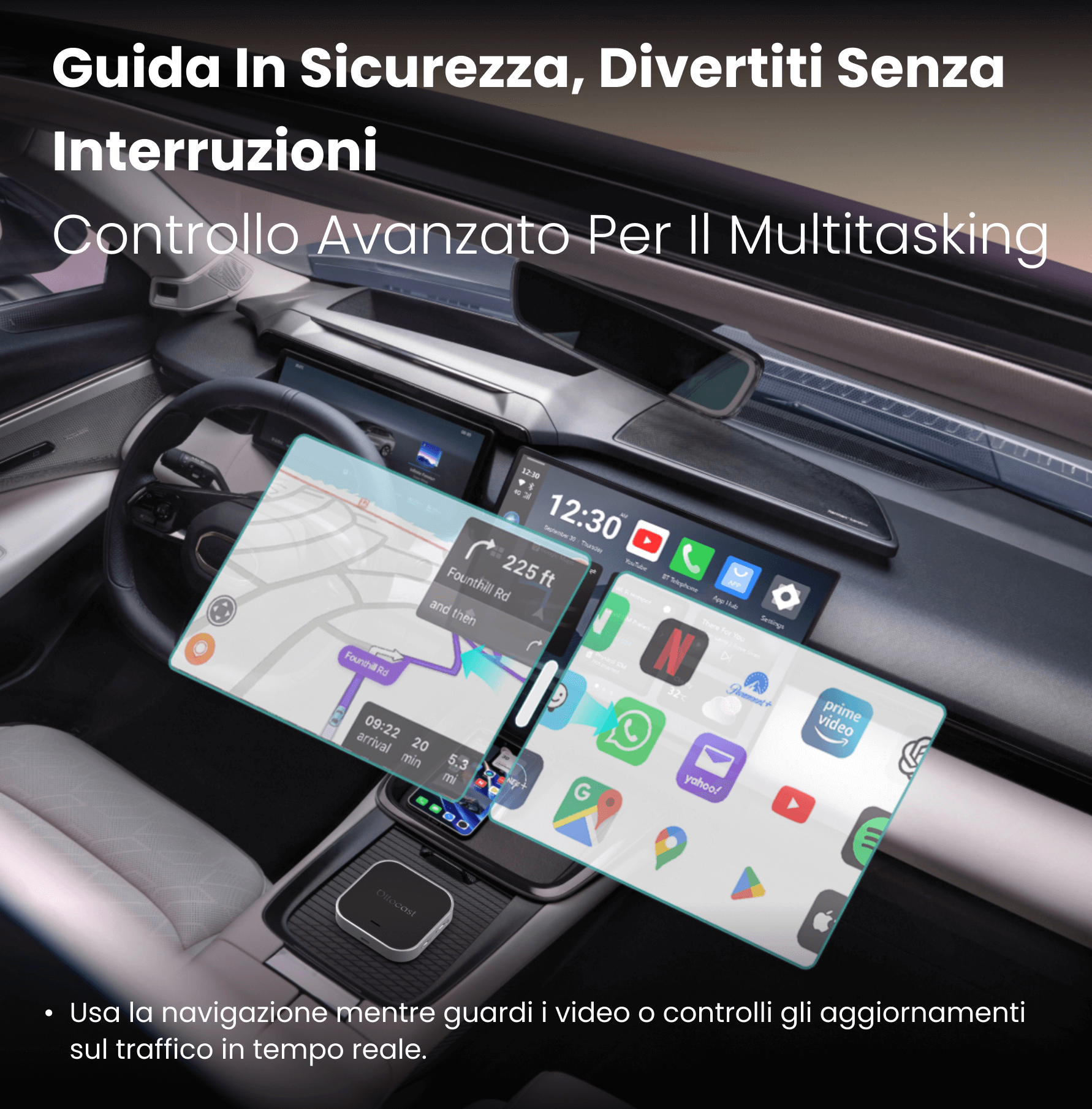
Schermo diviso intelligente
⚡️Upgrade Week: -10% Extra
Termina tra:
00:
00:
00:
00
-10%
CODICE:
UW10
Codice sconto copiato!
Recommended products
×
Select your car's make, model, and year to quickly check compatibility.
Sale price165,99€
Regular price226,98€ 
Sale price219,00€
Regular price317,99€
Choose your car model
Select your car's make, model, and year to quickly check compatibility.
×
Solution found for your vehicle!
SELECTED VEHICLE
Audi A4, 2018
We've confirmed that your vehicle doesn't have CarPlay as standard.
No problem! The Ottoscreen AI shown below is the complete solution designed to easily and instantly bring smart features and full-screen CarPlay to your car.
Ottoscreen AI
Perfect match!
SELECTED VEHICLE
Audi A4, 2018
Your car has wired CarPlay, so it's ready for our products.
Confirmation required
SELECTED VEHICLE
Audi A4, 2018
We're sorry, your model is not in our database. Please confirm a crucial detail: does your car have wired Apple CarPlay? Watch the video guide below or use an AI tool (like Gemini or ChatGPT) to quickly check your car's features. If it has wired CarPlay, our products are the perfect choice!
Wireless CarPlay detected
SELECTED VEHICLE
Audi A4, 2018
Since your car already supports wireless CarPlay, check out OttoAibox i3 to watch videos in your car.

OTTOCAST® i3 BMW Carplay AI Box
Perfect match!
SELECTED VEHICLE
Audi A4, 2018
Your car is equipped with wired CarPlay, and it is ready for our products.
Wired Android Auto detected
SELECTED VEHICLE
Audi A4, 2018
We've detected that your vehicle only supports wired Android Auto, not wired CarPlay. It is not compatible with your car. No problem! The A2Air Pro adapter shown below is perfect for you.

Spedizione gratuita

Reso Facile in 30 Giorni

Garanzia di 2 anni
🚗 To use wireless CarPlay, the vehicle must have factory-wired CarPlay
🚗 To use wireless Android Auto, the vehicle must have factory-wired Android Auto
Click here to check if your car supports wired CarPlay
(the same check applies to wired Android Auto)
👉 Video guide
❌ Not compatible with BMW. Click here for the BMW version: BMW Wireless CarPlay AI Box
📱 Compatible with iPhone (iOS 10+) and Android (Android 11+)
Some Samsung / Google models also support Android 9
❌ Not compatible with Sony aftermarket car radios
❌ For Mitsubishi vehicles, please indicate this on the cart page or contact us by email.
Before shipment, please allow 1–2 business days for order processing (excluding weekends and holidays). Once your order has been shipped, you will receive an email with updated tracking information.
For more information, please refer to our Shipping Policy →
Shop with confidence: we offer a 30-day return policy. You can request a refund within 30 days of your order's delivery.
For more information, please see our Refund Policy →
Share
Ottocast® OttoAibox E2 CarPlay AI Box
Sale price139,99€
Regular price179,00€ (/)


Why choose Ottocast E2?
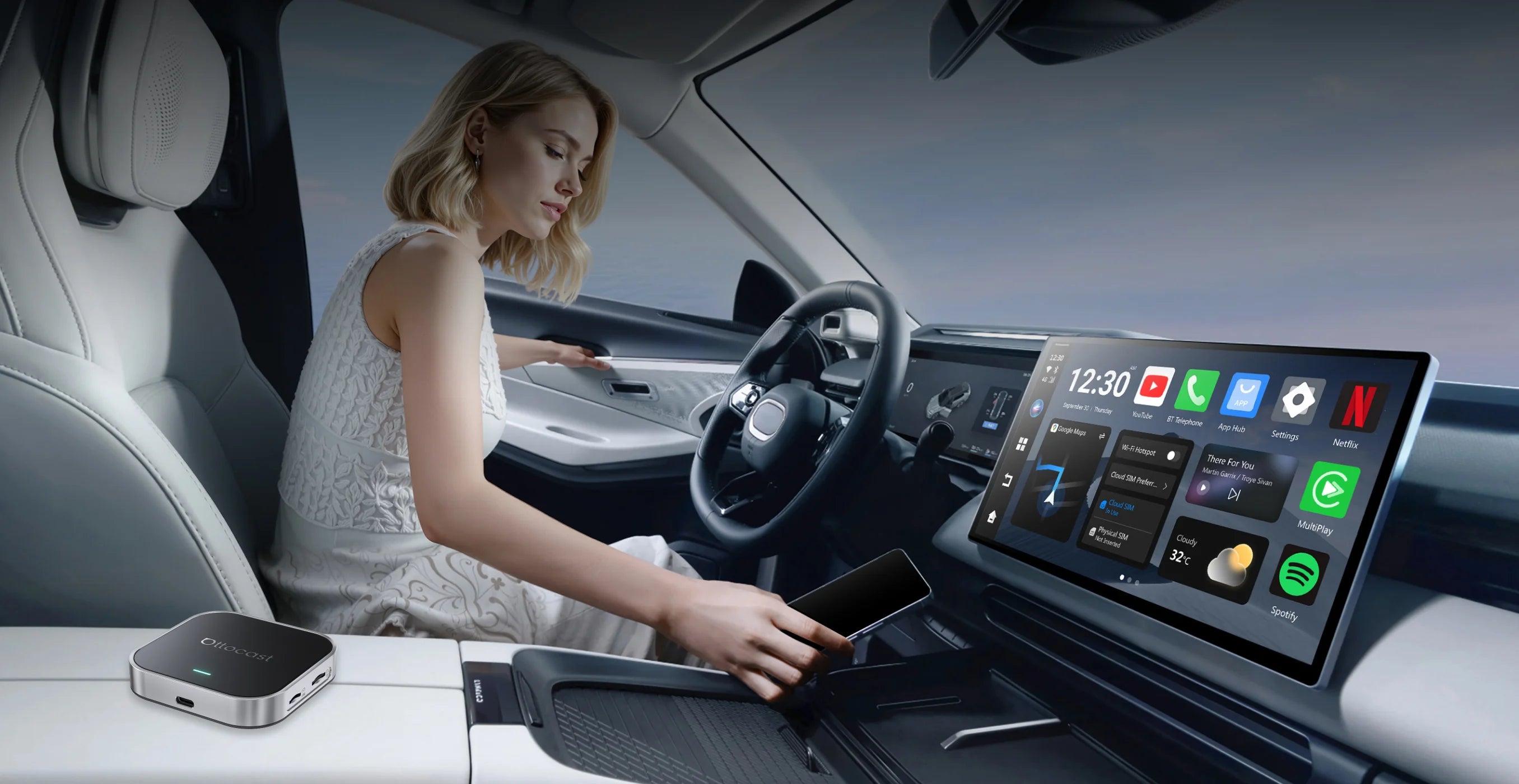
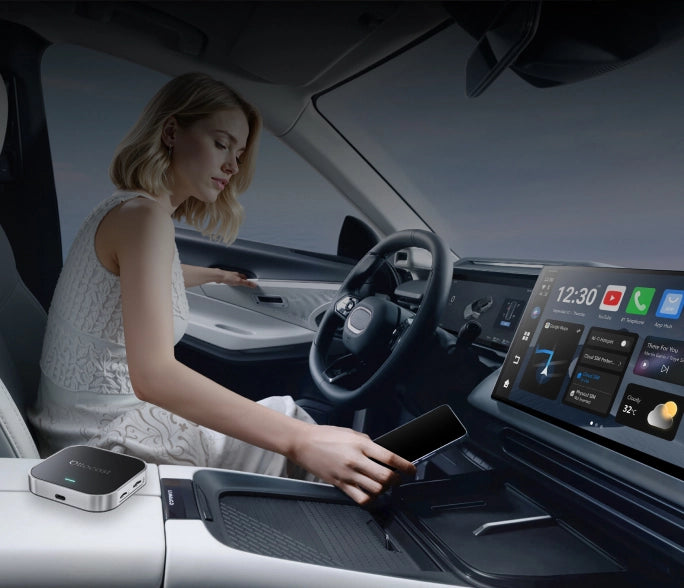
Smartphone features truly unlocked
Leverage the integrated Google ecosystem for a smarter, more connected drive.
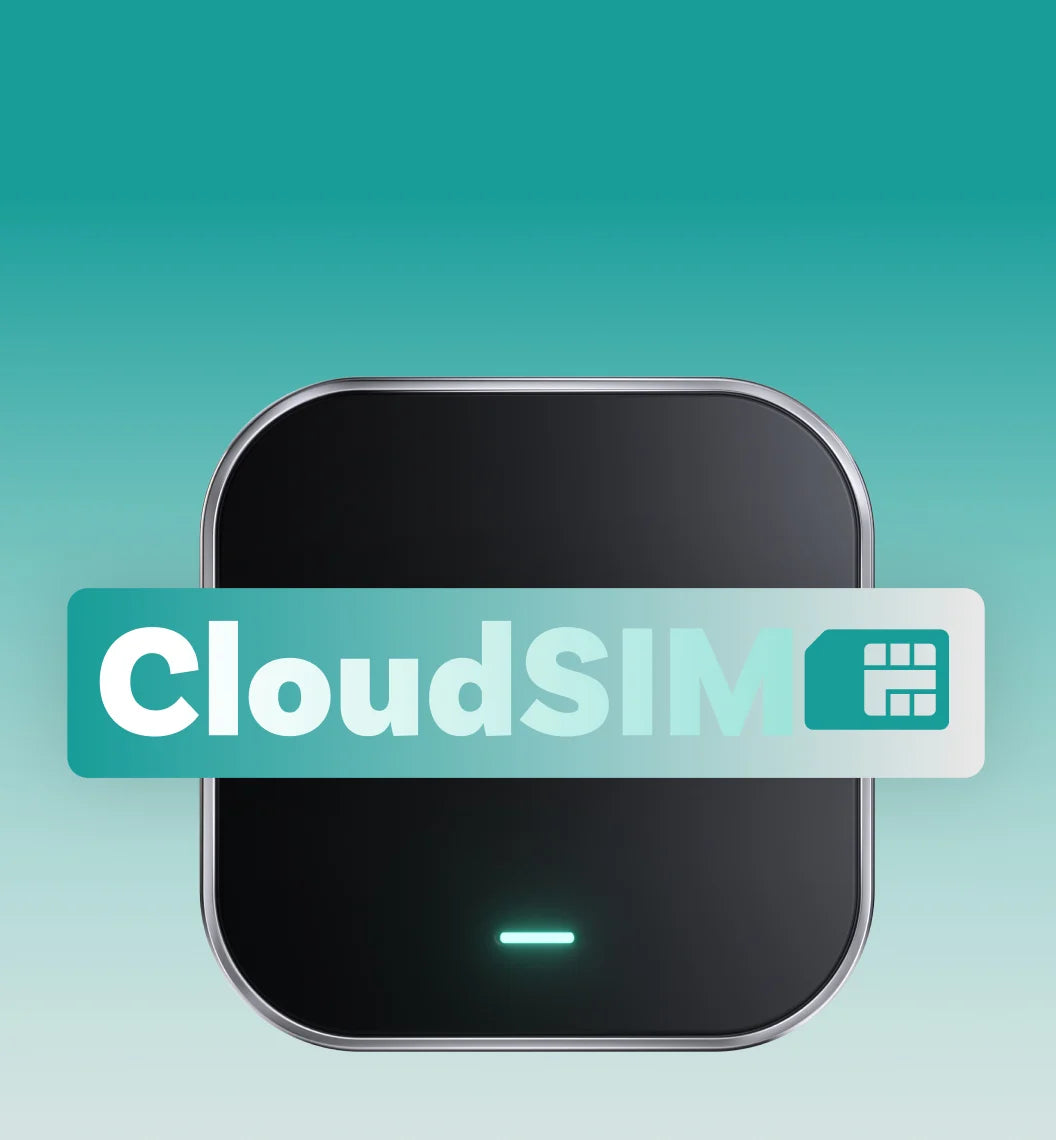

Always online, always connected
No more relying on your personal hotspot: your car remains seamlessly connected with a stable network.

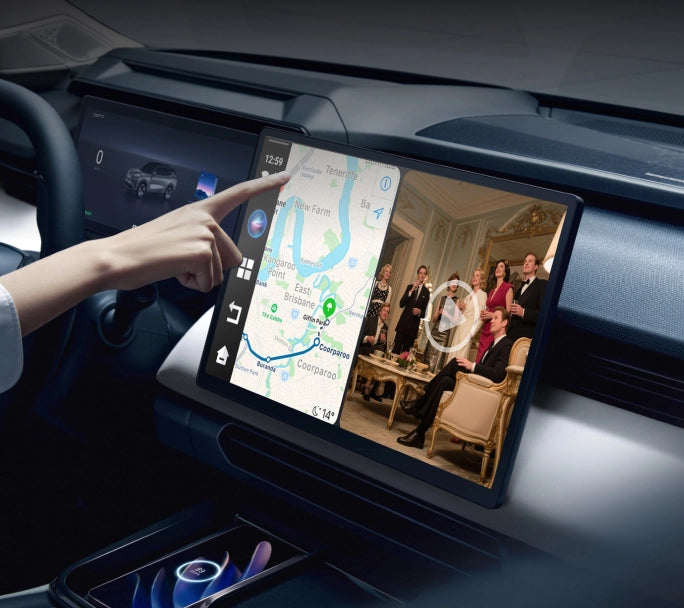
Expand the way you drive
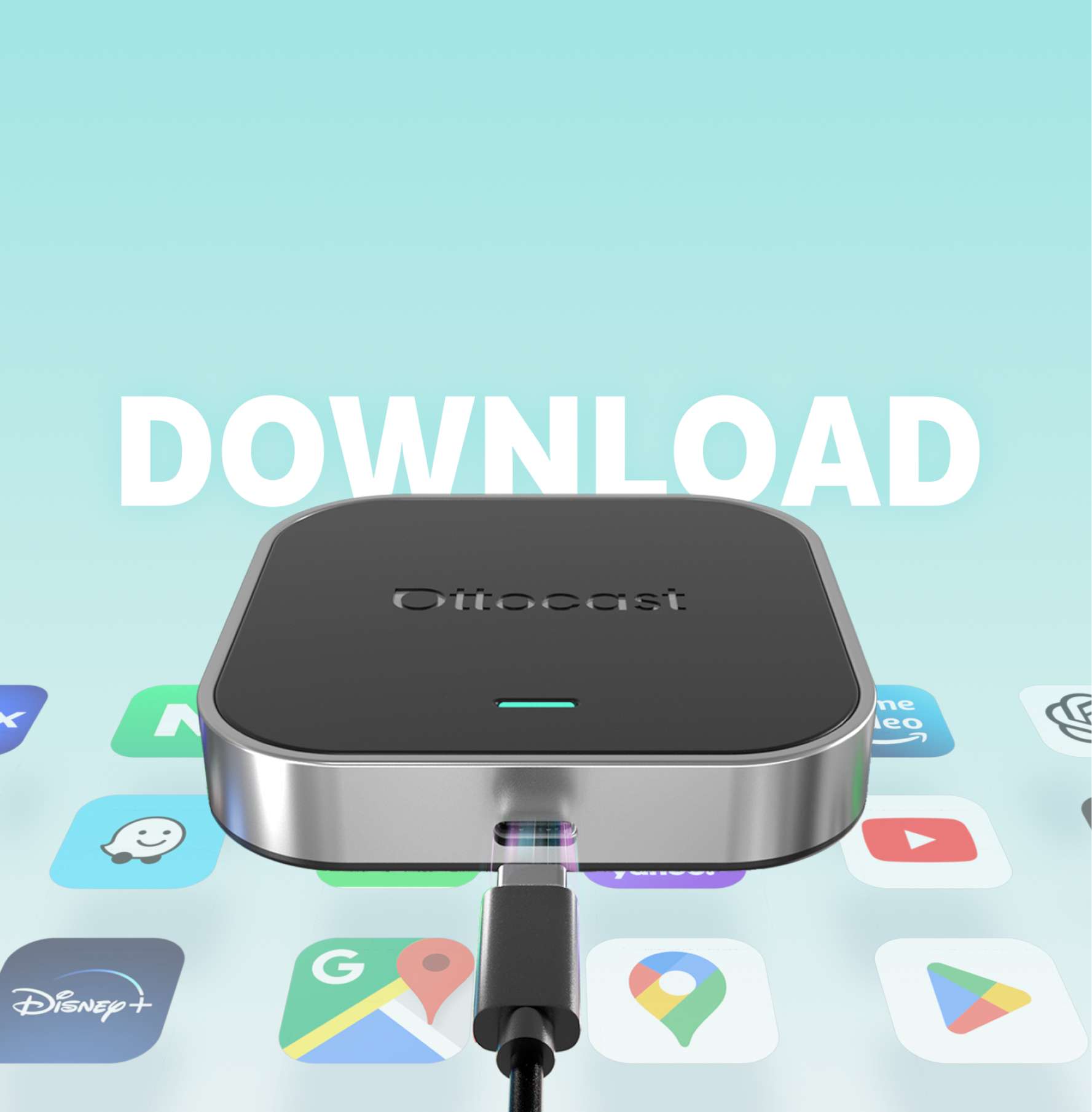
Beyond CarPlay and Android Auto: your car gets an upgrade. Quickly access all apps on board.
Wireless connection, simple switching
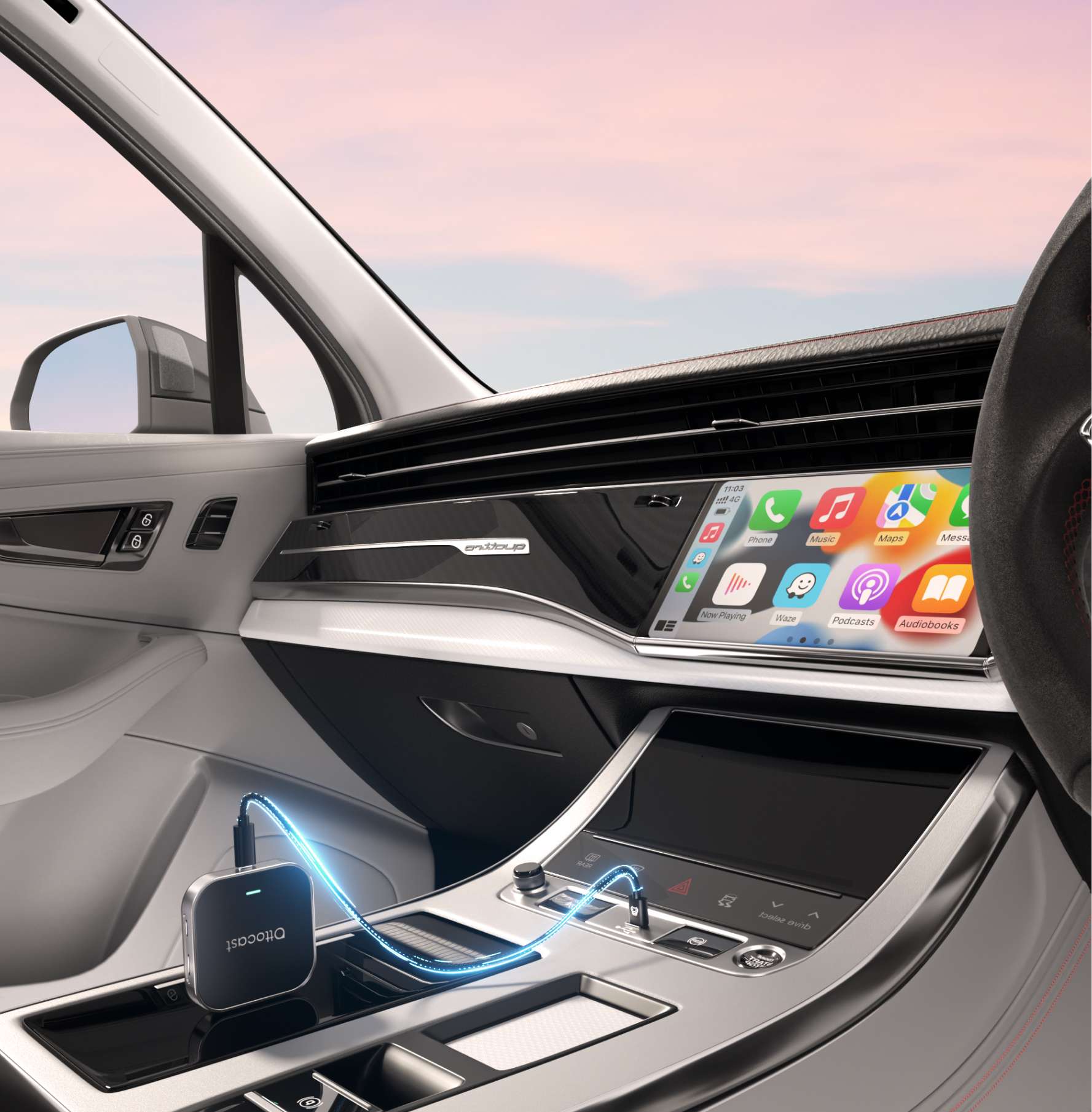
Connect and easily switch between CarPlay, Android Auto, and Ottodrive 2.5.


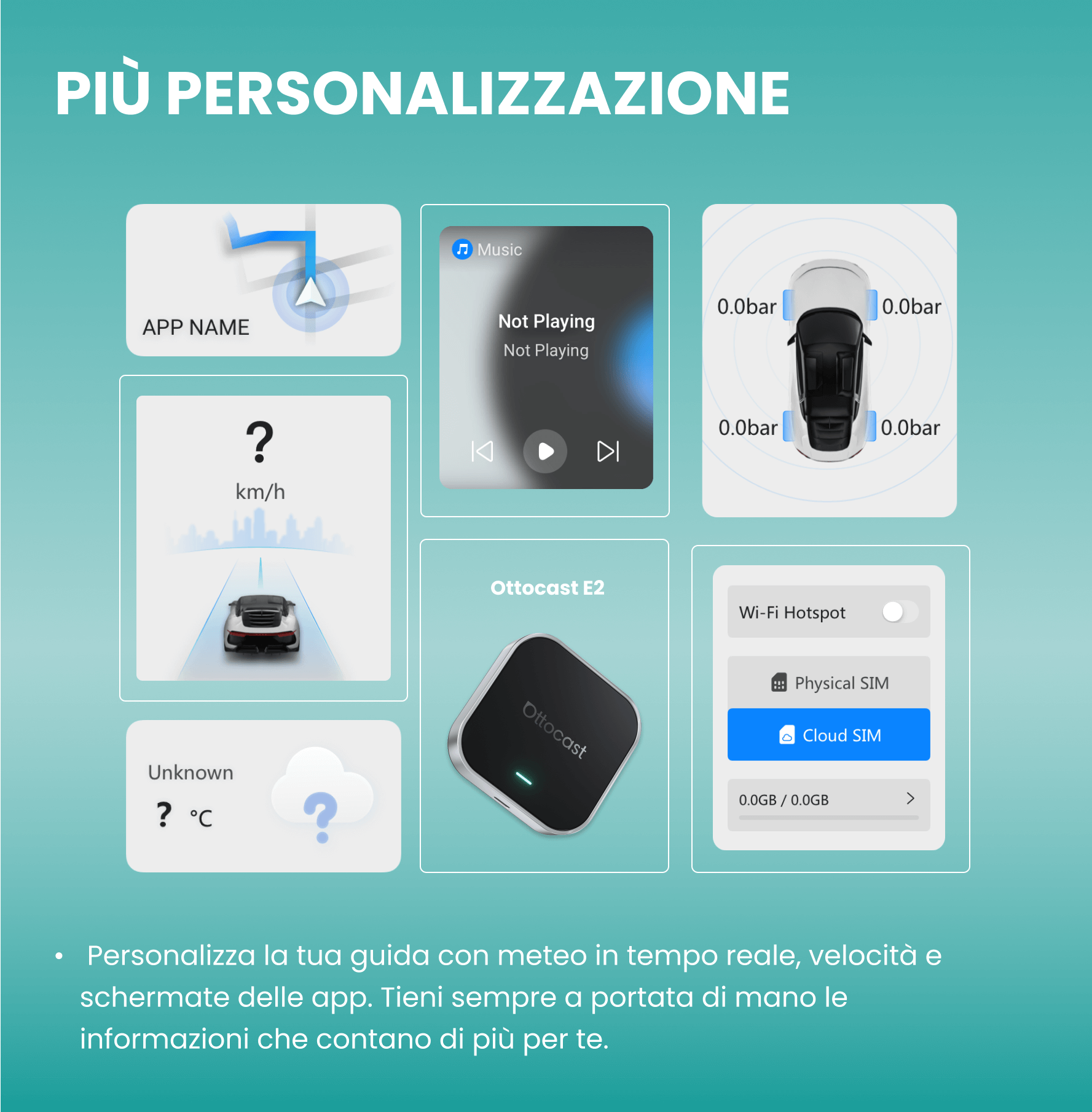
Set the Mood for Your Drive
Completely customize your dashboard and reflect your personality, all while staying focused on the road.
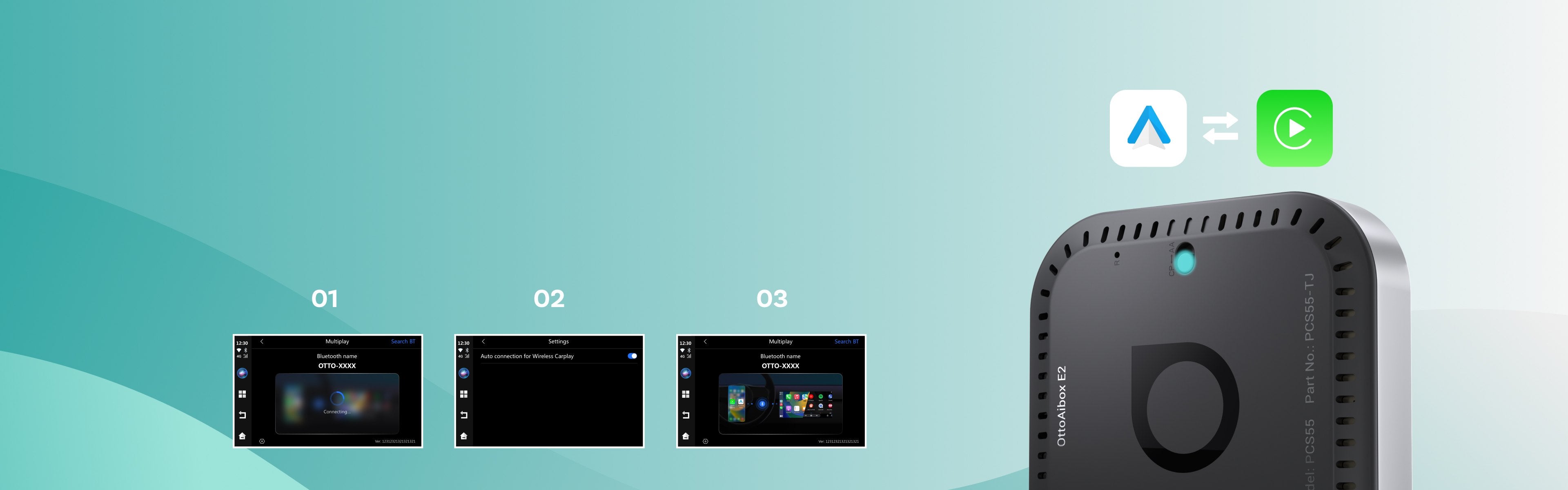
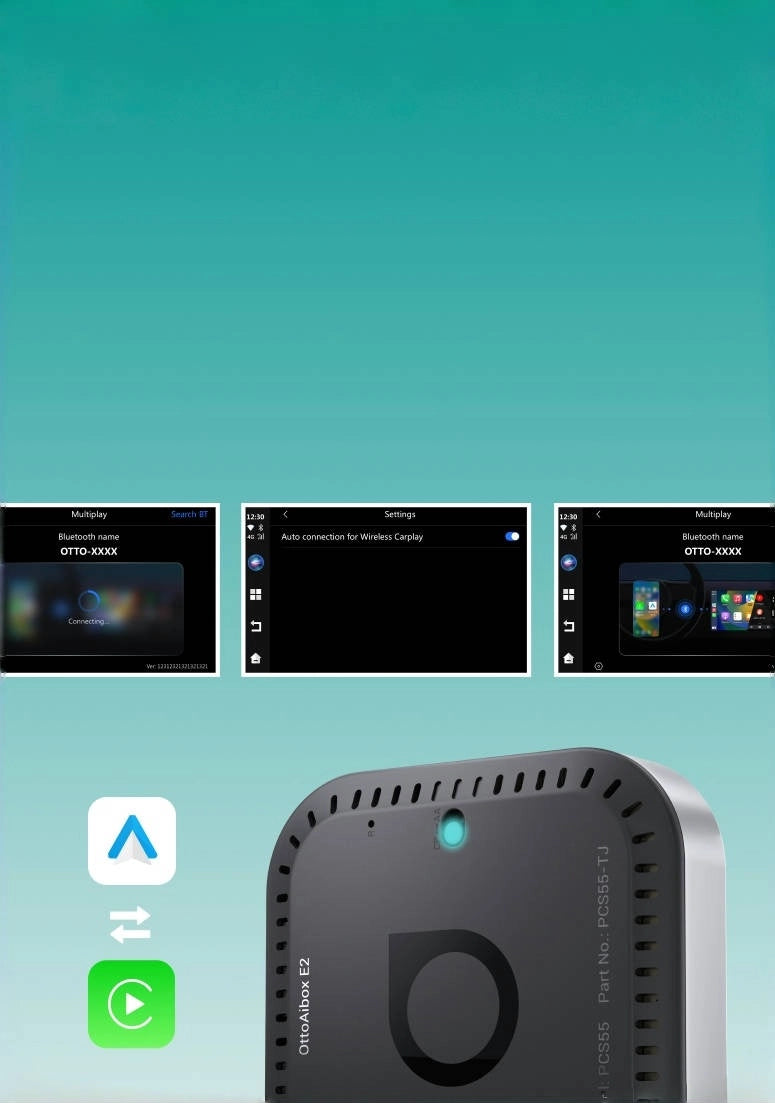
Wireless connection, simple switch
- Compatible with cars equipped with wired CarPlay or Android Auto.
- Fast and stable 2-in-1 connection thanks to Ottocast Multiplay.


Expand your driving style
Not just CarPlay, give your car the upgrade it deserves!

Create the perfect atmosphere for every journey.

For any bespoke itinerary options.
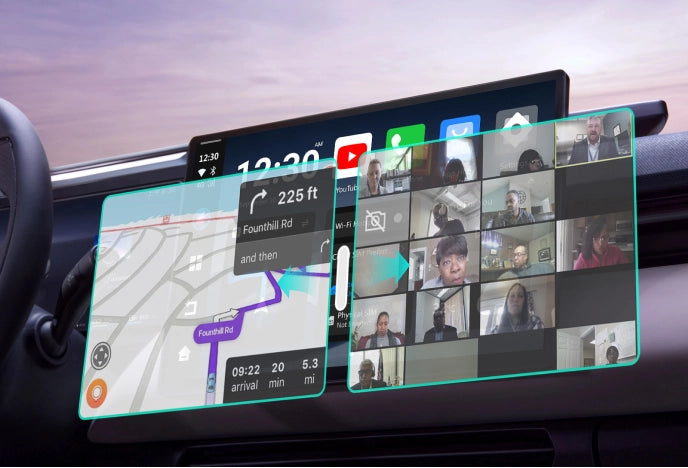
Securely join a last-minute call.

CloudSIM
Flexible monthly data plans
New users receive 10 GB of data at an affordable price for everyone.
Global coverage
Automatic switching between more than 150 operators in 42 countries.
In-car network for everyone
Create a reliable hotspot for all passengers, keeping everyone connected during their journey.
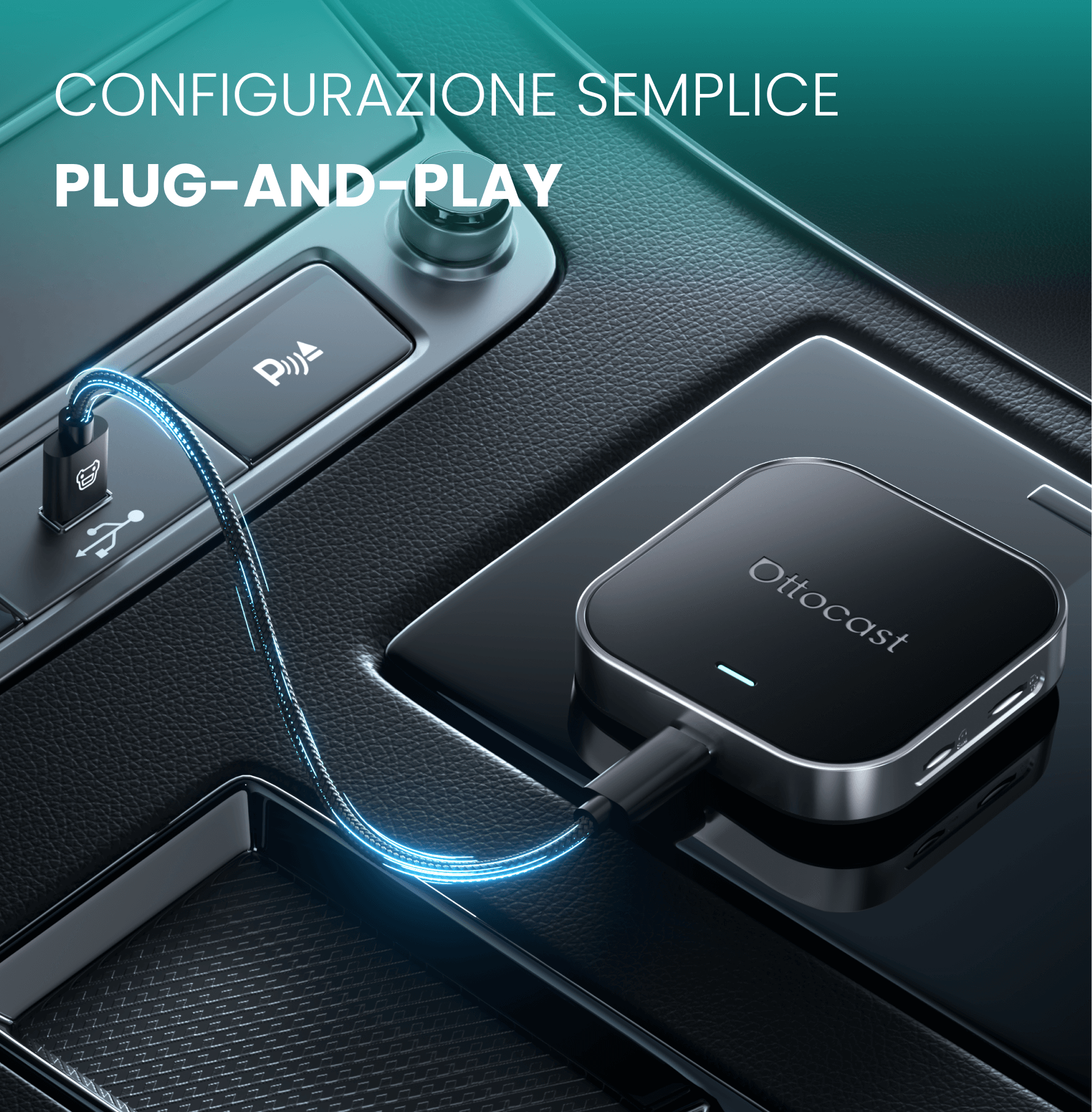
Plug & Play Simplicity
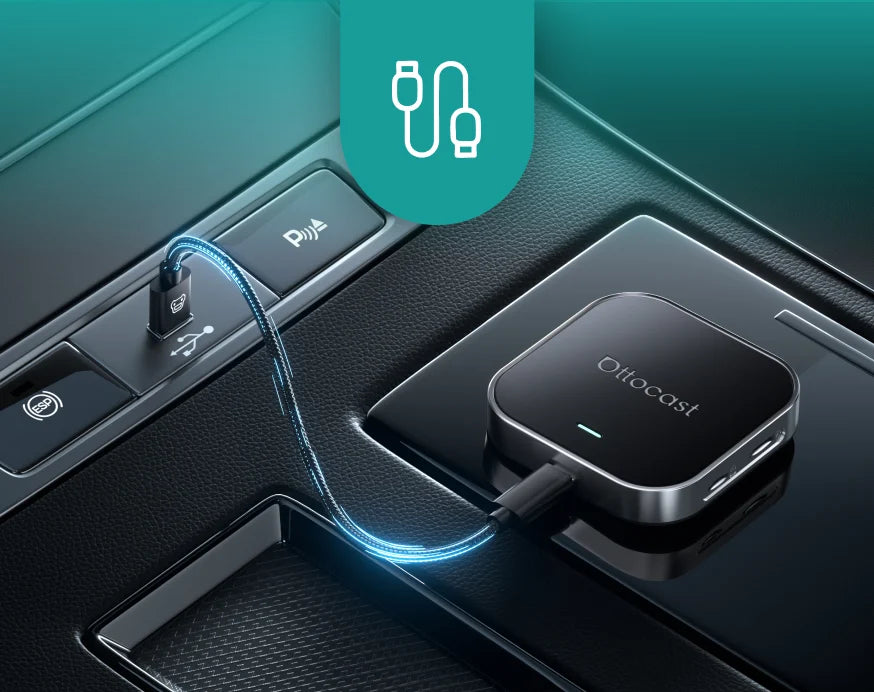
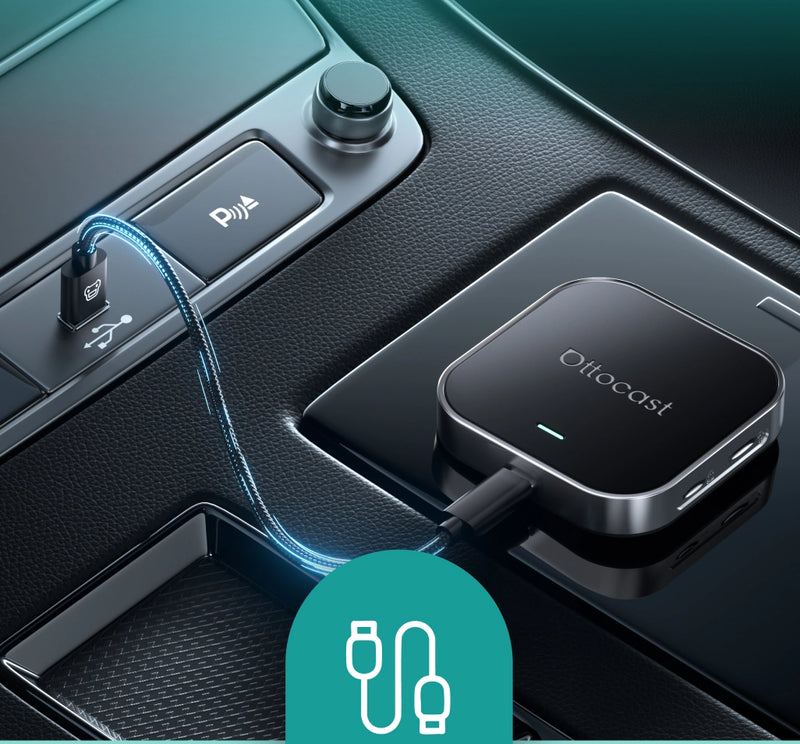
Connect it to the USB
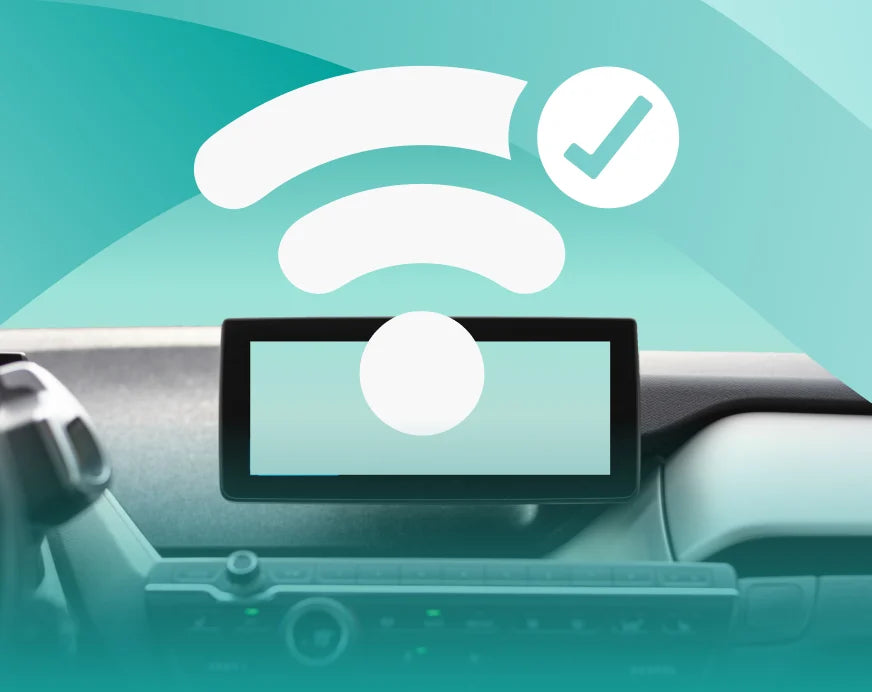

The car screen immediately shows the wireless connection
CarPlay/Android Auto starts instantly

FOTA Updates
Technology evolves rapidly. FOTA updates keep your car's system cutting-edge effortlessly.
Always up to date Receive
Automatically the latest updates.
No problem, no effort
Updates install in the background.
The future of your car is guaranteed
Always stay one step ahead with new innovations.


FAQ
Use this text to share information about your product or shipping policies.
Posso usare una scheda SIM fisica o una CloudSIM?
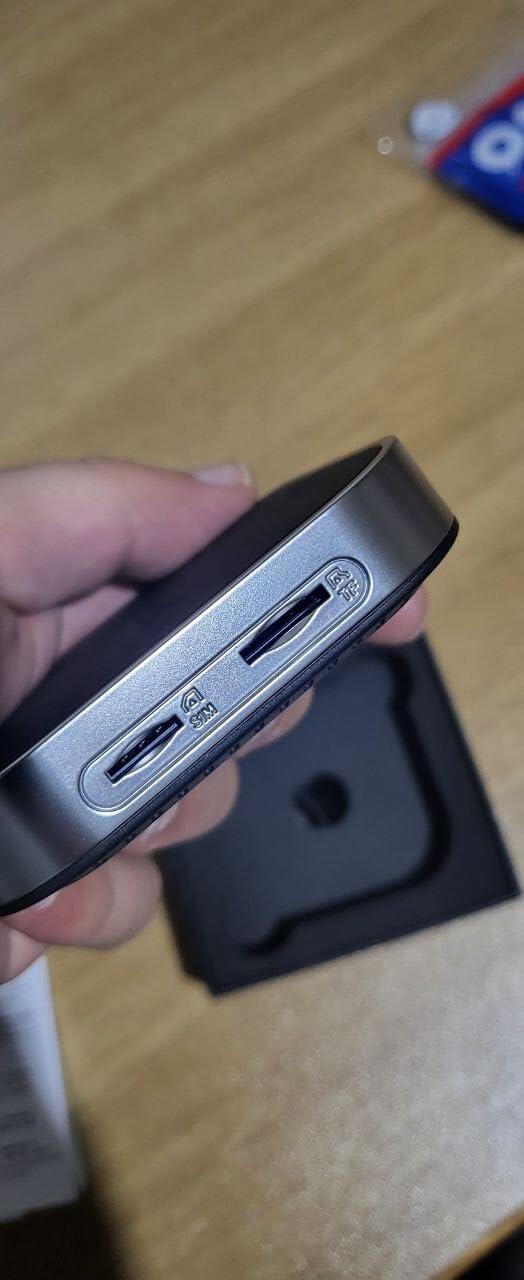
Sì. Questo prodotto supporta sia la CloudSIM che una scheda SIM fisica. Puoi scegliere il metodo di connessione più adatto in base alle tue esigenze e alla disponibilità della rete.
Questo prodotto Ottocast è compatibile con la mia auto?
La maggior parte dei prodotti Ottocast è progettata per veicoli (tipicamente del 2016 o più recenti) dotati di Apple CarPlay cablato di serie e/o Android Auto cablato di serie. Questo prodotto è un adattatore da cablato a wireless e deve essere collegato a una porta dati USB (non a una porta di sola ricarica).
Controllo rapido: collega il tuo telefono—se CarPlay/Android Auto appare sullo schermo, è supportato. Video: 👉 Guarda il video
Supporta la visualizzazione a schermo intero?
La visualizzazione a schermo intero dipende dal sistema CarPlay cablato di serie della tua auto. Un CarPlay di serie non a schermo intero potrebbe apparire non a schermo intero anche con questo prodotto.
Se ho abbinato due telefoni, a quale si connetterà la prossima volta?
Se più telefoni abbinati sono nelle vicinanze, Ottocast di solito si riconnetterà all'ultimo telefono utilizzato.
Per cambiare dispositivo, disconnetti CarPlay dal telefono corrente (o disattiva il suo Bluetooth/Wi-Fi), quindi connettiti con l'altro telefono.
Alcuni modelli supportano anche il cambio con un tocco o la selezione manuale del dispositivo.
Ho bisogno di una scheda SIM per guardare video o usare le mappe? E se non riesco a connettermi al Wi-Fi?
No. Hai bisogno di internet, ma non è necessaria una SIM fisica. A seconda del modello, puoi connetterti a internet tramite CloudSIM, hotspot del telefono, Wi-Fi del veicolo, Wi-Fi portatile o una scheda SIM. Se una SIM non si connette, potresti dover configurare l'APN (verifica con il tuo operatore telefonico).
CloudSIM: Scopri di più
Posso usare Netflix in modalità schermo diviso su questo prodotto?
Netflix non è supportato in modalità schermo diviso su questo prodotto.
Il nostro servizio clienti è disponibile dal lunedì al venerdì, dalle 9:00 alle 18:00.